Latest reviews
 Latest blog posts







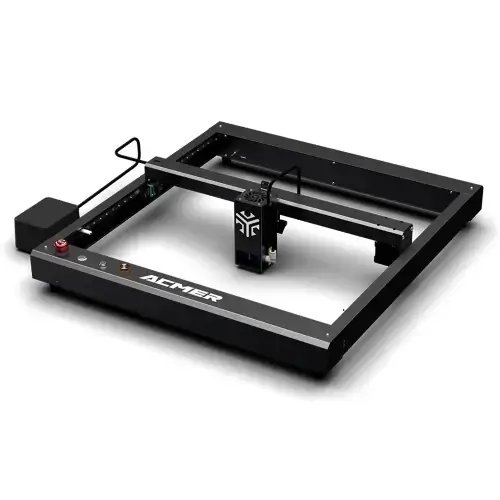

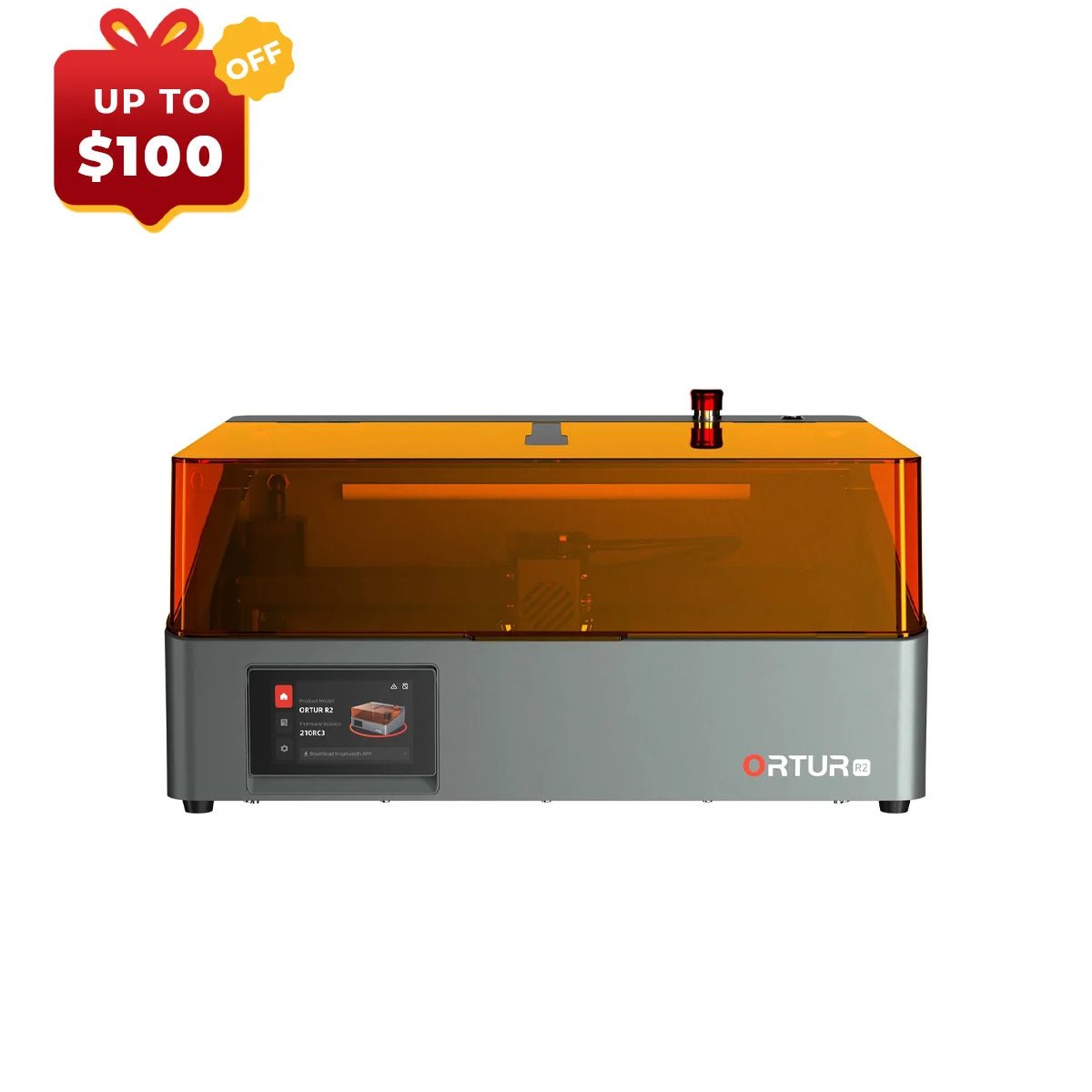


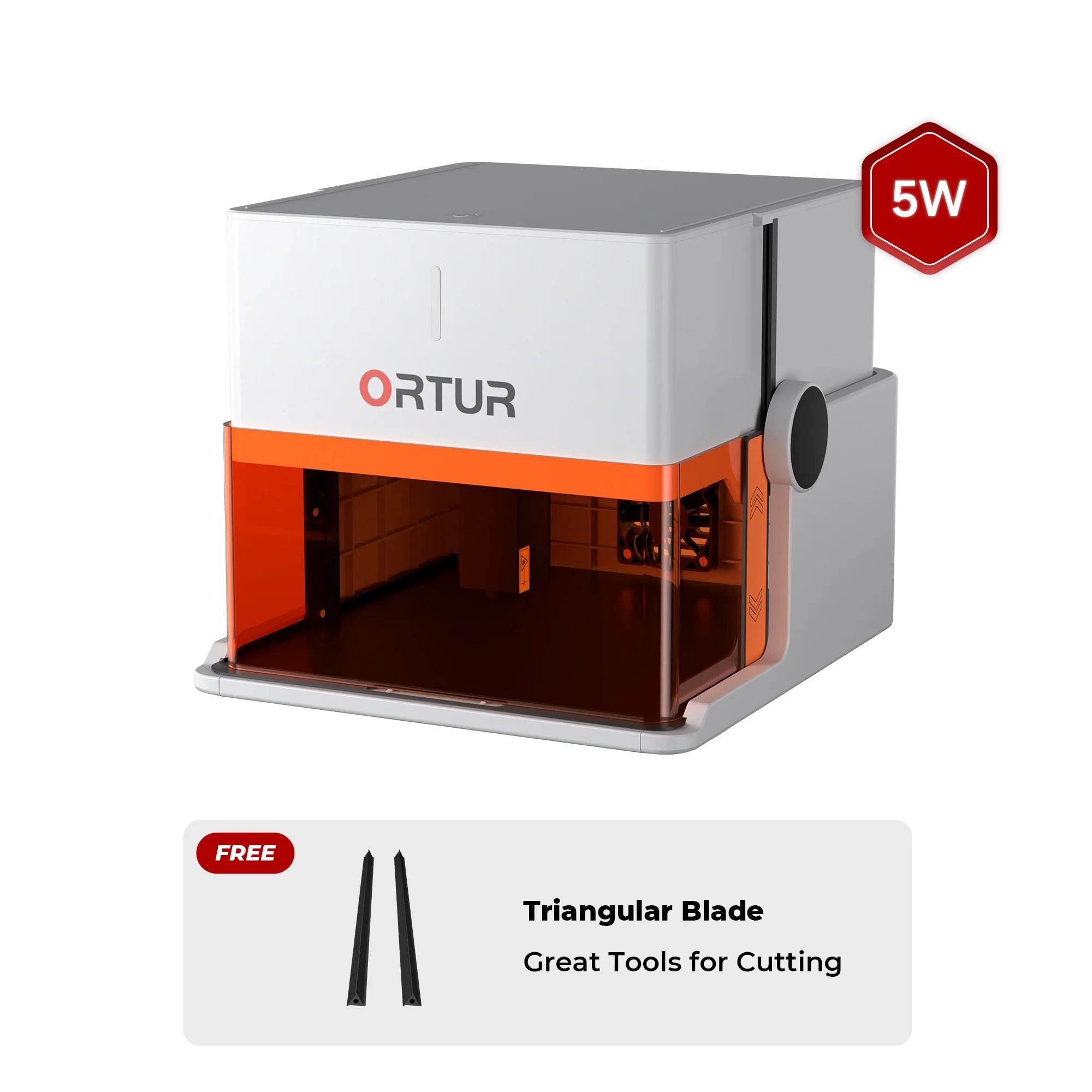
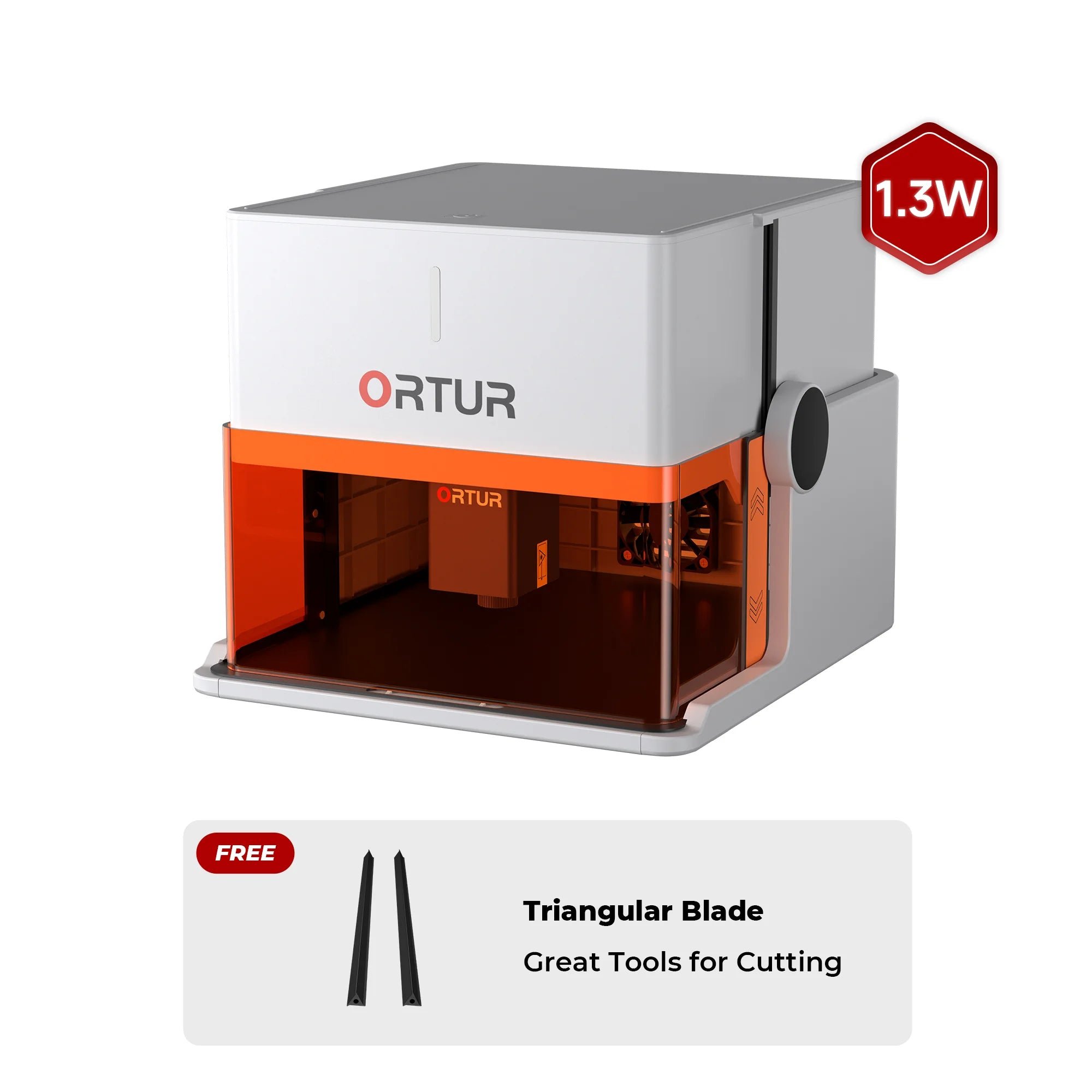

xTool M2 10WxTool
Our favorite laser engravers and cutters you can grab for €500 or less.
Want to get into laser engraving without spending a fortune? You’re not alone. Many beginners, makers, and hobbyists are looking for a laser cutter or engraver under €500 that actually delivers usable results without unnecessary complexity.
This list highlights the most interesting budget-friendly diode lasers below €500 that we would realistically recommend. These machines are ideal for first projects, learning the fundamentals of laser engraving, and testing whether laser cutting is something you want to pursue long term — before committing to a more expensive desktop system.
We include both open-frame and portable laser engravers, as long as they stay around the €500 mark (depending on current deals and configurations). Compared to premium machines, power, comfort, and built-in safety features are limited — but when it comes to value for money, these lasers are hard to beat.
We compare 200+ laser cutters neutrally & objectively. When you purchase through our links, we receive a small commission at no extra cost to you.
Thank you! 🙏
Cheap doesn’t have to mean unusable — but in the budget laser segment, build quality, safety, and software support can vary massively. That’s why we don’t include every cheap laser we find.
The machines featured here have solid community feedback, realistic power ratings, and a track record of delivering acceptable engraving and light cutting results. They’re not perfect, but they offer a strong price-to-performance ratio for beginners who are willing to spend a little time learning and tweaking.
We strongly recommend doing some additional research before buying, especially when dealing with lesser-known brands. In the low-budget space, some manufacturers neglect documentation or after-sales support. Buying through marketplaces like Amazon or established retailers often gives you better buyer protection — which is especially helpful if this is your first laser.
It’s also worth checking real-world user experiences in online communities. Forums and groups on Reddit or Facebook can give you honest long-term feedback that marketing pages rarely show. Subreddits like r/whichlasercutter, r/lasercutting, and r/laserengraving are particularly useful for this.
If you decide to buy through our links, you’re directly supporting our work and helping us keep these guides independent and up to date.
In this price range, you’ll mainly encounter diode laser cutters and, in some cases, basic K40-style CO₂ lasers. Diode lasers are compact, affordable, and especially well suited for beginners.
Most budget diode lasers offer 5W to 20W of optical output power. While higher numbers sound appealing, real-world performance depends just as much on focus quality, speed settings, material choice, and airflow.
Lasers under €500 are best suited for:
Once you move beyond the €500 range, you’ll start seeing fully enclosed laser machines designed for indoor use, better airflow management, and higher safety standards. Those models are usually covered in “best laser for home” or “desktop laser cutter” comparisons.
Choosing the right budget laser often comes down to comparing a few key specs: laser power, working area, supported software, upgrade options, and overall build quality.
A compact comparison makes it easier to decide which laser fits your specific needs — whether you want to engrave gifts, prototype designs, or start a small side project without a big upfront investment.
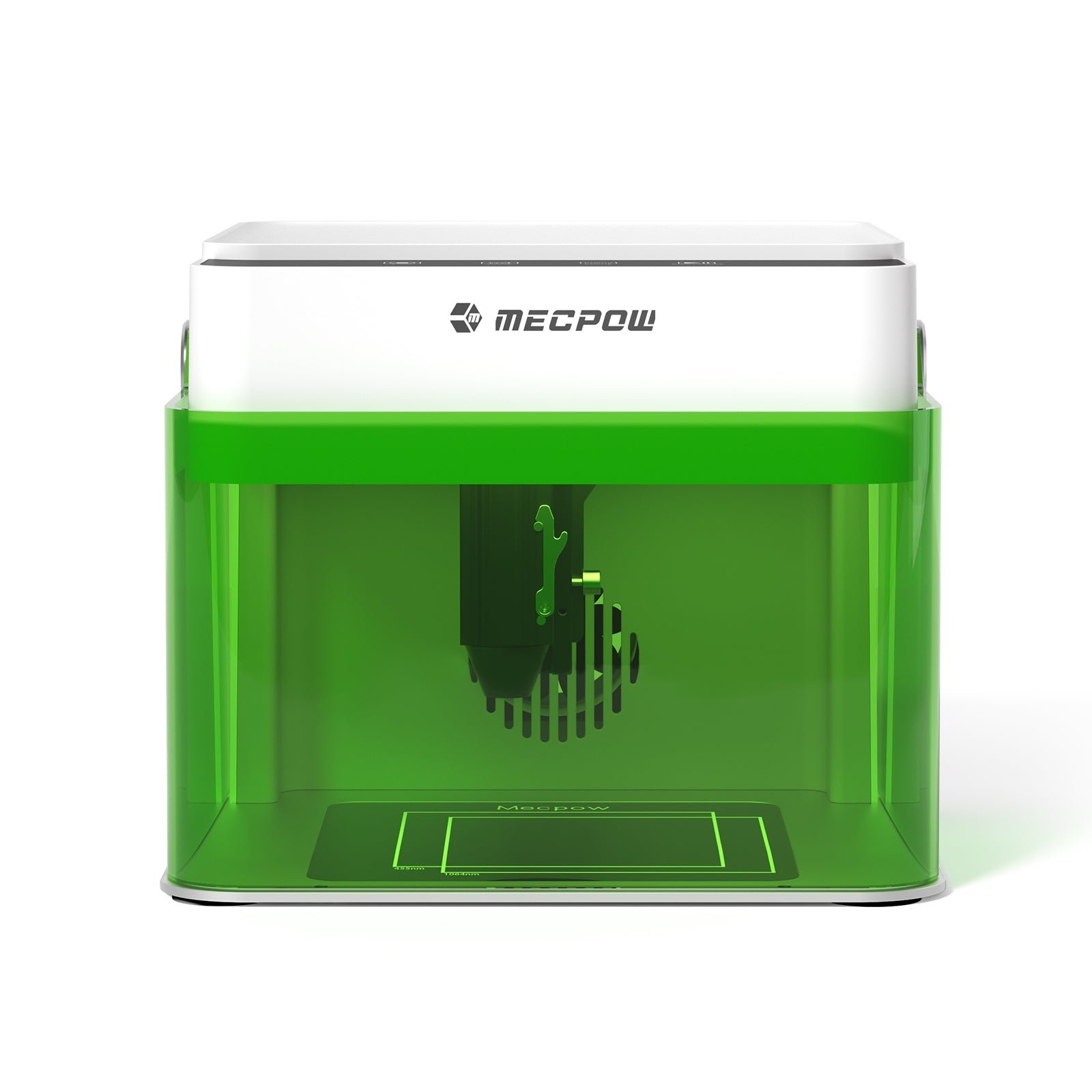
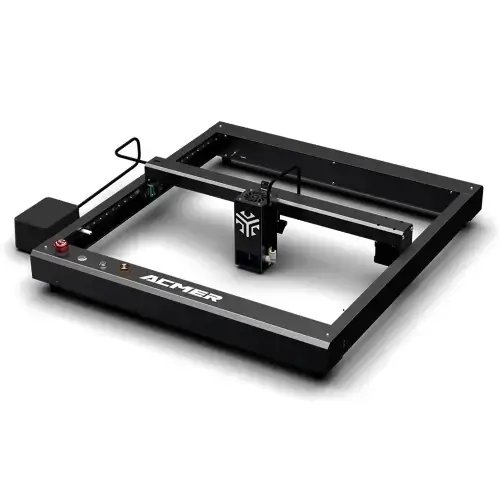
If you’ve made it this far, you can now dive into individual laser models and their strengths. You don’t need to read every entry — feel free to jump directly to the machines that best match your workspace, budget, and project goals.
Many beginners wonder whether a laser cutter under €500 is actually useful or if it’s limited to basic engraving only. The short answer: yes, these machines are absolutely worth it — if you have realistic expectations.
Most budget lasers are diode-based systems that perform very well for engraving tasks. If your main goal is engraving wood, leather, cardboard, or slate, these machines are exactly what they’re designed for. Results are typically clean, detailed, and consistent.
Light cutting is also possible. Thin wood, felt, and acrylic can often be cut, typically up to 2–3 mm, depending on laser power, material quality, and the number of passes. Thicker solid wood or clear acrylic generally requires a more powerful (and more expensive) CO₂ laser.
A very common buyer question is: “How many watts do I need for a beginner laser cutter?”
In practice, 10–20W of optical laser power is more than enough for most hobby and DIY projects. More power alone doesn’t guarantee better results — correct focus, speed, and material settings matter just as much.
Safety is another important factor. Most budget laser cutters are open-frame machines without an enclosure. For indoor use, a DIY enclosure with proper exhaust or filtration is strongly recommended. If you’re looking for a fully enclosed, plug-and-play system, you’ll typically need to increase your budget beyond €500.
Software compatibility also plays a major role. Many buyers specifically look for a laser under €500 that works with LightBurn — and for good reason. LightBurn is the most popular laser software and is supported by many budget machines. Alternatively, LaserGRBL is a solid free option, especially for Windows users.
A budget laser under €500 is an excellent starting point for beginners, makers, students, and hobbyists who want to explore laser engraving without a large upfront investment. For engraving, light cutting, gifts, prototypes, and small DIY projects, these machines deliver excellent value for the price and provide a strong foundation for upgrading later.
We compare 200+ laser cutters neutrally & objectively. When you purchase through our links, we receive a small commission at no extra cost to you.
Thank you! 🙏