Latest reviews
 Latest blog posts





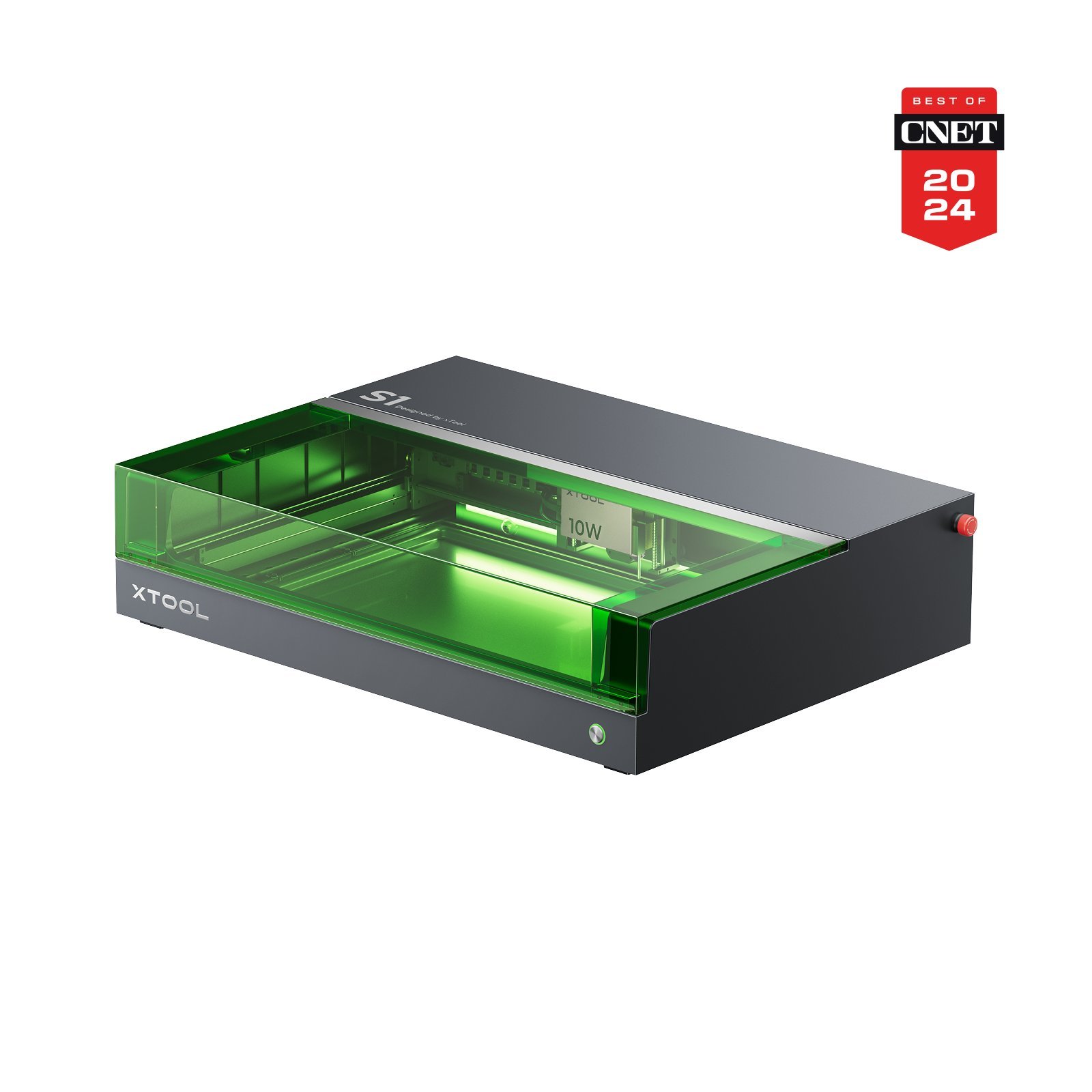



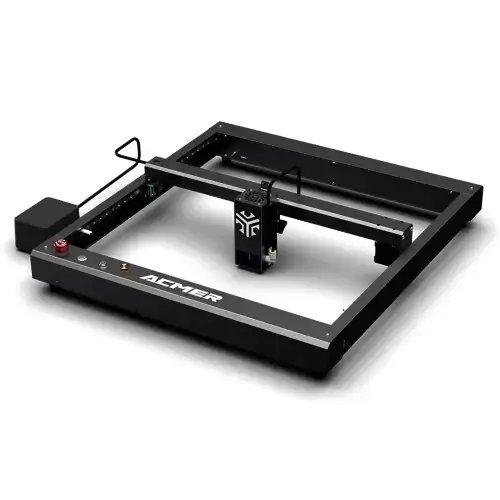



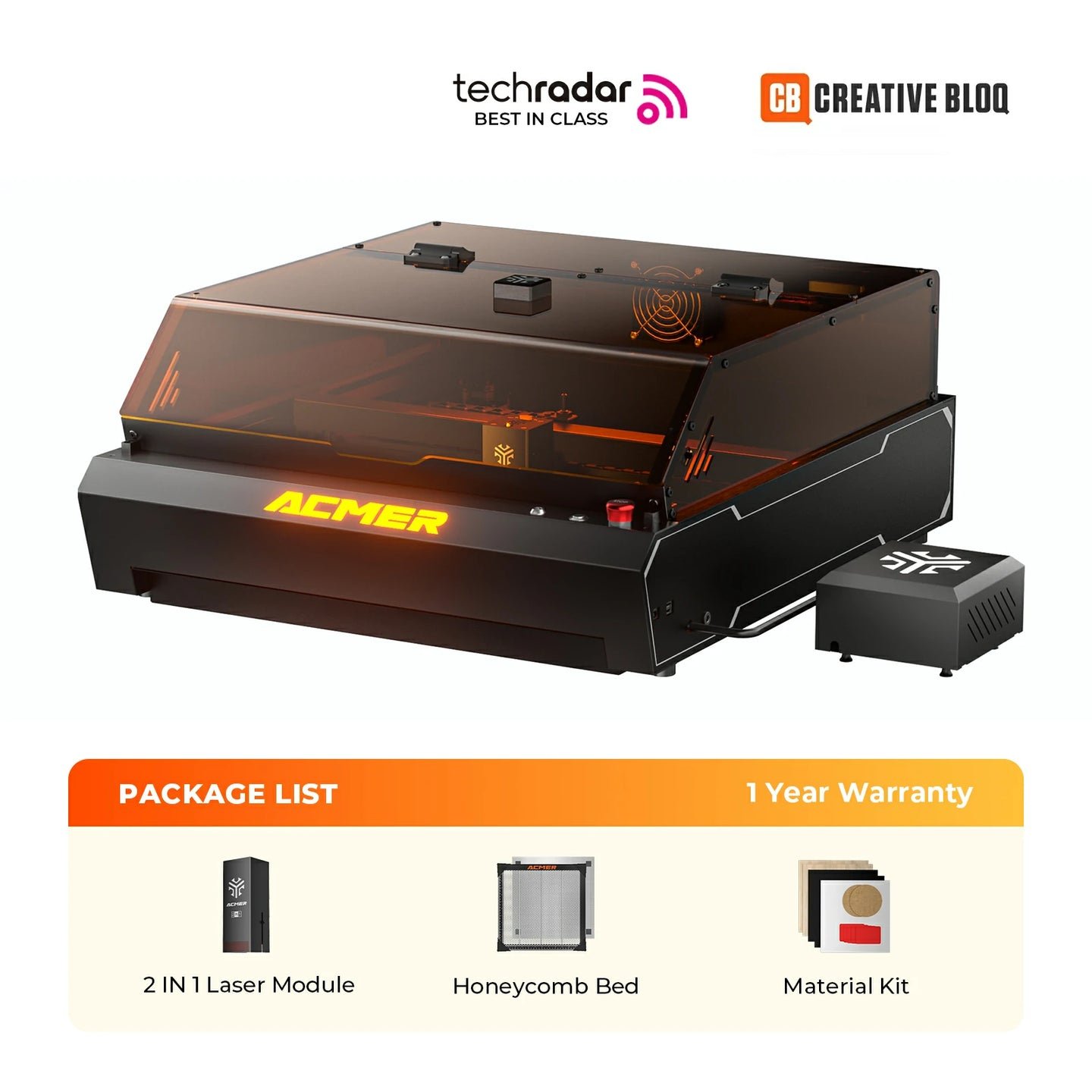

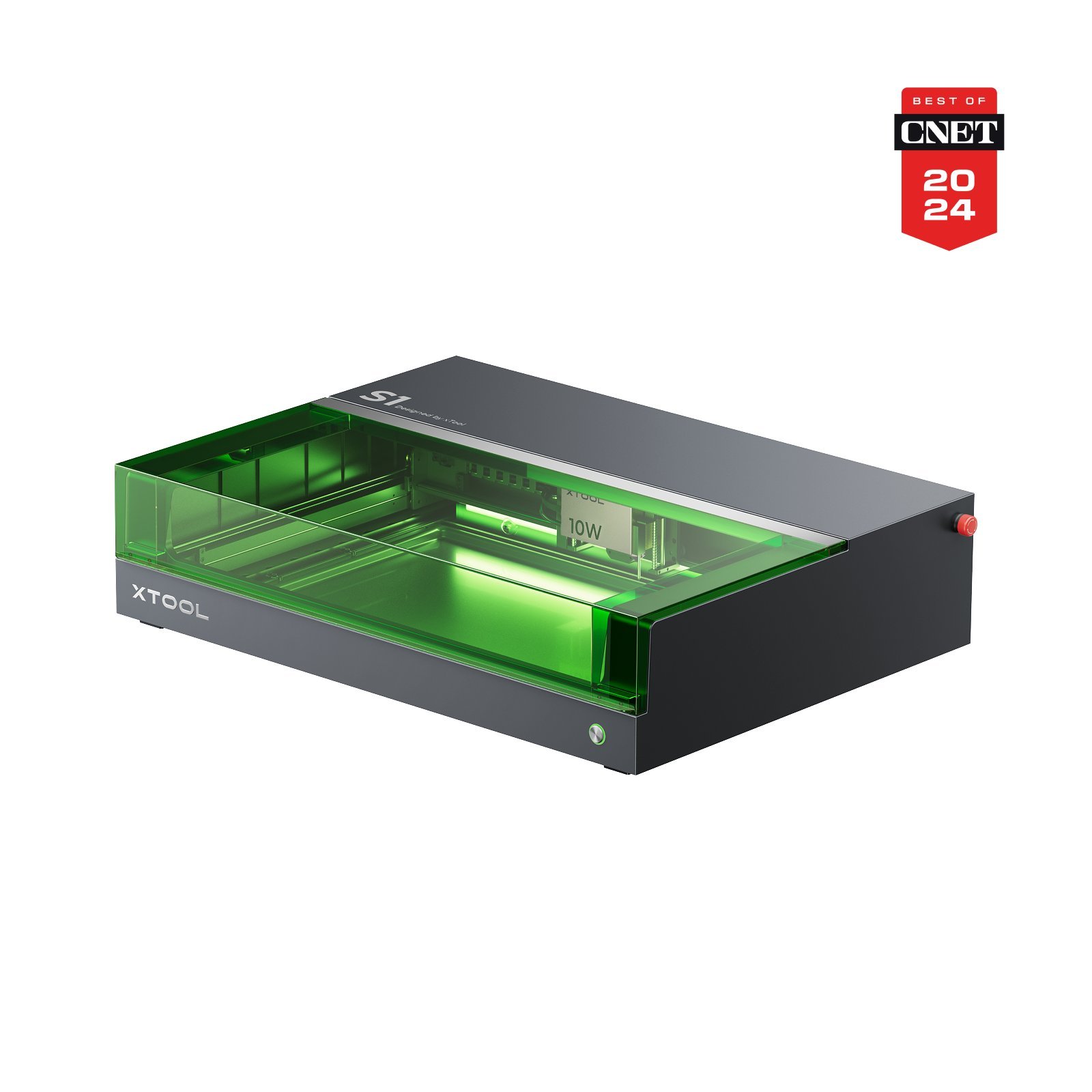
xTool S1 10WxTool
Work area
498 × 330 mm
Best price
$1,043.48at Amazon
Laser module
Diode(Desktop)
455 nm · 10 W
The best laser engravers and cutters up to €1,000 – more power, sometimes with an enclosure, and still affordable.
With a budget of up to €1,000 for a laser cutter, you can already look at some very interesting machines. Quick heads-up though: getting a fiber laser or a CO₂ laser with enclosure and proper extraction within this budget is tight.
That’s why this list mainly focuses on diode lasers with 10–40 W output, in some cases with an enclosure — which can make them suitable as “home lasers”. One of the best-known and best-selling options in this category is the xTool S1 in a 10 W configuration, which can be found with enclosure and extraction from around €800.
Alright — let’s take a look at the best lasers in this class!
Laser cutters in the price range up to €1,000 are an attractive option for many hobbyists, makers, and small businesses to get started with laser cutting and engraving. From very powerful diode lasers to the first CO₂ lasers (K40 lasers with a bit more tinkering) you can do quite a lot here.
The most interesting part is the wide range you’ll find in this price bracket. On the one hand, you get increasingly safe, fully enclosed diode lasers with built-in enclosures, air assist and extraction — which often still don’t exceed 10 W by much (see xTool S1). On the other hand, you can also find the first CO₂ lasers (K40) and open-frame lasers up to 40 W in this price range. They require more technical work, but offer noticeably more power and a broader range of materials.
Still, I personally wouldn’t recommend buying the highest-watt machine blindly. It’s usually smarter to stay somewhere in the middle and pick solid brands and models that have good reviews and support.
Before you buy, it’s best to think about what you actually want to do with the laser and then research the models that match your use case. You may still have to accept some trade-offs — but you’ll know what you need and you’ll buy more intentionally.
In my opinion, 10 W to 20 W are the best lasers in this price range: with 20 W you already get high cutting speeds and can cut thicker materials; with 10 W you’re a bit slower, but often a bit more precise when engraving.
We also recommend asking for experiences with a brand or a specific laser cutter in forum groups like Reddit or Facebook. Useful subreddits include r/whichlasercutter, r/Lasercutting and r/laserengraving, where users share real experiences — away from marketing and manufacturer ads.
We compare 200+ laser cutters neutrally & objectively. When you purchase through our links, we receive a small commission at no extra cost to you.
Thank you! 🙏
Now that you know the most important aspects of lasers up to €1,000, you can compare the best models directly. We created a comparison table with the best lasers in this price class. Using the plus button in the list, you can build your own comparison table and easily compare different lasers side by side.
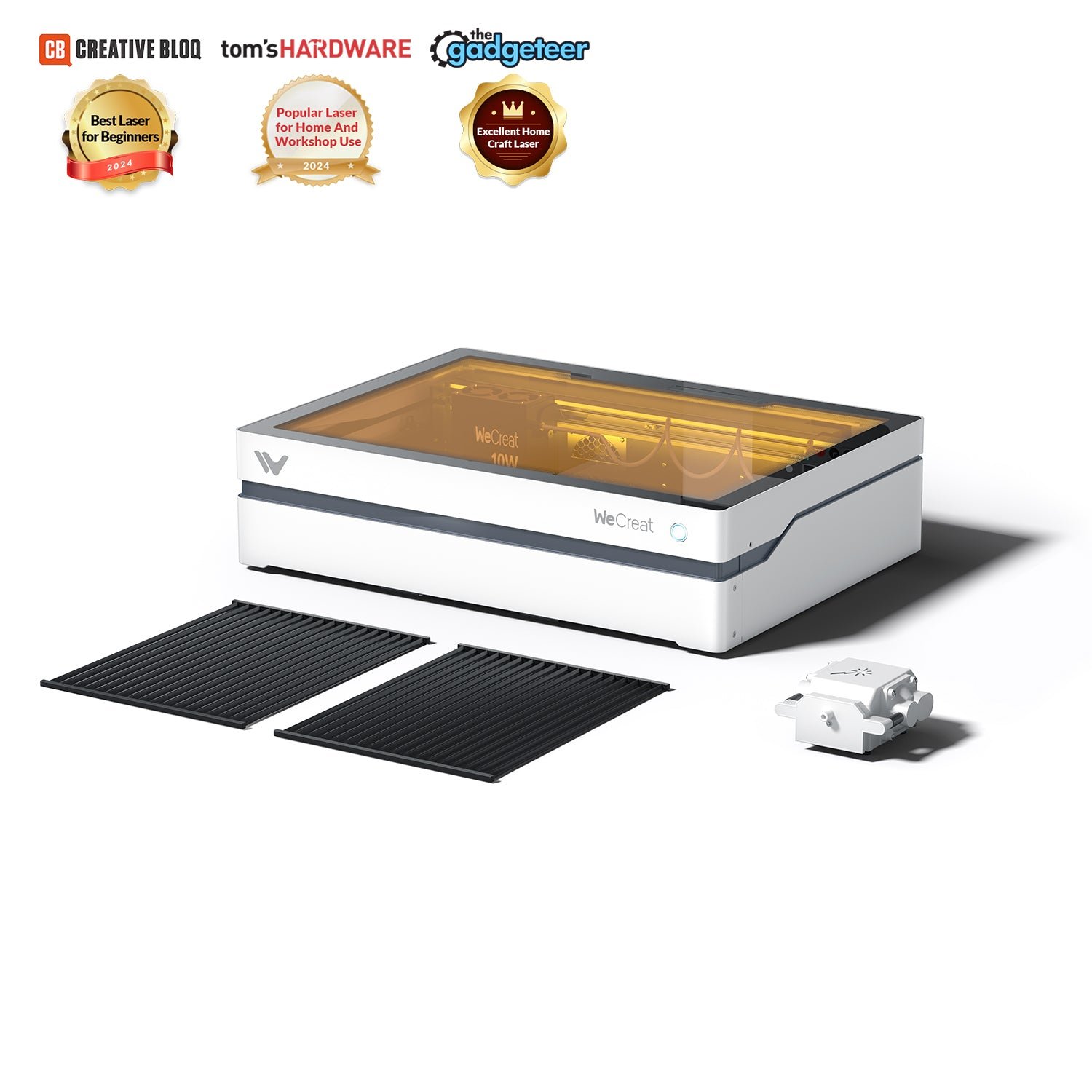
If the details from the top list weren’t enough, you’ll find a more in-depth presentation of the individual lasers in this price class here. This helps you get a clearer picture of strengths and weaknesses and find the best laser for your requirements. Alternatively, you’ll find all information summarized on the product page or in the comparison view.
A laser cutter up to €1,000 is the ideal middle ground for many users between cheap entry-level devices and expensive professional systems. In this price range you mainly get powerful diode lasers (10–40 W), sometimes already with an enclosure, air assist, and exhaust options — meaning machines that can be operated safely indoors.
Compared to lasers under €500, you benefit primarily from more power, more comfort, and better safety. Engraving becomes faster and cleaner, cuts in plywood or MDF are more reliable, and the overall workflow is much less stressful. Models like the xTool S1 show that from around €800 you can already get real “home lasers” with a closed system.
At the same time: more watts isn’t automatically better. If you mainly engrave, 10–20 W is often more efficient and more precise. 20–40 W is worth it if you cut more often or want to produce small runs. Clear acrylic, glass, or bare metal are still the domain of CO₂ or fiber lasers — and the budget up to €1,000 usually isn’t enough for that.
Our conclusion: if you want to engrave or cut regularly, work in an apartment, and get started without constant tinkering, the €1,000 class is a very sensible sweet spot. Pay attention to brand quality, community support, and LightBurn compatibility — and you’ll get a lot of performance for your money.
We compare 200+ laser cutters neutrally & objectively. When you purchase through our links, we receive a small commission at no extra cost to you.
Thank you! 🙏