Ortur
iOSiPadOSAndroid

Inspiraesth is Ortur's free iOS and Android app, enabling wireless control, design libraries, and preset material settings for Ortur laser engravers.
License / Price
Free
Ease of use
9/10
Features
8/10
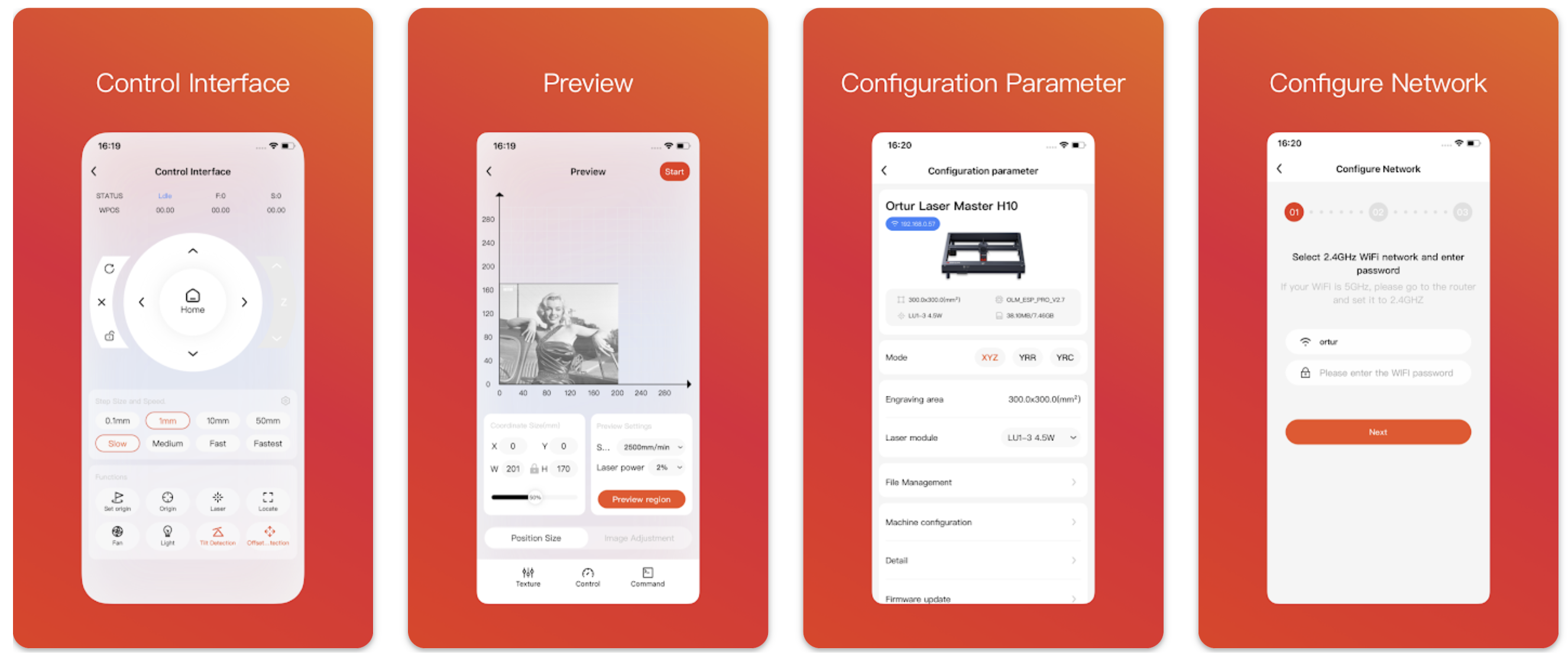
Inspiraesth (Ortur App) screenshot

About Inspiraesth (Ortur App)

Inspiraesth (also known as the Ortur App) is the official, self-developed mobile app from Ortur, designed to provide a seamless 'unbox-and-create' experience for beginners.Available for free on iOS and Android, it allows users to control their Ortur laser engravers wirelessly. The app features a built-in design and text editor, a large library of patterns, and preset parameters for over 100 materials, simplifying the engraving process. Advanced features include visual positioning, batch engraving queues, and AI-powered path optimization. With its multi-language support and community features, Inspiraesth serves as an intelligent assistant to turn creative ideas into finished works directly from a mobile device.
Inspiraesth (Ortur App) logo

Video tutorial

Our recommended tutorial for Inspiraesth (Ortur App)

Watch the tutorial here
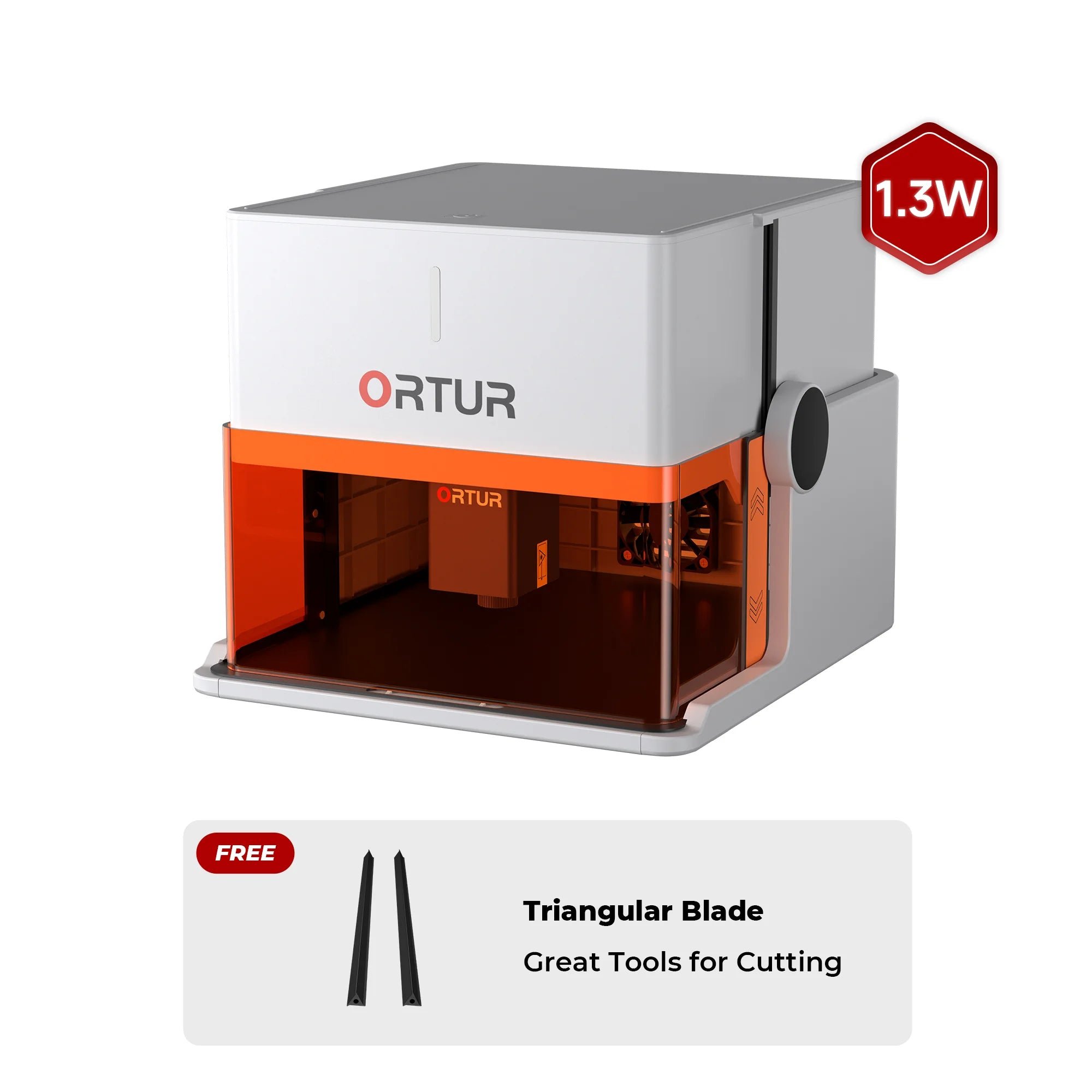
Supported laser models

FAQ

What is the Ortur App (Inspiraeth) used for?
💡
It is a mobile app that lets you control compatible Ortur lasers directly from a phone or tablet, including creating, editing and sending engraving jobs without a PC.
Which Ortur machines are supported by the app?
💡
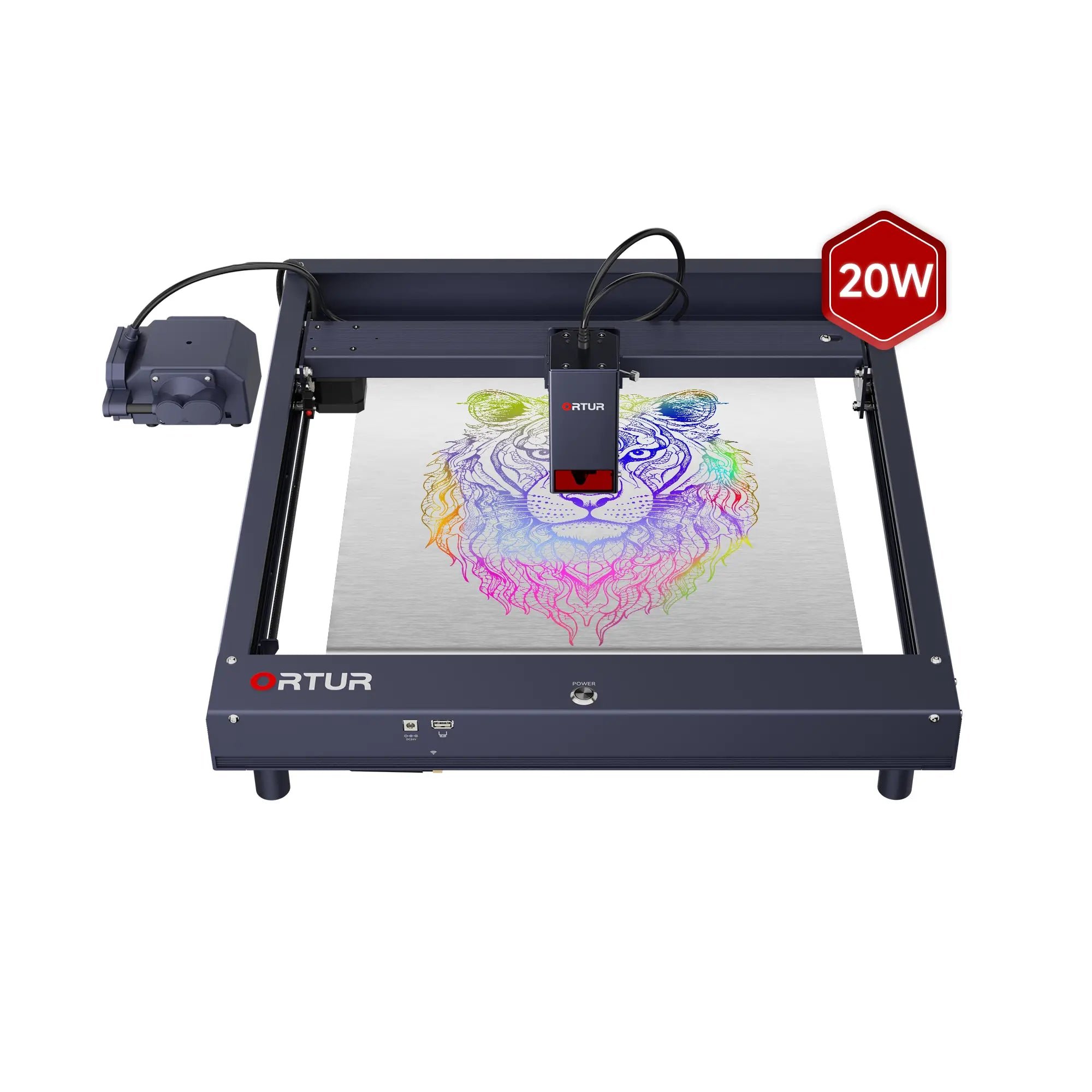
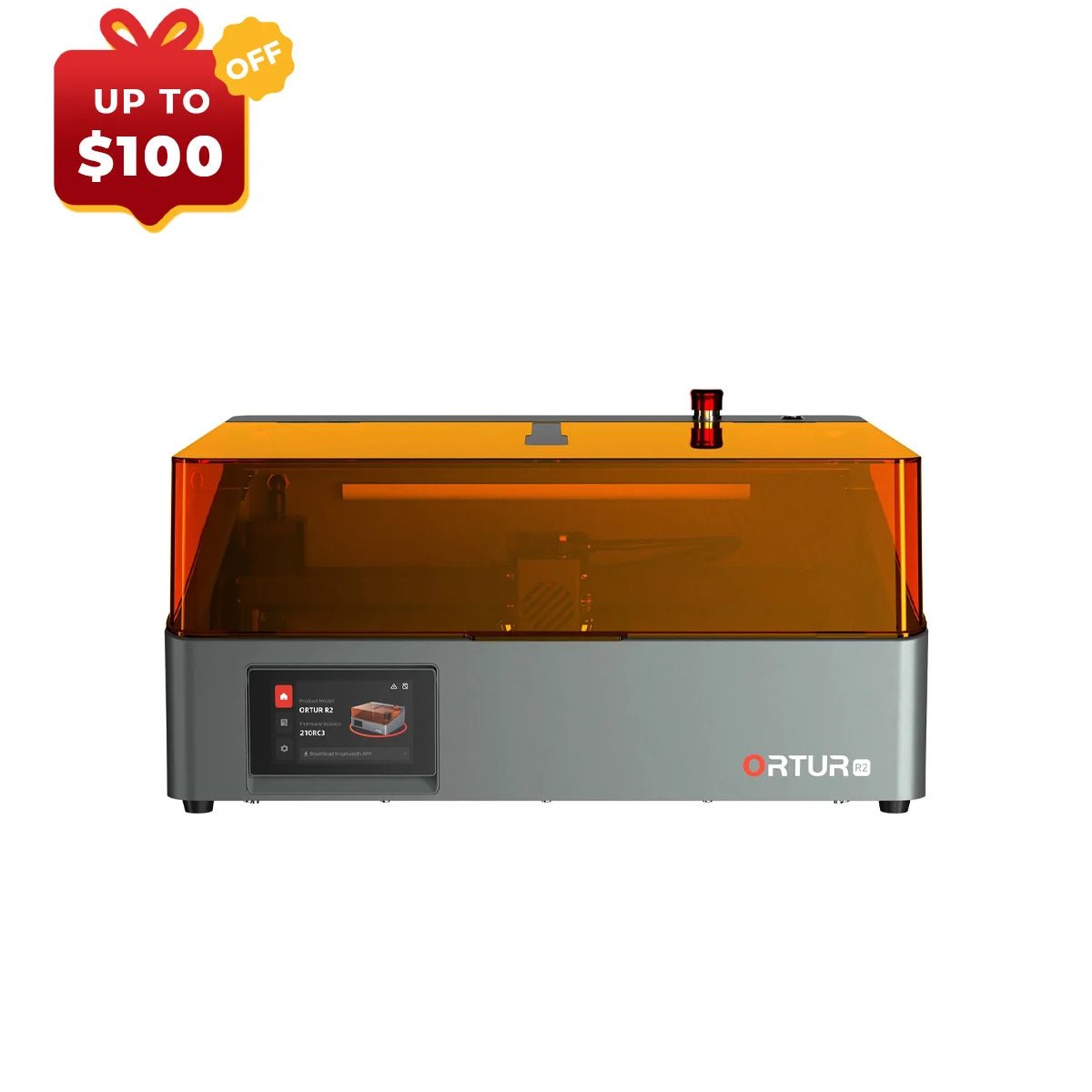
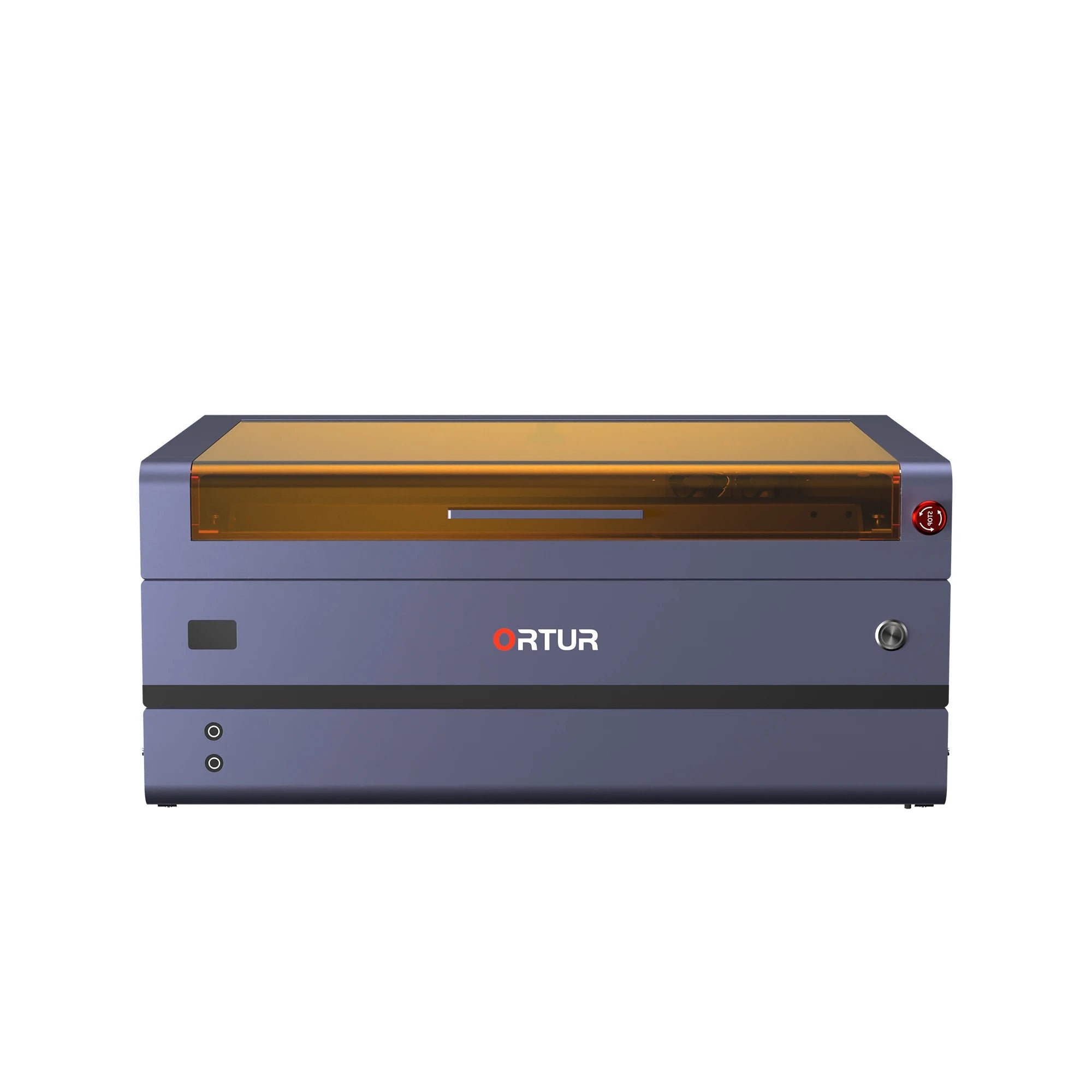
Supported models include recent "smart" Ortur devices such as the R1/R2, Laser Master 3 series, H20, F10 and similar WiFi-enabled engravers.
What functions does the Ortur App offer?
💡
It provides a simple editor, asset library, material presets, camera-based positioning on supported machines, batch engraving and optional AI-based optimization features.
Is the Ortur App free and does it work offline?
💡
The app is free on iOS and Android. Once connected to the machine over WiFi or hotspot, you can run jobs offline; only features like downloading assets or community sharing need internet.
Can the Ortur App fully replace desktop software like LightBurn?
💡
For quick, simple jobs and mobile use it can replace a PC, but for advanced workflows, complex editing and multi-machine setups many users still prefer desktop software like LightBurn.