Latest reviews
 Latest blog posts






Discover Acmer Software, the official control app for Acmer laser engravers, with downloads, system requirements, supported file formats, and clear step‑by‑step setup guides.
About Acmer App
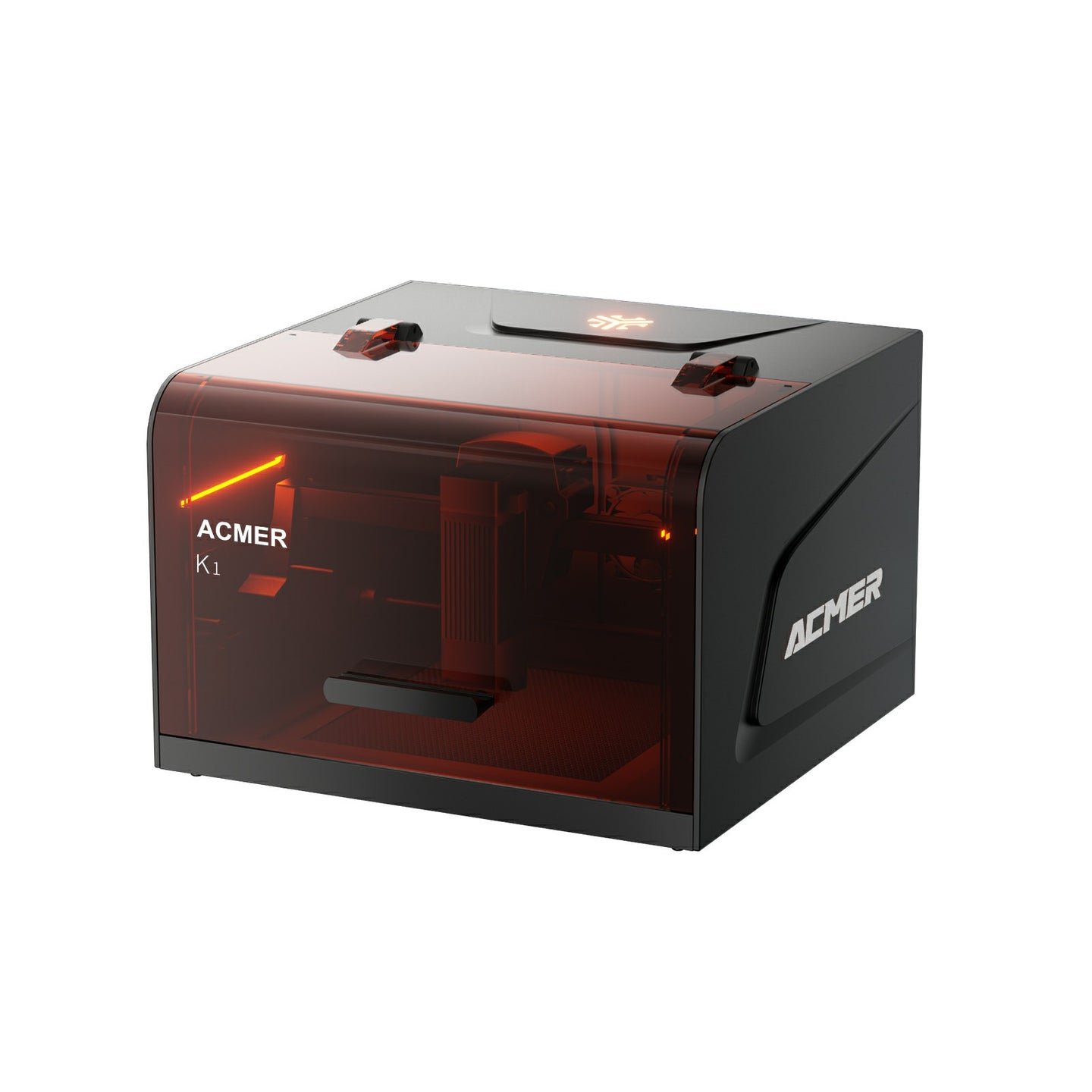
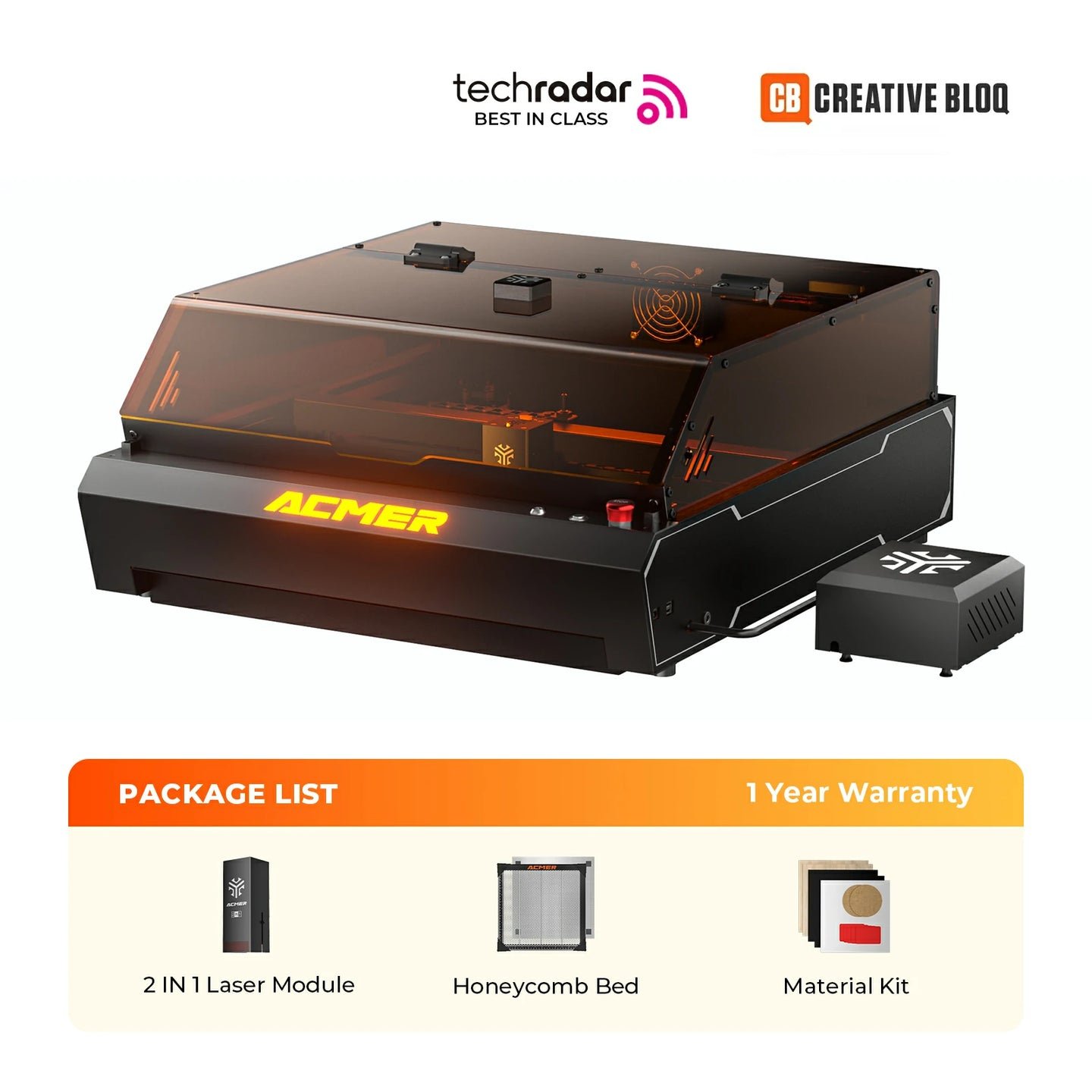
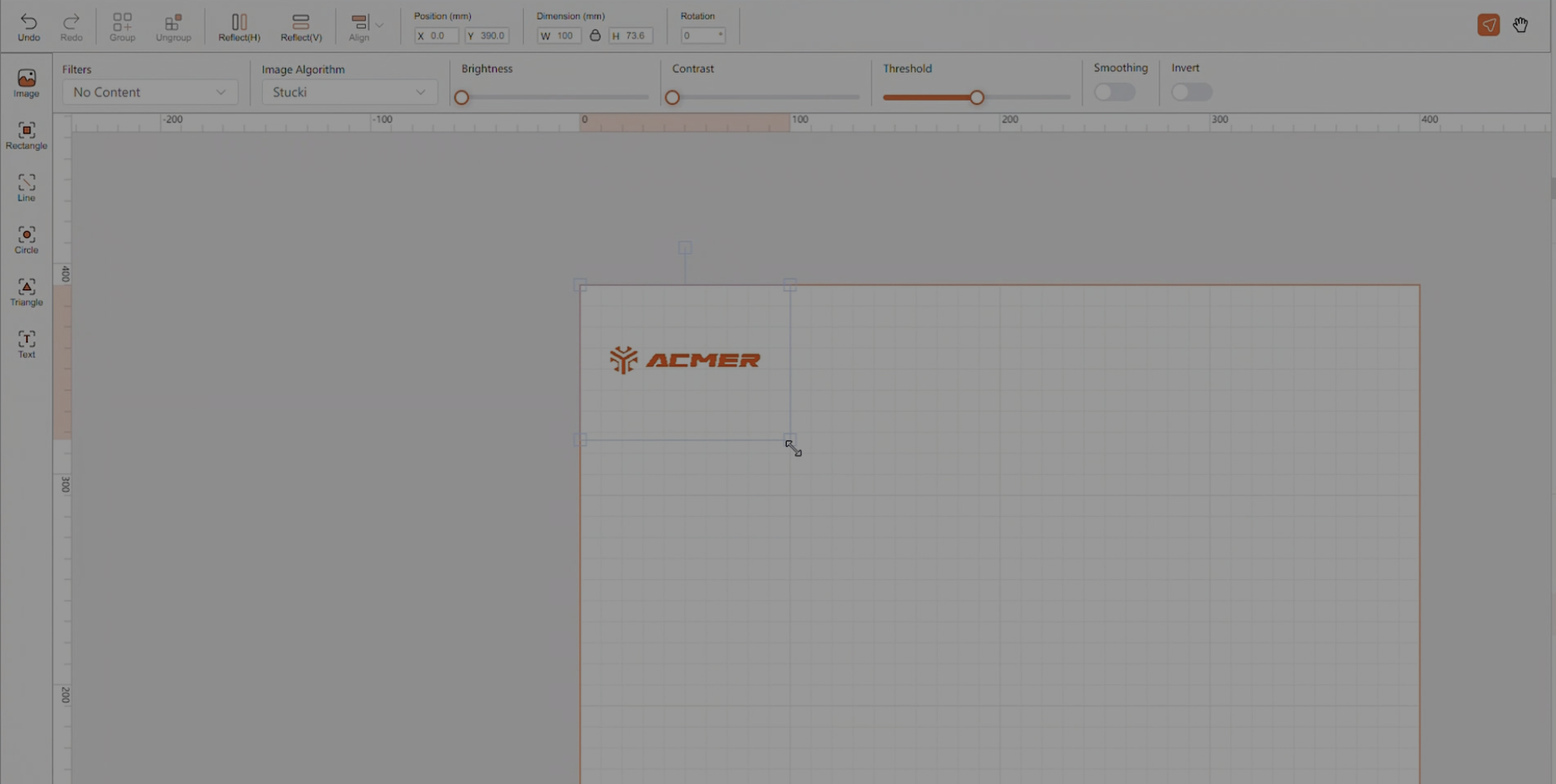
Acmer Software is the official control and design application developed by Acmer Laser for its range of desktop diode laser engravers, including the Acmer K1 series and newer models. It is available for Windows, macOS, and mobile platforms such as iOS and Android, and it serves as the primary interface for preparing and executing engraving and cutting jobs. The software is designed as an entry-level solution that prioritizes accessibility and ease of use. It allows users to import common graphic formats such as SVG, DXF, JPG, PNG, and BMP, while also providing basic tools for text and shape creation. A live preview window displays the engraving area, and parameters such as speed, power, and number of passes can be adjusted directly within the interface. Preloaded material profiles simplify the setup process, while custom profiles can be saved for repeated use. Acmer Software also integrates closely with the safety features of the Acmer K1 series. It automatically detects lid openings and pauses jobs to prevent exposure to the laser, and it is designed to operate within the fully enclosed Class 1 chassis. Connectivity is available via both USB and Wi-Fi, which enables users to control the machine from either desktop or mobile devices. Although the software is considered sufficient for beginners and hobbyists, more advanced users often turn to alternatives such as LightBurn or LaserGRBL for complex projects. Compared to these professional-grade programs, Acmer Software lacks features such as multi-layer job management, camera alignment, and advanced path editing. Nevertheless, it provides a streamlined “plug and play” experience that lowers the entry barrier for new users who want to begin engraving quickly and safely. Acmer Software is natively compatible with all Acmer models.