Latest reviews
 Latest blog posts





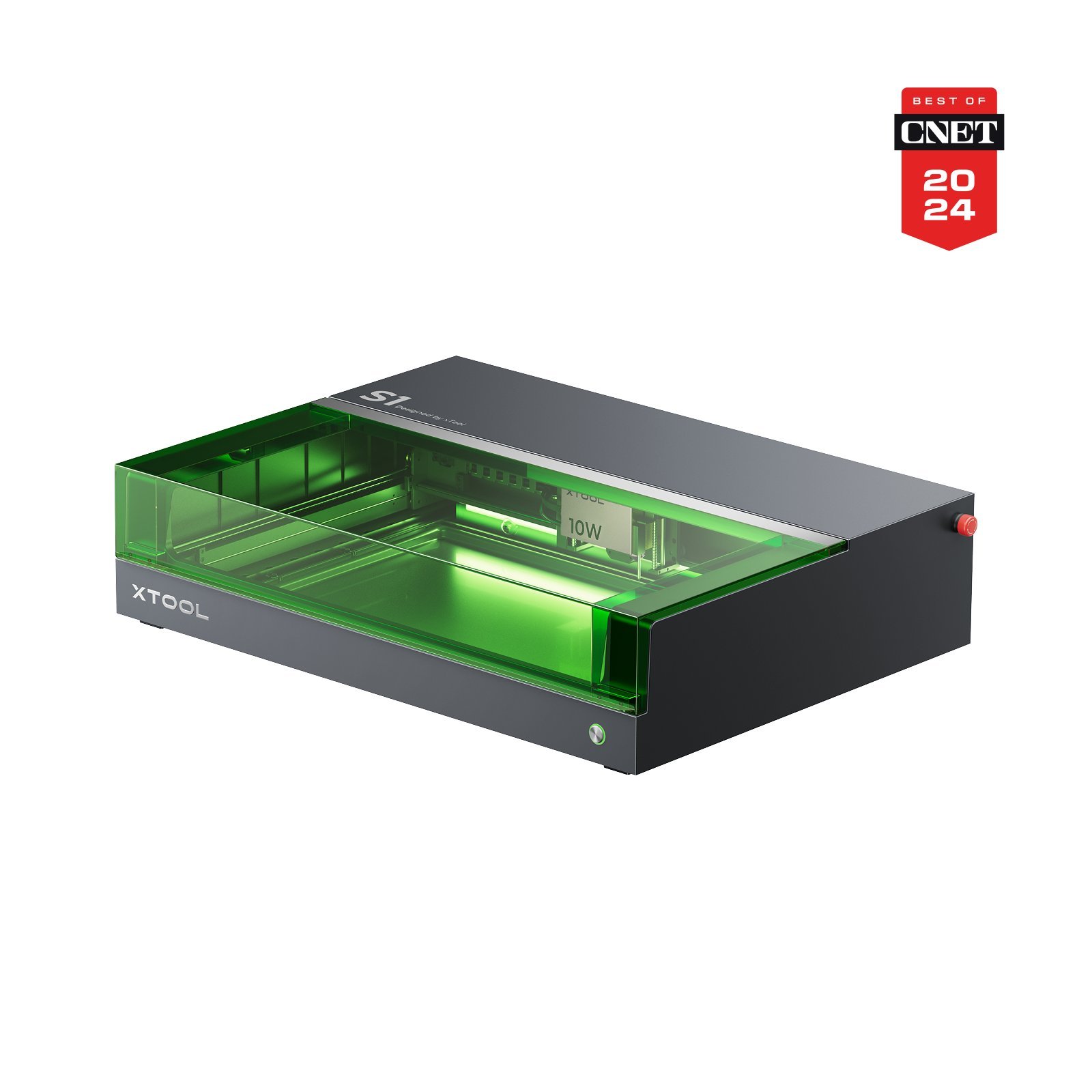


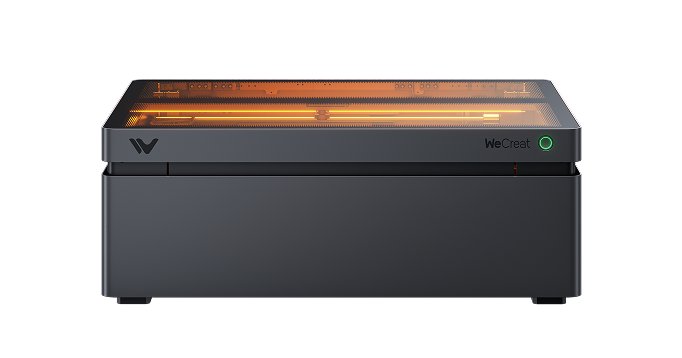

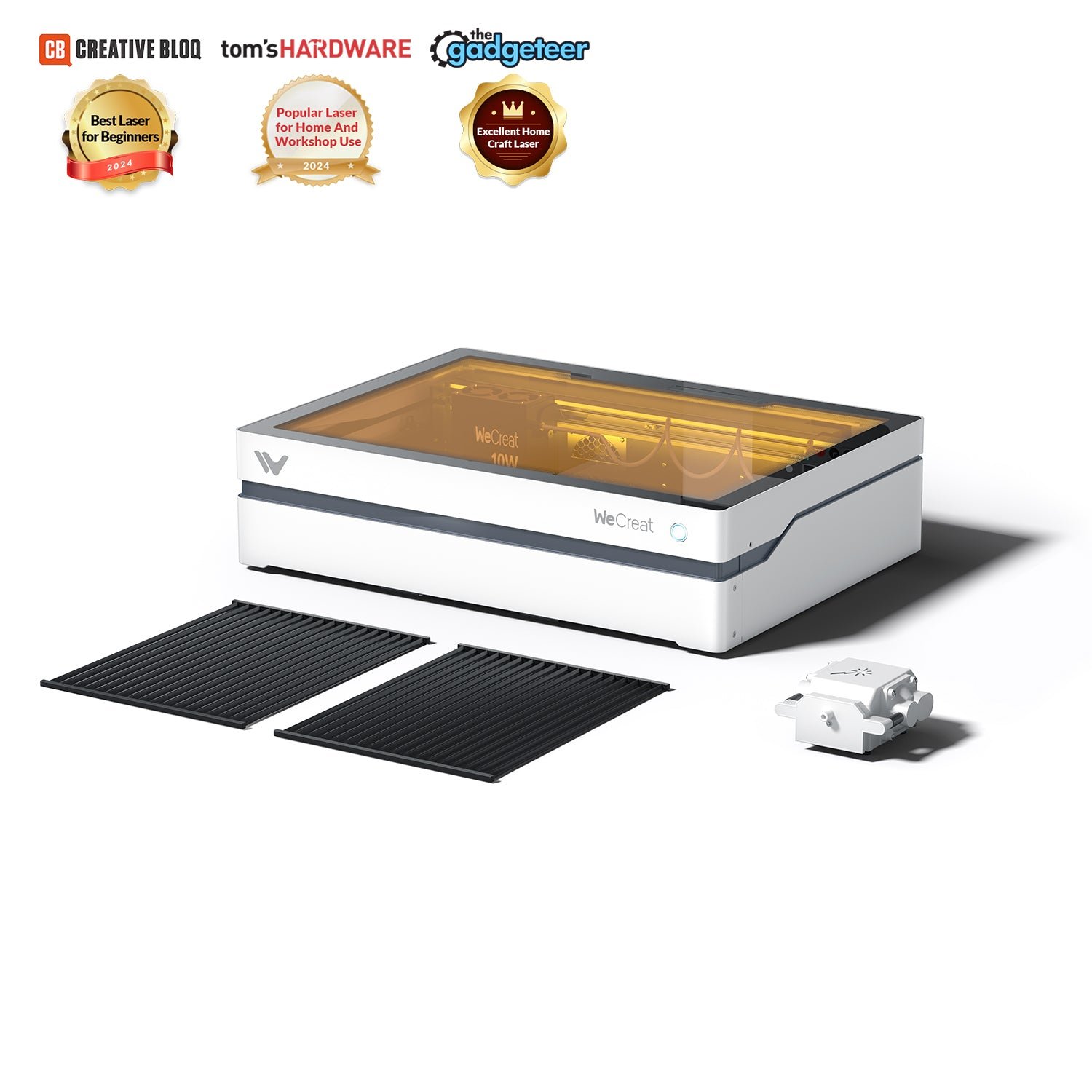
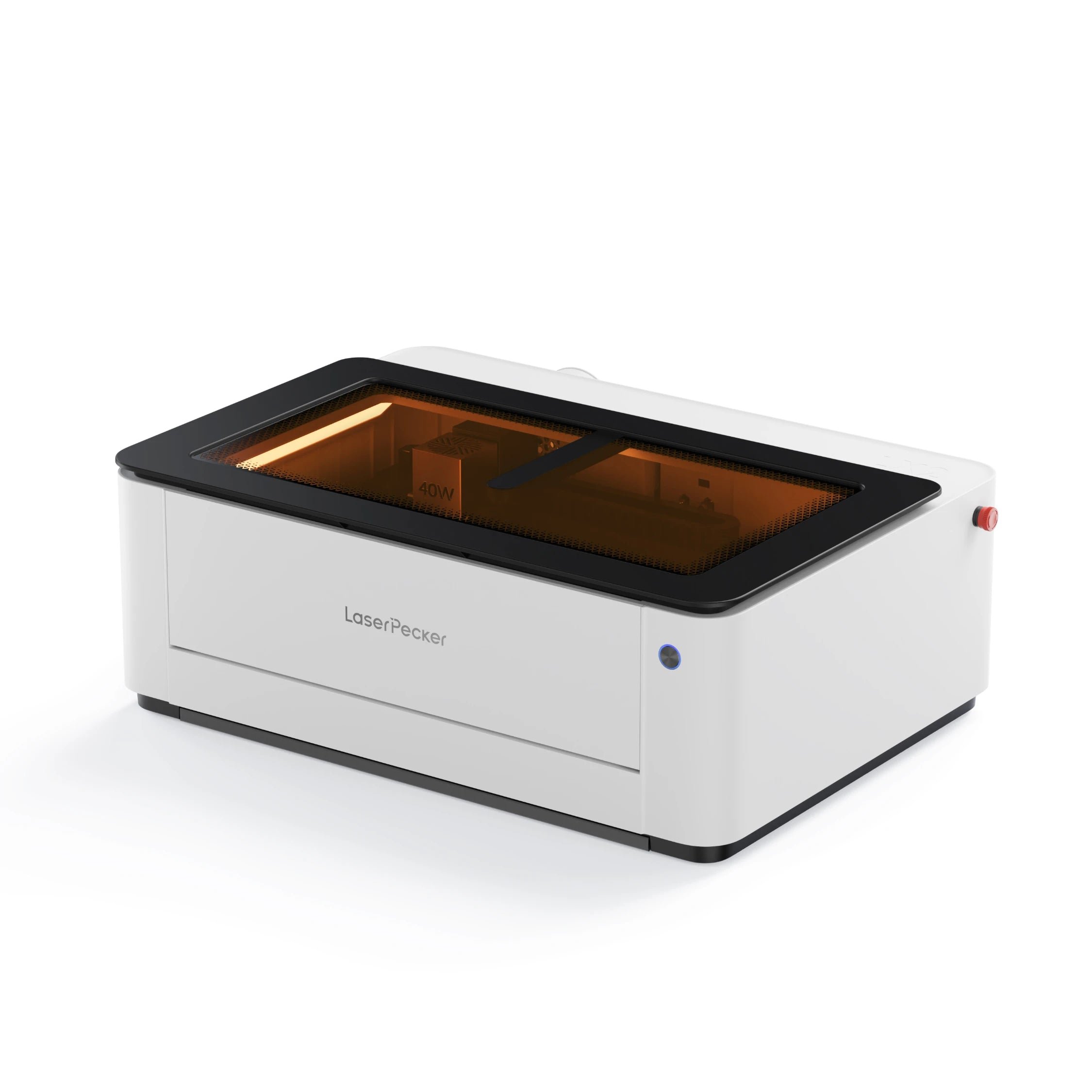



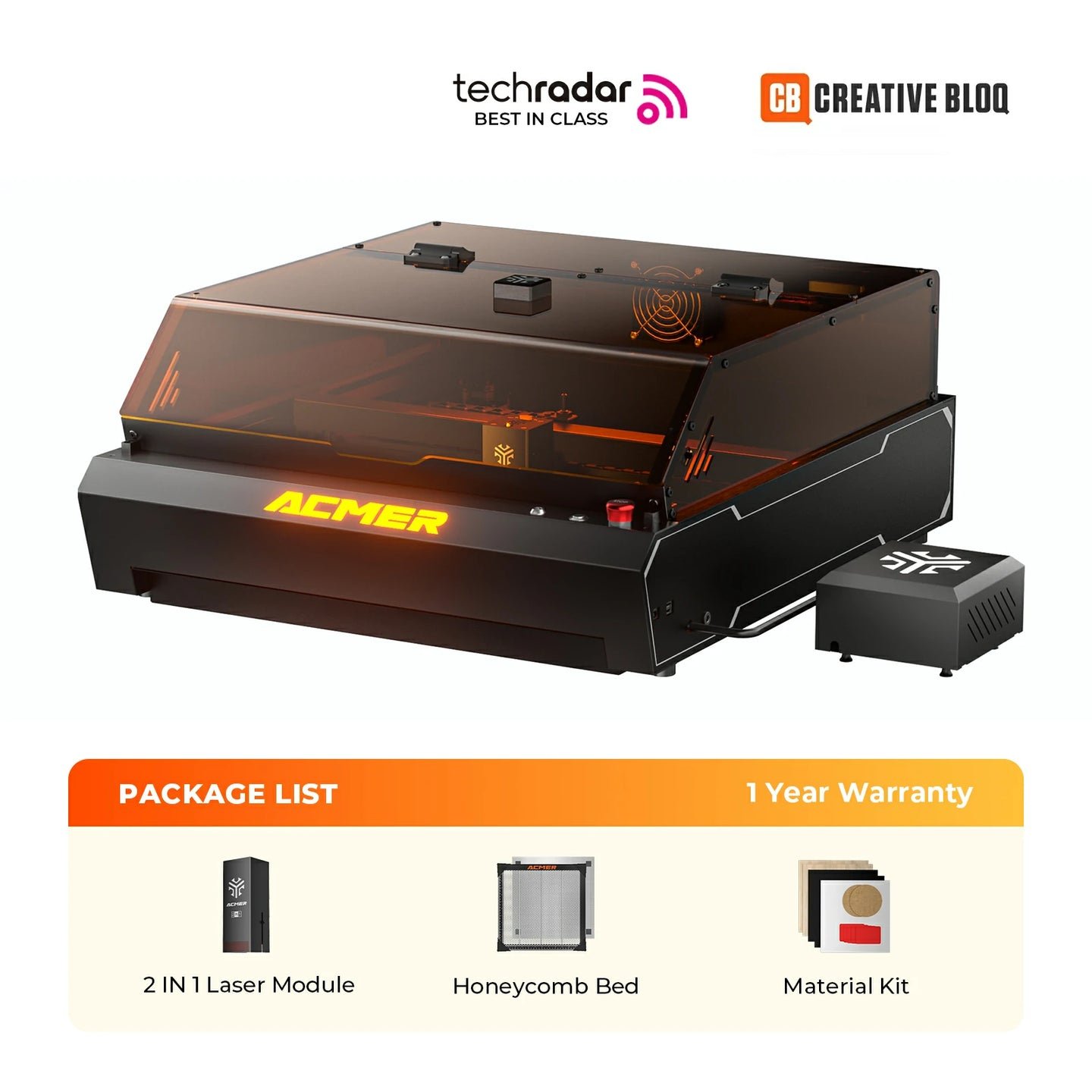

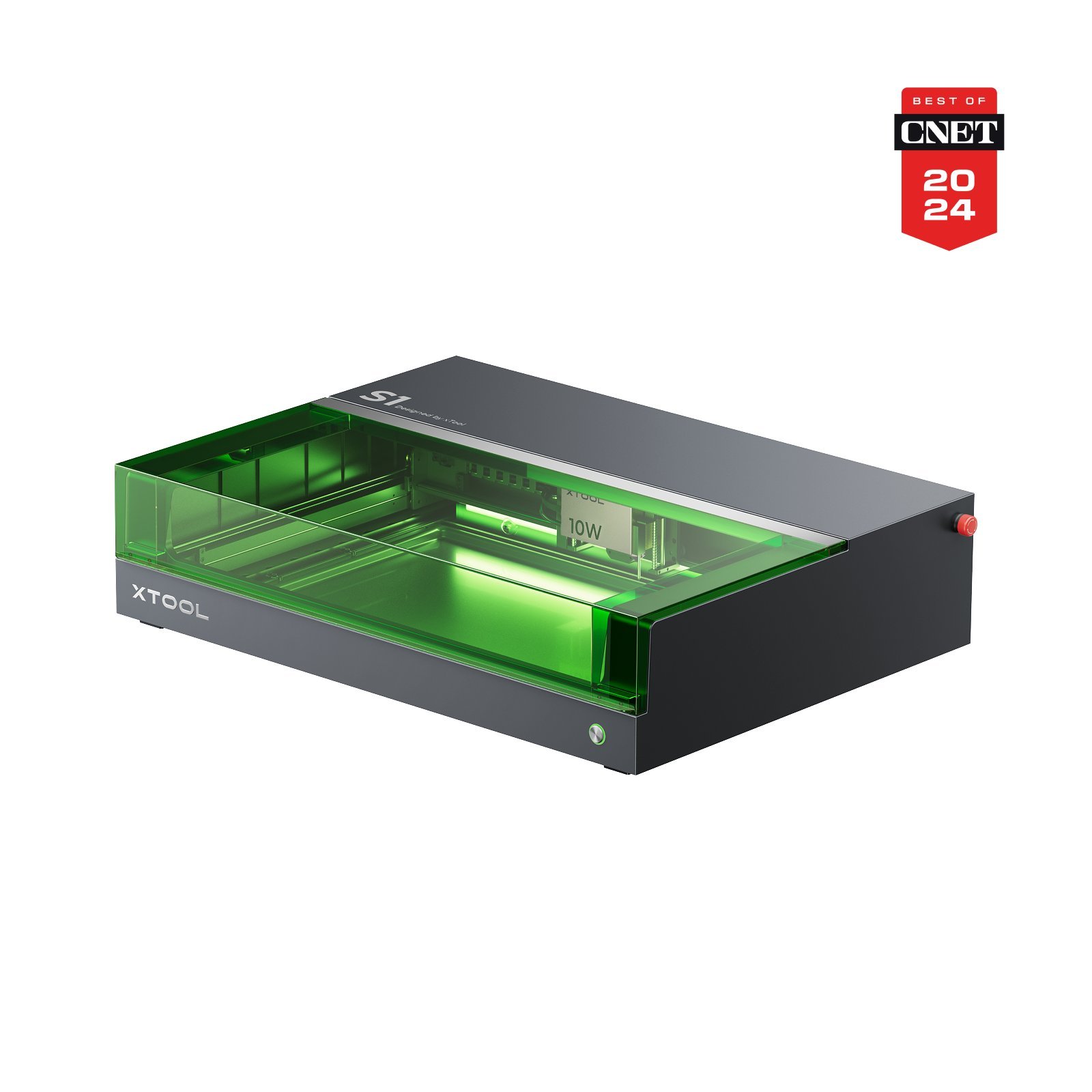
xTool S1 10WxTool
Work area
498 × 330 mm
Best price
$1,043.48at Amazon
Laser module
Diode(Desktop)
455 nm · 10 W
Compare enclosed hobby-room lasers including Sculpfun E1, with practical guidance on extraction, usability and total cost.
Looking for an enclosed laser for a suitable hobby room? Compare equipment and costs here. An enclosure alone does not make a laser suitable for every living space: proper extraction, laser-safe materials and continuous supervision remain necessary.
This list shows the most popular and beginner-friendly diode laser cutters for use at home or in public spaces such as schools and workshops.
In this list we focus exclusively on diode lasers because they are compact, safer for indoor setups, and low maintenance — basically the best lasers for home use.
If you’re looking for a CO₂ laser or cheaper entry-level machines, you’ll find suitable recommendations in our other top lists.
The Sculpfun E1 is our third editorial selection for budget-conscious home makers. At the checked €469 price on September 19, 2026, the 12W version includes an enclosure, camera, air assist and honeycomb, with LightBurn support. Its source-based editorial score is 8.0/10; this position is a recommendation, not the result of comparative lab testing. Manual focus, camera calibration and 30 mm clearance with the honeycomb are the trade-offs. Dual is for metal marking, not more wood-cutting power. Read the personal assessment and sources in our Sculpfun E1 review.
Jump directly to conclusionWe compare 200+ laser cutters neutrally & objectively. When you purchase through our links, we receive a small commission at no extra cost to you.
Thank you! 🙏
Our top list of the best desktop diode lasers is meant to give you a clear and honest orientation, so you can pick the right laser from the huge number of available models. The market is growing fast — and the range goes from compact beginner machines to professional systems for small workshops.
We combine our own experience from tests and reviews with researched knowledge from the community. Independent sources like the Reddit forums r/whichlasercutter, r/Lasercutting and r/laserengraving are especially helpful, because users share real experiences — far away from marketing or manufacturer ads. This creates a well-founded, practical overview that genuinely makes the decision easier.
This list covers enclosed desktop diode lasers for suitable workshops and hobby rooms. An enclosure and exhaust fan do not guarantee odor-free air or safe operation in every living space. Extraction or suitable filtration must match the material and location, and the machine must remain supervised.
The models featured here are perfect for beginners, hobby makers, schools, and makerspaces because they are easy to use and in some cases even meet Laser Class 1 safety requirements.
If you’re looking for cheaper entry-level machines or lasers with more power and more features, you’ll find suitable alternatives for different needs and budgets on our other comparison pages.
To make the buying decision easier, we created a compact comparison table with the top 3 desktop diode lasers from our best list.
On the detailed comparison page you’ll find all technical data in depth and can compare the best laser cutters individually — so you can quickly find the best laser for your needs.
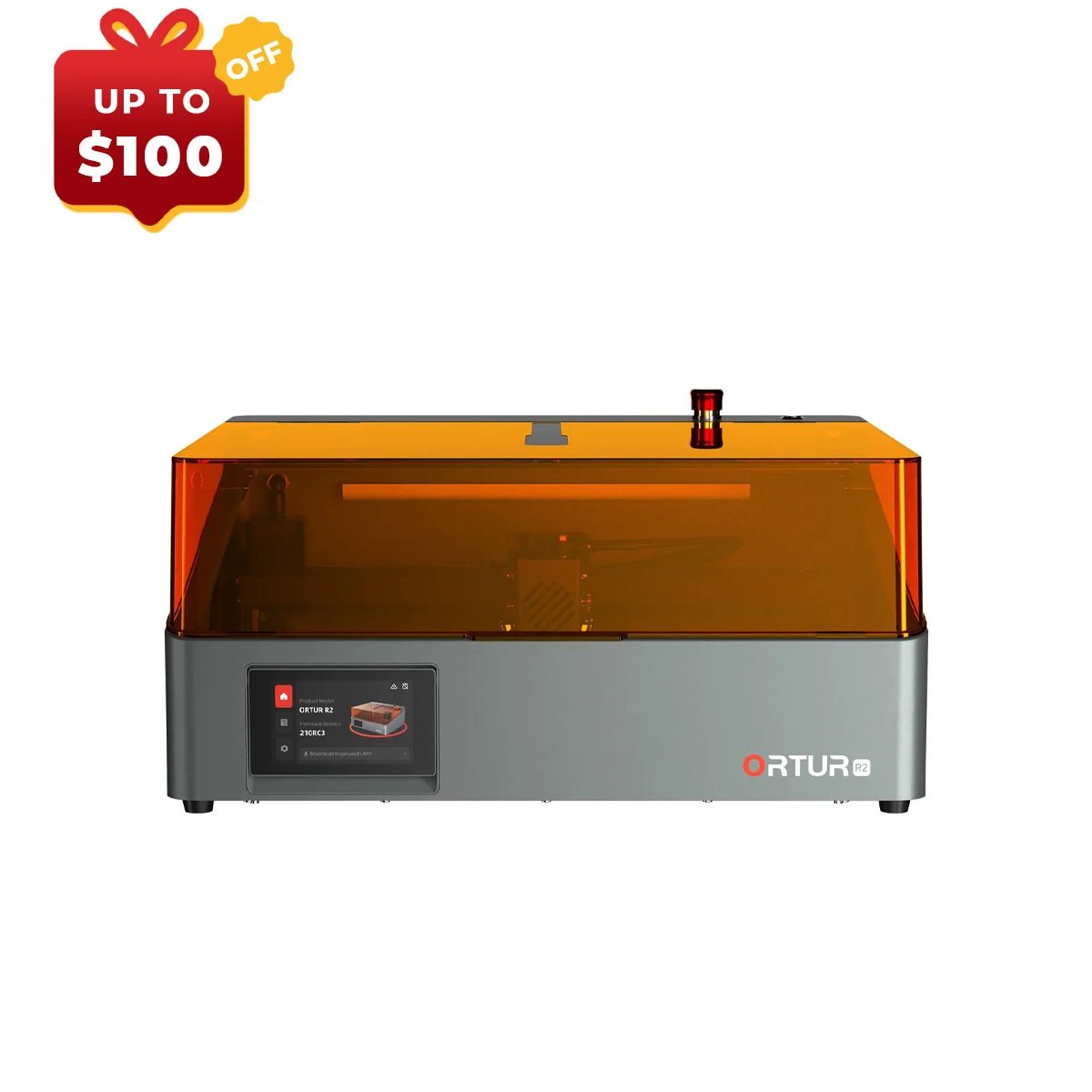

In this section we introduce the individual desktop diode lasers in more detail. You’ll learn what makes each model stand out, which applications it’s best suited for, and what its strengths and weaknesses are — so you can pick the laser that fits your projects.
Whether home operation is appropriate depends on the actual location. An enclosure helps contain the beam but does not replace suitable extraction, material checks or constant supervision. A living room does not become suitable merely because a machine has a cover or filter. Follow the specific manufacturer's safety instructions.
Another common question is how much power you need. For engraving on wood, leather, or cardboard, 10 W is already enough. But if you also want clean cutting — for example plywood, MDF, or acrylic up to about 6–8 mm — you’re much better off with 20–40 W. Materials like clear acrylic, glass, or bare metal are not in the diode laser domain; for those you need CO₂ or fiber lasers.
Many users also ask which software makes sense. Here, LightBurn has established itself as the clear standard: precise, powerful, and a long-term time saver. Manufacturer software can be enough to start, especially when using camera or autofocus features — but for productive work, LightBurn is almost always worth it.
Budget matters as well. E1 12W was €469 when checked on September 19, 2026, including an air pump and honeycomb. Compare the actual package and budget for suitable extraction and consumables; do not buy included accessories twice.
Support shouldn’t be underestimated. Many problems can be avoided if you choose manufacturers with an active community, good documentation, and reliable support. Buying from retailers with buyer protection is especially worthwhile for beginners.
In short:
If you want to work safely, quietly, and cleanly at home, an enclosed desktop diode laser with air assist and LightBurn support is the best choice.
If you need more power or want to process special materials, you should either increase your budget or adjust your projects accordingly.
This way you’ll find a laser that not only fits technically — but also stays enjoyable long term.
We compare 200+ laser cutters neutrally & objectively. When you purchase through our links, we receive a small commission at no extra cost to you.
Thank you! 🙏