

 Latest reviews
 Latest blog posts





Best Dual Lasercutter 2025
Last updated: 5/4/2026
Dual-laser machines combine diode, infrared, and CO₂ beams to unlock more materials without switching hardware. Use this list to spot the best dual lasercutter for hybrid workflows.
Scores refresh whenever Supabase detects new ratings, stock changes, or bundle pricing for dual-module systems.
 Get more info* ($1,240.00)by
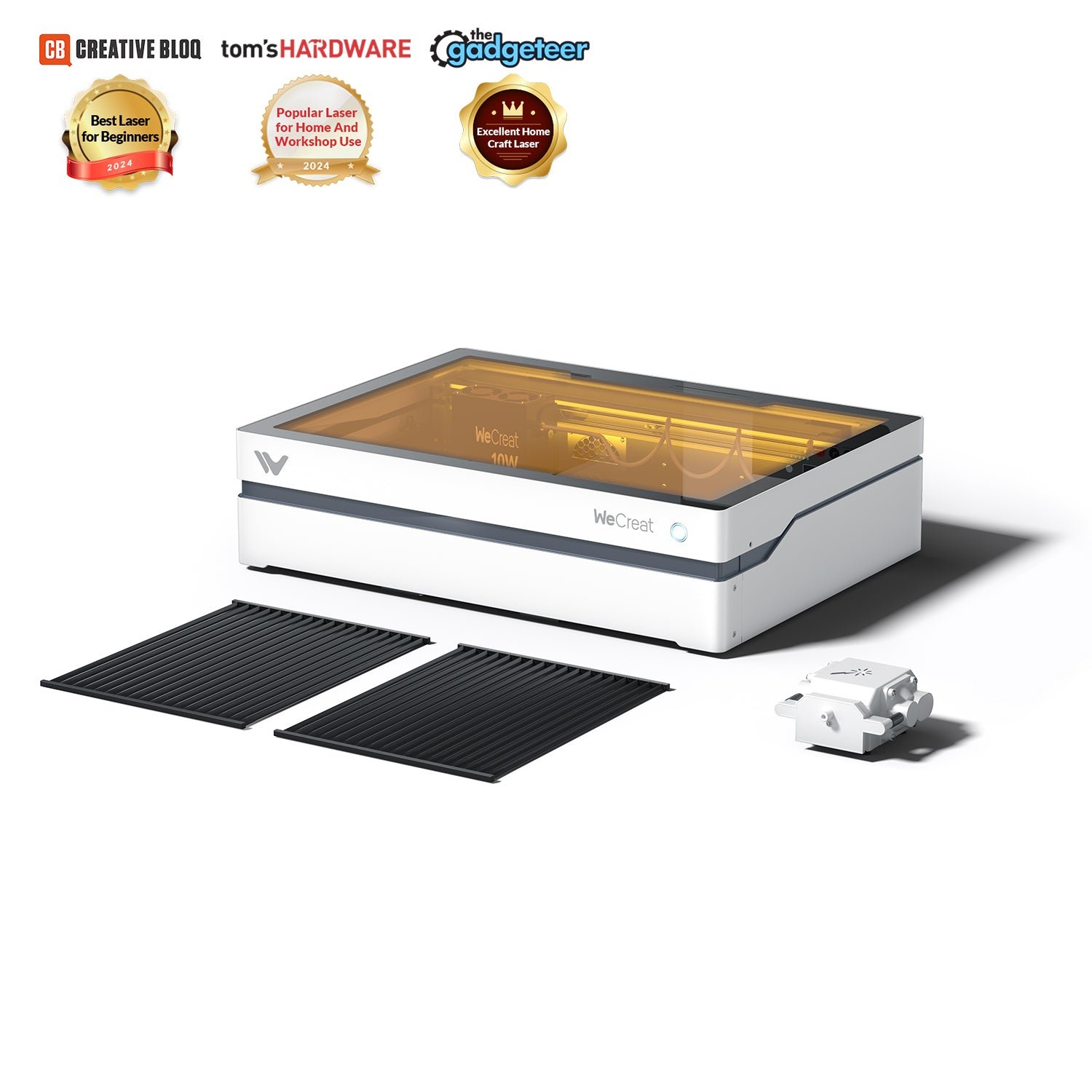
For home crafters, the WeCreat Vista packs high-end features (rotary, camera, enclosure) into a compact unit. best-lasercutter.com recommends it to anyone seeking a safe, versatile laser cutter that’s easy to use without the complexity of larger machines.
PROS
- Innovative 90° FlipLaser head allows rotary engraving without risers
- All-metal enclosed build (Class 1) with HD camera for easy alignment
- User-friendly MakeIt software with full LightBurn support
- Interchangeable 10W diode + optional 2W IR modules cover 300+ materials
CONS
- Only 10W power (no higher output option for faster cutting)
- No honeycomb bed included for securing materials
- 1064nm IR module sold separately (adds to cost for metal engraving)
- MakeIt software missing some advanced features (e.g. layer reordering)
Combining both:
Diode455nm · 10WDiode-IR1064nm · 2W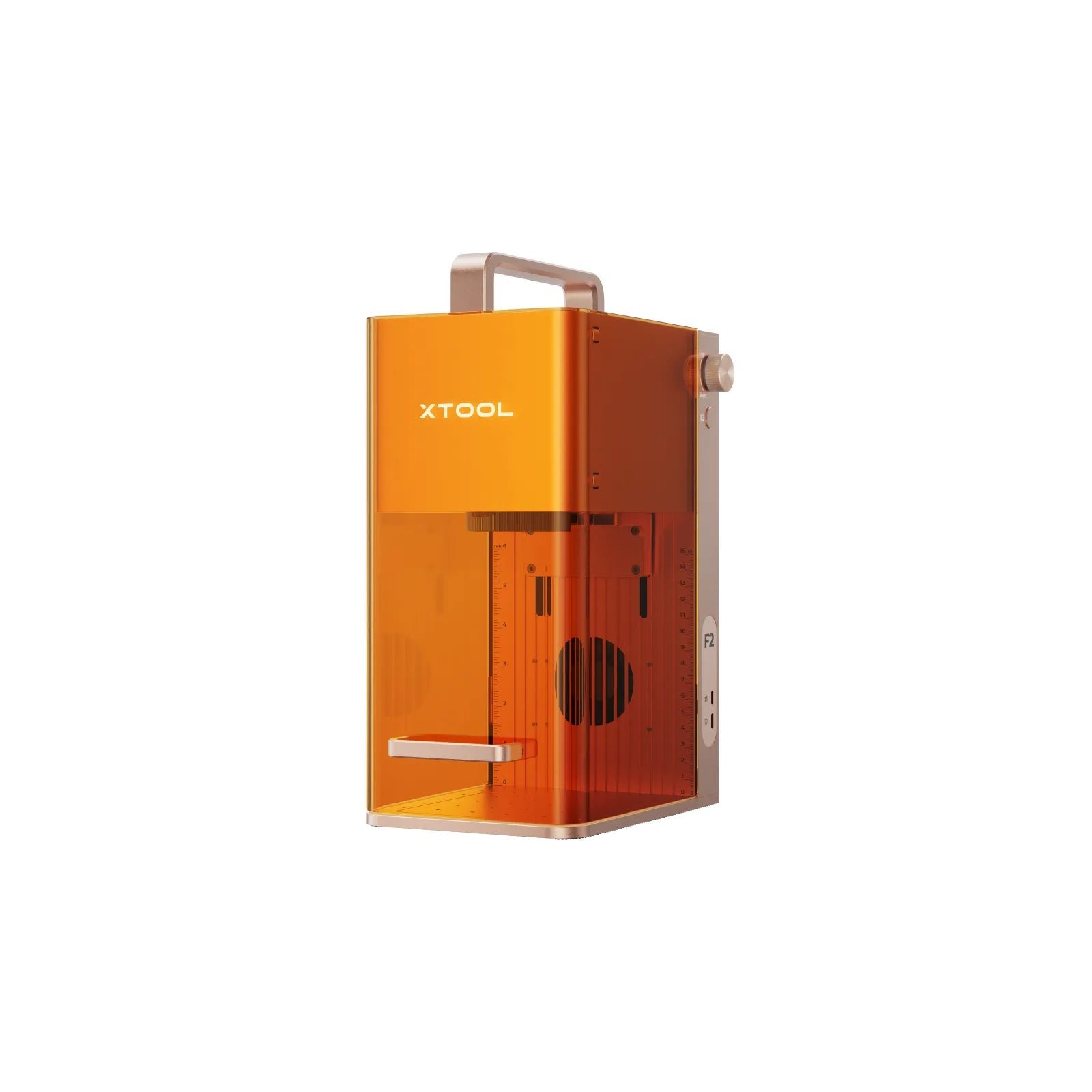 Get more info* ($1,499.00)by
best-lasercutter.com recommends the xTool F2 for users who prioritize speed, portability, and reliable metal marking in a compact machine. Its dual-laser setup (15W diode + 5W IR) and galvo system enable very fast, accurate engraving, making it ideal for events, jewelry work, product branding, and small-batch personalization. The built-in camera and autofocus simplify alignment and batch workflows, reducing setup time. However, the limited work area, lack of air assist for clean wood cutting, and dependence on xTool Studio instead of LightBurn should be considered. If your focus is engraving small items rather than large cutting jobs, the F2 delivers standout performance in its class.
PROS
- Up to ~6000 mm/s galvo engraving speed
- High-resolution 50 MP camera for live positioning
- Autofocus and automatic height adjustment
- Clean and precise metal marking with the IR laser
- Portable 4.6 kg design for on-site engraving
- Removable base for engraving directly on large or fixed objects
- Supports Slide Extension for 115 × 400 mm batch workflows
CONS
- Relatively small standard work area compared to large-format cutters
- Requires safety precautions (Class 4 laser) and proper ventilation
- LightBurn support limited or delayed; software ecosystem still maturing
- No air-assist port, so wood cutting results in more charring
- Best performance is on small items; not ideal for large or continuous production
Combining both:
Diode455nm · 15WDiode-IR1064nm · 5W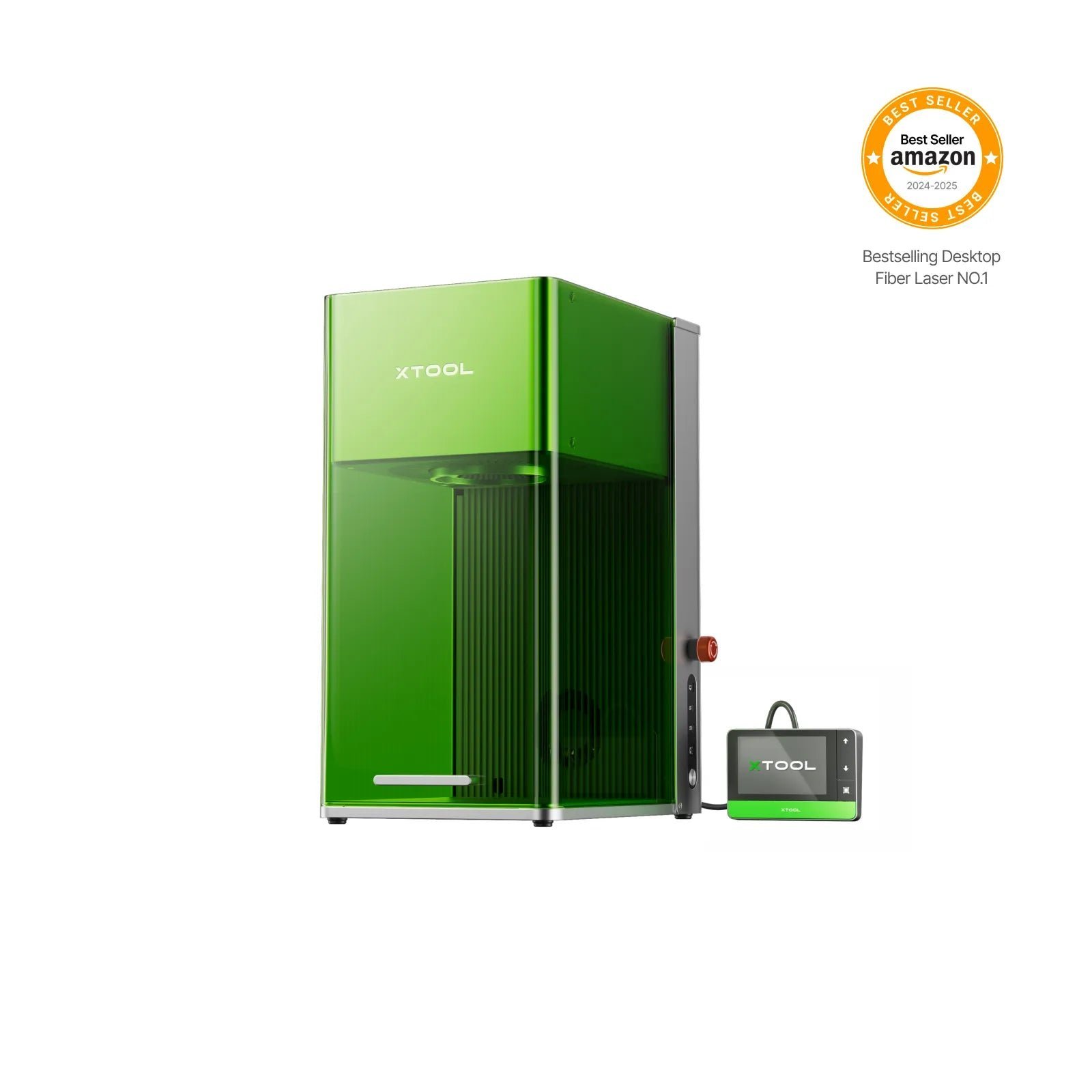 Get more info* ($3,879.35)by
The xTool F1 Ultra is a premium, high-speed dual-laser engraver for small businesses and prosumers who need maximum material versatility and efficient production in a user-friendly package.
PROS
- Dual 20W fiber + 20W diode for maximum material coverage
- Extremely fast (10,000 mm/s) galvo engraving
- Enclosed Class 4 safety with built-in camera
- Good software workflow for batch jobs
CONS
- High price point
- Heavier than typical desktop diode units
- Galvo geometry can cause angled cuts on thicker stock
- Batch features require learning curve
Combining both:
Fiber1064nm · 20WDiode455nm · 20W Get more info* ($913.03)by
The Mecpow X1 is a powerful and versatile desktop engraver, offering the unique combination of a diode and an infrared laser at a competitive price. Its high-speed galvanometer system makes it ideal for small businesses and hobbyists focused on rapid production of small, multi-material items.
PROS
- Dual 10W diode + 2W infrared laser for material versatility
- High-speed 5000 mm/s galvo engraving
- Enclosed Class 1 safety design
- Portable with built-in handle
- Auto-focus and user-friendly software
CONS
- Small 105x105mm work area
- 10W diode has moderate cutting power compared to larger machines
- No built-in camera for alignment
Combining both:
Diode455nm · 10WDiode-IR1064nm · 2W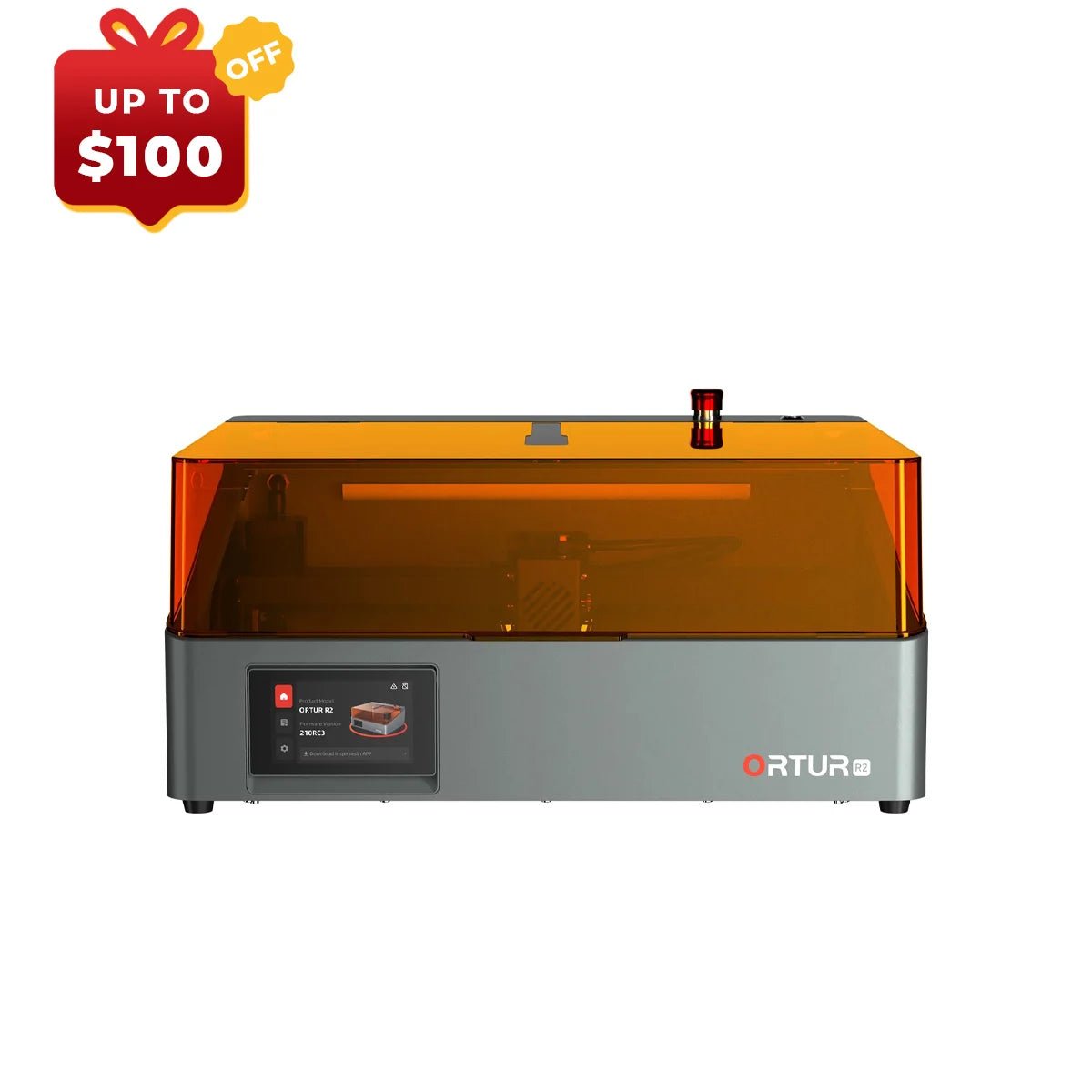 Get more info* ($1,215.22)by
The Ortur R2 20W + 1.3W IR bundle offers the ultimate combination of cutting power and material versatility. best-lasercutter.com recommends this for high-volume producers who can batch their work to minimize the inconvenience of module swapping.
PROS
- Class 1 fully enclosed safety design
- Plug-and-play, no assembly required
- High-speed 20W cutting performance
- Quiet operation suitable for home use
- Built-in HD camera for easy alignment
- Beginner-friendly mobile app
CONS
- Cumbersome laser module swapping process
- Rudimentary air assist control (no on/off switch)
- Flame detection must be disabled for IR laser
- Advanced users will need third-party software (LightBurn)
Combining both:
Diode455nm · 20WDiode-IR1064nm · 1.3W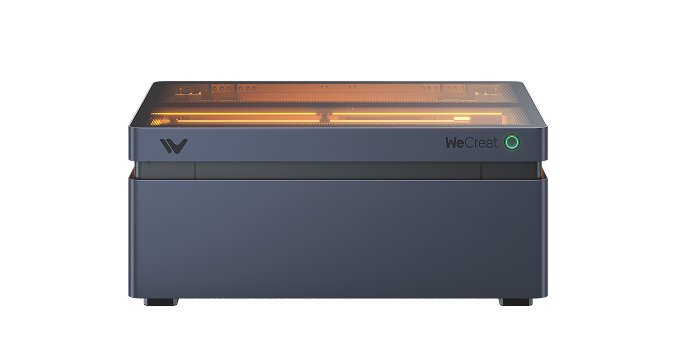 Get more info*
The Vision series bridges hobby and professional use — powerful, precise, and safe. best-lasercutter.com recommends it for creators seeking an all-in-one enclosed diode laser.
Combining both:
Diode455nm · 20WDiode455nm · 40WDiode455nm · 45W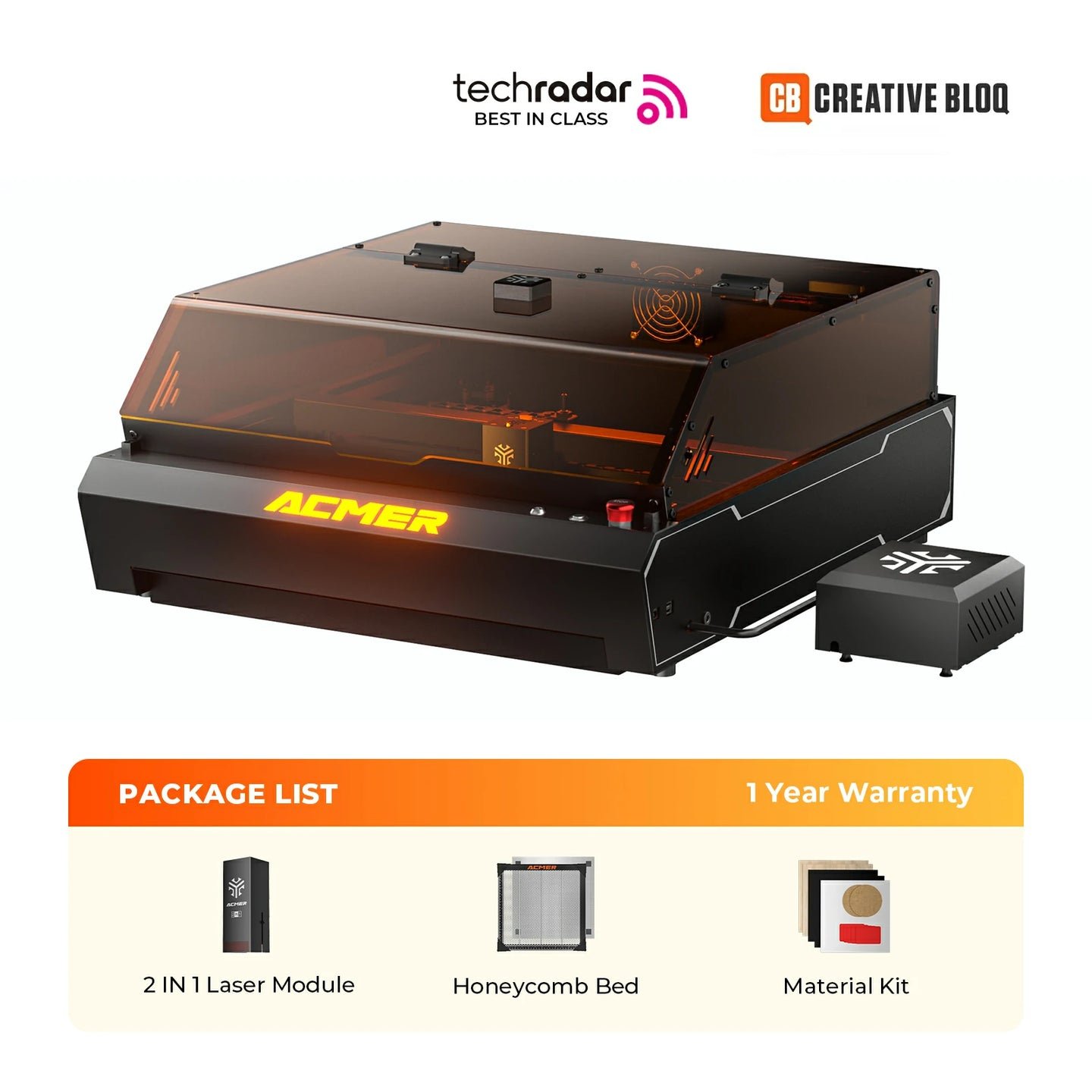 Get more info* ($977.17)by
The Acmer P3 2in1 stands out as a premier choice for hobbyists and small businesses seeking maximum versatility and safety. Its unique dual-laser module effortlessly handles everything from woodcutting to metal engraving, while the high-speed CoreXY system and fully-enclosed, Class 1 design provide performance and peace of mind in a single, ready-to-run package.
PROS
- Dual lasers for maximum material versatility
- Fully enclosed design with Class 1 safety
- High-speed CoreXY motion system
- Comes complete with air assist and honeycomb
- Large 400x390mm work area
CONS
- Manual focus requires physical adjustment
- Camera calibration can be tedious
- 10W diode laser has limited cutting power for thick materials
- Lid safety interlock can occasionally stick
Combining both:
Diode455nm · 10WDiode-IR1064nm · 2W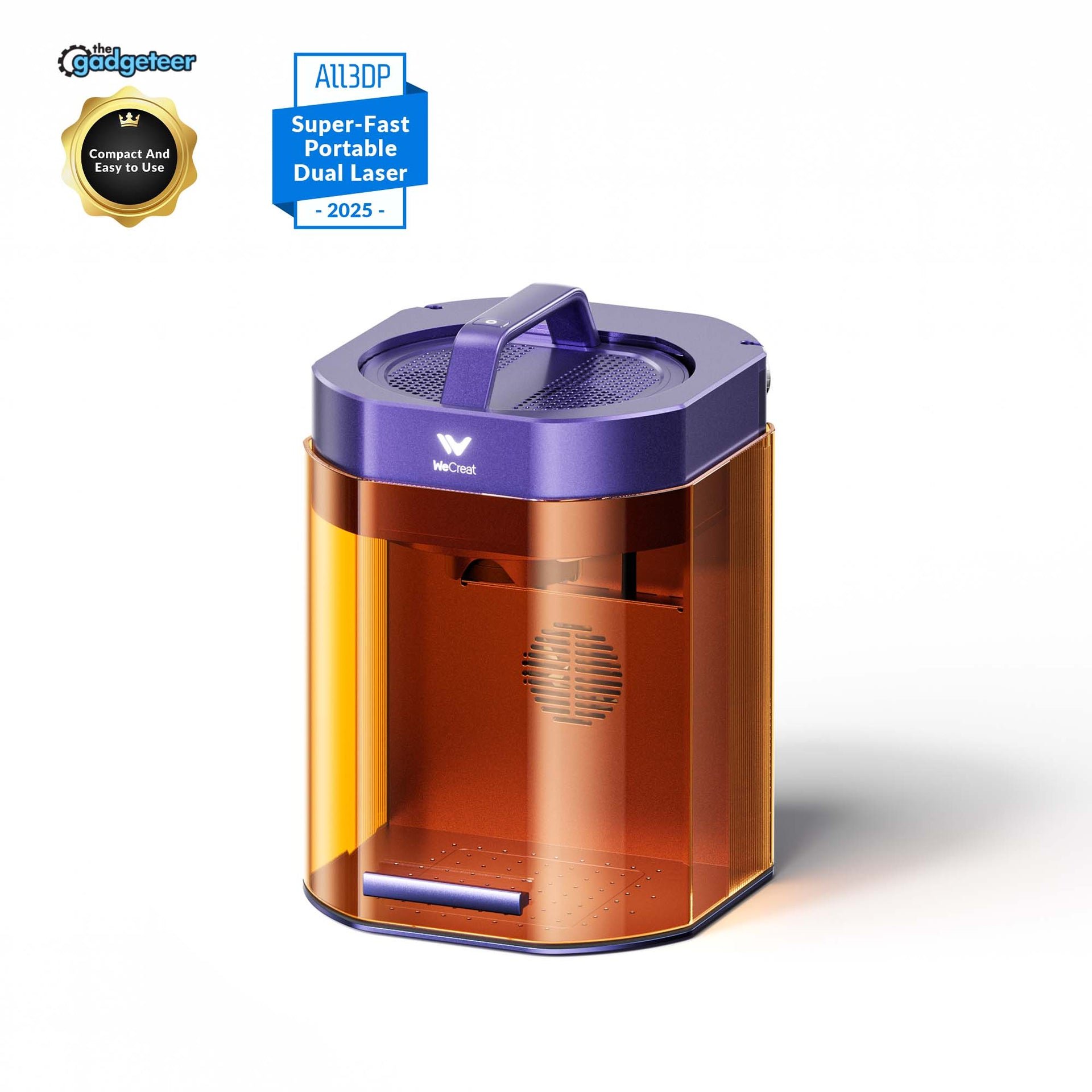 Get more info* ($1,080.00)by
The WeCreat Lumos is a highly versatile and portable dual-laser system, ideal for small businesses and creators who need to work with a wide range of materials, including metal. Its speed and innovative features offer a significant competitive edge in its class.
PROS
- Dual 10W diode and 3W IR laser for material versatility
- Portable and compact with handheld mode
- Very fast engraving speed (4000 mm/s)
- Innovative color engraving on metal
- User-friendly with camera positioning and autofocus
CONS
- Small base work area (116x116mm)
- No safety interlock on enclosure lid
- Occasional Wi-Fi connectivity issues
- Cannot cut clear or blue acrylic
Combining both:
Diode455nm · 10WDiode-IR1064nm · 3W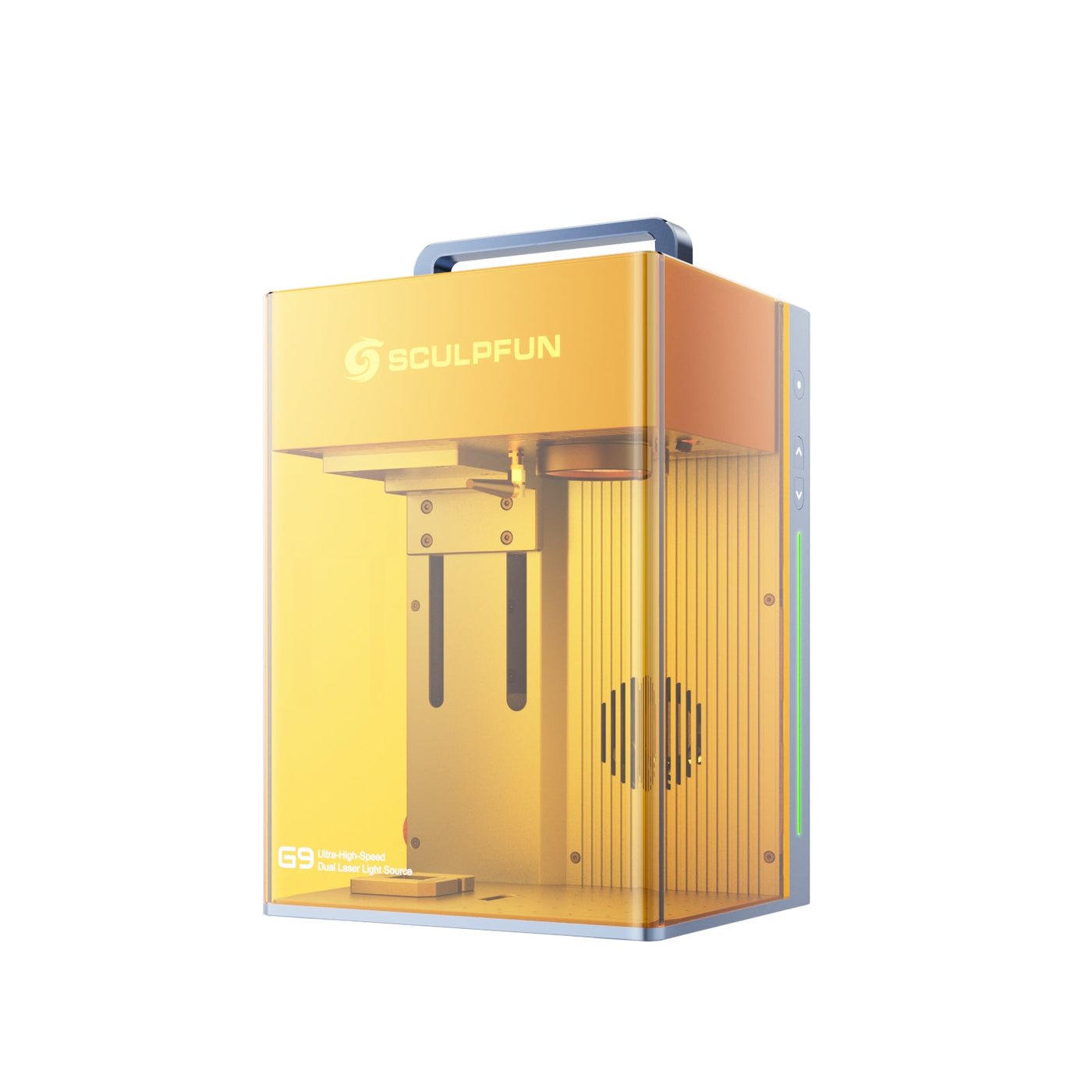 Get more info* ($977.17)by
For makers and small businesses prioritizing safety and speed for small items, the Sculpfun G9 is a top contender. Its Class 1 rating makes it exceptionally accessible. best-lasercutter.com recommends it for users who can work with the native software, but cautions LightBurn-dependent professionals due to current integration issues.
PROS
- Extremely fast 5000 mm/s engraving speed due to galvanometer system
- Dual-laser (10W Diode + 2W IR) for wide material compatibility
- Class 1 safety rating with fully enclosed design and interlocks
- High precision with 0.01mm spot size and 0.0001mm accuracy
- Portable, pre-assembled design for quick setup
CONS
- Buggy and unreliable LightBurn compatibility
- Small 105x105mm work area requires optional extender for larger projects
- Heavier than direct competitors like xTool F1 (6.4kg vs 4.6kg)
- Proprietary SGD Laser software is functional but less powerful than LightBurn
Combining both:
Diode455nm · 10WDiode-IR1064nm · 2W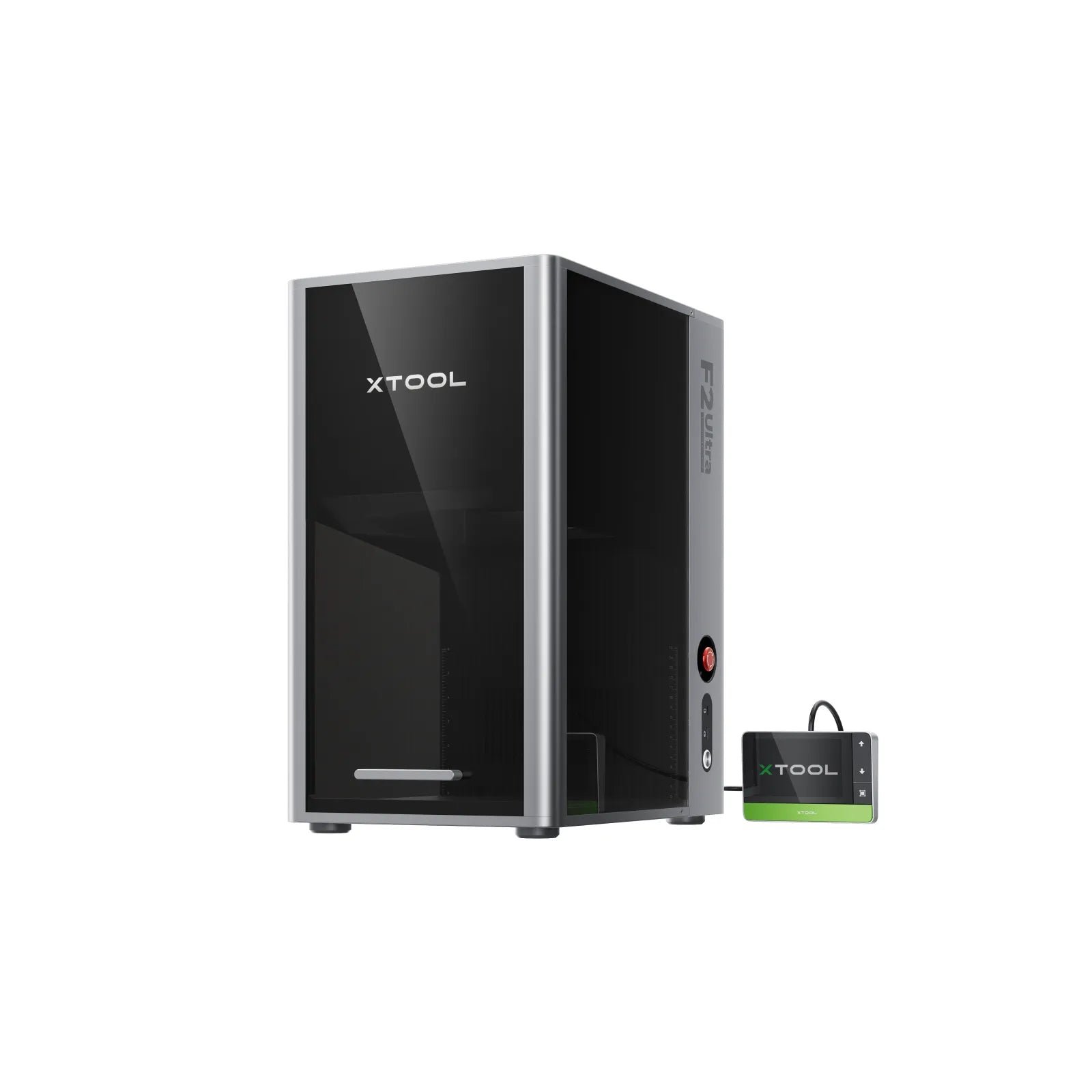 Get more info* ($7,781.53)by
The xTool F2 Ultra is a top-tier desktop production system for professionals and small businesses. Its dual-laser technology offers unmatched material versatility and speed, making it ideal for high-value customization, especially advanced metal work.
PROS
- Powerful 60W MOPA and 40W Diode dual-laser system
- Extremely fast (15,000 mm/s) galvo engraving
- Enclosed Class 1 safety with dual 48MP cameras
- Excellent software workflow for batch jobs (XCS)
- Capable of vibrant color marking and 3D embossing on metal
CONS
- High price point, especially with accessories
- Disputed/unreliable LightBurn compatibility
- Galvo system causes angled cuts on thicker materials
- Lack of integrated air assist limits cutting quality
Combining both:
Fiber1064nm · 60WDiode455nm · 40W
How we score the best dual lasercutter machines
We weigh optical power, module balance, and accessory support so you see which dual laser engraver delivers the strongest mix of cutting and marking in one chassis.
User friendliness matters too: swappable heads, autofocus routines, and guided alignment keep multi-laser setups productive even for small studios.
Only brands with transparent safety features, firmware support, and global spare parts availability reach the top of this best dual laser cutter ranking.
Why pick a dual laser cutter?
One machine, multiple materials
Pairing a blue diode with an IR or CO₂ beam lets you switch from hardwood cutting to metal marking without moving your project.
Fewer changeovers
Shared gantries and calibration routines mean you spend less time re-fixturing jobs between engravings and cuts.
Higher return on investment
A best dual lasercutter can replace two separate devices, saving floor space and simplifying maintenance schedules.
Creative flexibility
Hybrid laser workflows let you engrave details with a fine diode spot and finish edges cleanly with a powerful CO₂ beam.
Workflow tips for dual-laser success
- Create material presets for each module so LightBurn or your preferred CAM software auto-loads speeds, passes, and air-assist settings.
- Schedule periodic alignment checks—dual heads drift faster if the machine travels between shows or client sites.
- Track consumables separately: diode lenses, CO₂ mirrors, and protective windows wear at different rates.