
 Latest reviews
 Latest blog posts




Sculpfun E1 Review: Why I Would Not Automatically Buy Dual
An enclosure, camera and LightBurn support make the E1 interesting. Here is why I would start with 12W, and what would persuade me to pay for IR.
1. My short answer: the cheaper E1 is the more interesting starting point
The number that catches my attention here is not the maximum engraving speed. It is the cost of a reasonably complete setup: enclosure, camera, air pump, honeycomb and documented LightBurn compatibility. For flat wood projects, that is a combination I would take seriously.
I would start with the E1 12W, rather than automatically upgrading to Dual. The additional 3W infrared head tackles a different job: marking suitable metals. It does not turn the wood-cutting diode into a more powerful cutter. Unless I had actual metal products in mind, I would keep the difference in my budget.
One important distinction: I compared manufacturer documentation, the official manual, regional listings and available owner feedback for this review. This is my personal, research-based buying assessment, not a hands-on test. I have not measured cutting times, noise or long-term reliability myself.
Big Strengths
- Enclosure, camera, air pump and honeycomb included
- LightBurn alongside free Sculpfun desktop software
- Useful 400 × 320 mm flat working area
- Optional IR head for a specific metal-marking requirement
Trade-Offs
- Manual focus rather than autofocus
- Manual quotes camera accuracy of 0.5–1.0 mm, not laser-spot precision
- Only 30 mm clearance with the honeycomb installed
- Dual costs substantially more and needs physical head changes
Best For
- Hobbyists making wood engravings and thin cut-out projects
- Makers who want an enclosure without giving up LightBurn
- Small runs of flat objects rather than thick boards or tall workpieces
2. E1 12W or Dual: what would justify the extra money?
Both versions use the same 12W blue diode platform. Dual includes a separate 3W IR head. This is not a combined 15W cutting beam: the heads are physically exchanged. The current product page lists 455 nm blue and 1064 nm infrared.
| Version | Included laser heads | DE/EU shop snapshot, September 19, 2026 | My reason to choose it |
|---|---|---|---|
| E1 12W | 12W diode | €469 | Wood and general crafting |
| E1 Dual | 12W diode plus 3W IR | €849 | Suitable metal-marking projects I already plan to make |
The official US storefront showed $499 and $949 respectively. Those are regional snapshots, not currency-converted equivalents: plugs, taxes, delivery and purchase terms differ. Use the live buying box for current offers and check the exact variant. Sources: German shop, EU shop, US shop.
At a €380 difference, I would want a concrete reason for IR. My buying test would be simple: can I name three metal items I actually intend to mark? If not, I would not upgrade for vague future possibilities. If wood cutting were my bottleneck, I would compare a stronger blue-diode machine instead. The 21W E1 Pro is a different configuration; results from a Pro test do not establish the cutting performance of this 12W model.
3. The specifications I would read carefully
- Laser modules
- Diode(Desktop)455 nm · 12 WDiode-IR1064 nm · 3 W
- Work area
- 400 × 320 × 42 mm
- Max. speed
- 600 mm/s
- Connections
- USBWIFI
- Air assist
- Yes
- Camera
- Yes
- Enclosure
- Yes
- Autofocus
- No
- Operating systems
- WindowsmacOSLinuxiOSAndroid
- File formats
.ai.svg.dxf.pdf.hpgl.plt.rd.png.jpeg.bmp.tiff.tga.gif.jpg- Warranty
- 12 months
- Laser class
- Class 1


Three numbers deserve a little skepticism. 400 × 320 mm is the processing area; 450 × 350 mm is material-placement space. 42 mm is clearance without the honeycomb, falling to 30 mm with it installed; neither number is a cutting-depth claim. And 600 mm/s is maximum motion speed, not a promise that a clean cut can run at that speed. See the product specifications and official operating guide.
The 590 × 500 × 205 mm chassis also needs room around it for the external pump, cables, exhaust routing and open lid. I would measure the whole installation, not just the tabletop rectangle.
There is a small documentation discrepancy worth keeping visible: the shop says 455 nm; the multilingual V1.0 manual, page 15 says 450 ±5 nm. Both describe the blue source. I would not manufacture a performance difference from that wording.

4. A camera is useful; it is not autofocus
I like the idea of positioning designs on offcuts or arranging several tags through a camera. What matters is the tolerance that comes with it. The manual specifies 5MP and 0.5–1.0 mm positioning accuracy depending on calibration. That is not the nominal 0.04 × 0.06 mm laser spot. For a design in the middle of a wooden sign, that sounds useful. For an expensive tiny blank with a tight border, I would verify alignment with a suitable fixture. Manual, page 15.
Focus remains manual: lower the gauge, adjust head height, secure it and fold the gauge away. The desktop camera needs its own USB cable, and calibration is application-specific. Switching to IR changes the beam position, so the camera offset must be checked. Those details matter more to my buying decision than a broad “ready out of the box” promise. Sculpfun explains them in its operating guide and head-offset FAQ.
5. Software: a real choice, with some boundaries
| Application | Platform | How I would approach it |
|---|---|---|
| Sculpfun Space | Windows 10+, macOS 13+ | Free desktop starting point with camera and design tools |
| LightBurn | Windows/macOS for the current desktop workflow | Existing projects and camera workflows; separate paid license |
| LaserGRBL | Windows | Simpler free control; do not assume the same camera features |
| SculpFun App | Android and iPhone; checked iOS minimum 15.6 | Simple mobile jobs over the machine hotspot |
Space supports SVG, DXF, PLT, JPG and PNG among its documented imports. Its current download page explicitly includes macOS. The phone app is SculpFun, not Space and not SGD Laser. Sources: Space requirements, Google Play, Apple App Store.
I would set the machine up on a computer first. The documented camera path is USB; the mobile Wi-Fi hotspot does not provide internet, and wireless camera parity is not established. I would also not buy specifically for Linux based on an old LightBurn build. Generic historical software support is not an E1-specific current compatibility guarantee. See the E1 guide and LightBurn download page.
6. What I would make, and where I would choose another laser
Wooden signs, engraved tags, suitable leather, paper crafts and thin wooden decorations are the kinds of projects I would investigate first. I would run material tests before making a batch: plywood glue, density, moisture and the edge finish I want can all change the required settings. I would not base a business schedule on a generic single-pass thickness claim.
Dark opaque acrylic and clear acrylic are different propositions. If clear signs were my main product, I would look at CO₂ instead. Adding IR does not solve that cutting limitation. The manufacturer separates the intended materials for the two heads on the E1 page.
For metal, I would separate marking from deep engraving and cutting. A 3W IR head can extend the suitable marking applications; it is not a structural sheet-metal cutter or a substitute for a powerful fiber machine. The manual identifies it as a solid-state source and warns against highly reflective mirror-like material. I would confirm the specific blank and desired finish before ordering Dual.
7. What I would budget beyond the machine
The standard kit already includes the external air pump, honeycomb, camera and exhaust hose. Only Dual includes IR. Rotary equipment and the SP1 purifier are optional; they are not automatic parts of every package. Official manual, packing list on pages 6–7.
Before buying accessories, I would decide where the exhaust goes and whether the supplied hose reaches it. For rotary work I would check actual E1 compatibility, object diameter and any riser requirement. The brand name alone would not be enough for me to assume a plug-and-play fit.
- Sculpfun SP1 and filter accessoriesOptional filtration — check connections and replacement-filter costs
- Sculpfun rotary accessoriesConfirm E1 compatibility and object clearance before ordering
Manufacturer-rated Class 1 does not mean unattended or fume-free operation. I would keep every protection intact, supervise jobs, use suitable extraction and only process identified laser-safe materials. Lens, camera, fan and bed cleaning belong in the routine too. These are operating requirements, not optional refinements. Official safety instructions.
8. What the available user feedback actually tells me
The checked German 12W Amazon listing showed a detailed five-star review by I.B., August 26, 2026, marked Vine: free product supplied. In summary, the reviewer liked the camera and LightBurn on Mac, spent roughly an hour setting up, and wanted a longer exhaust hose. That is useful individual feedback, not a long-term consensus. Original review.
I would not repeat two of its technical claims: 450 × 350 mm is not the processing area, and Space now has an official Mac download. This is exactly why I cross-check owner impressions against current documentation. The selected Dual listing had no customer reviews when checked. I do not have a basis for an invented reliability or customer-service score.
The video below is an official E1-series presentation, not an independent test or footage I recorded:
9. Alternatives I would put on the same shortlist
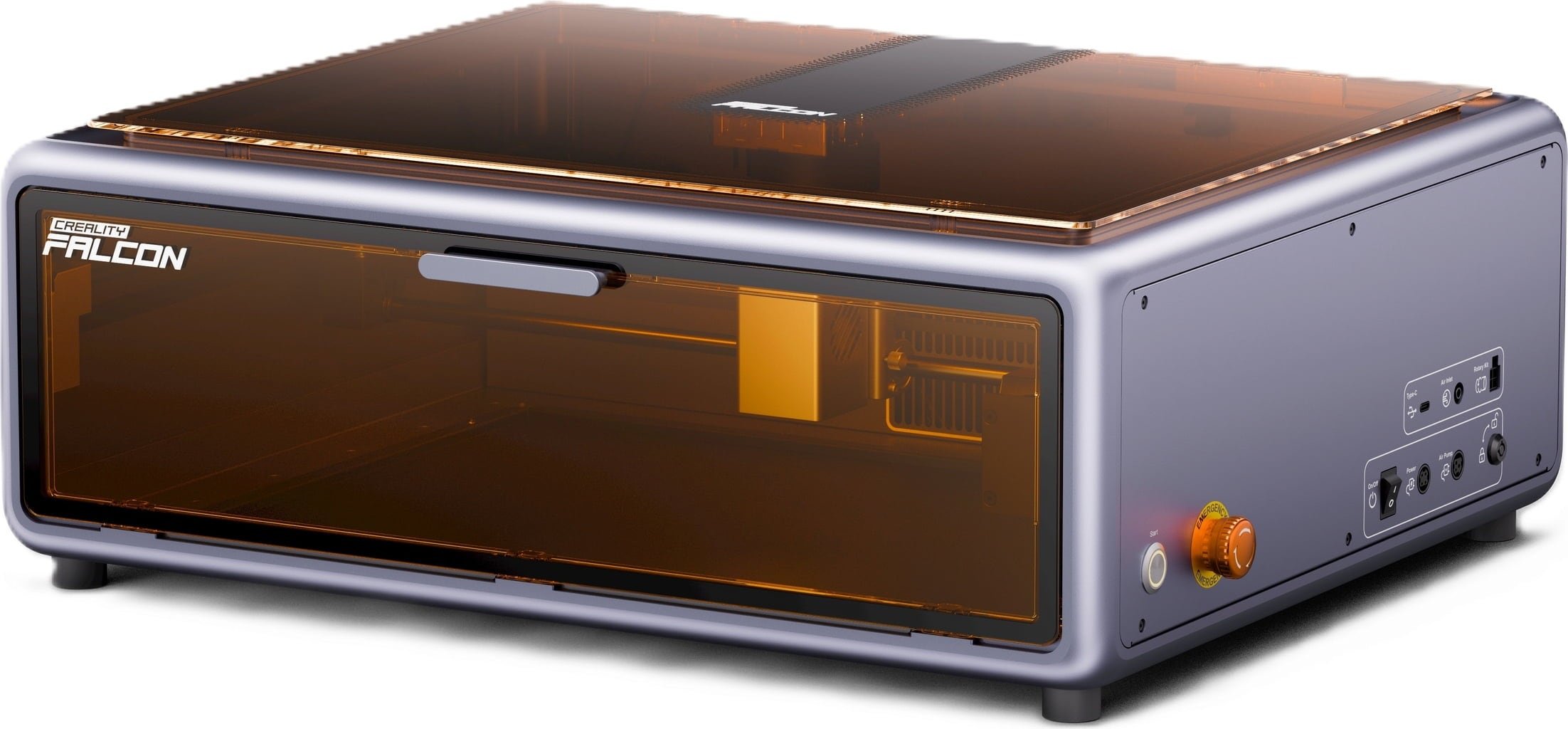
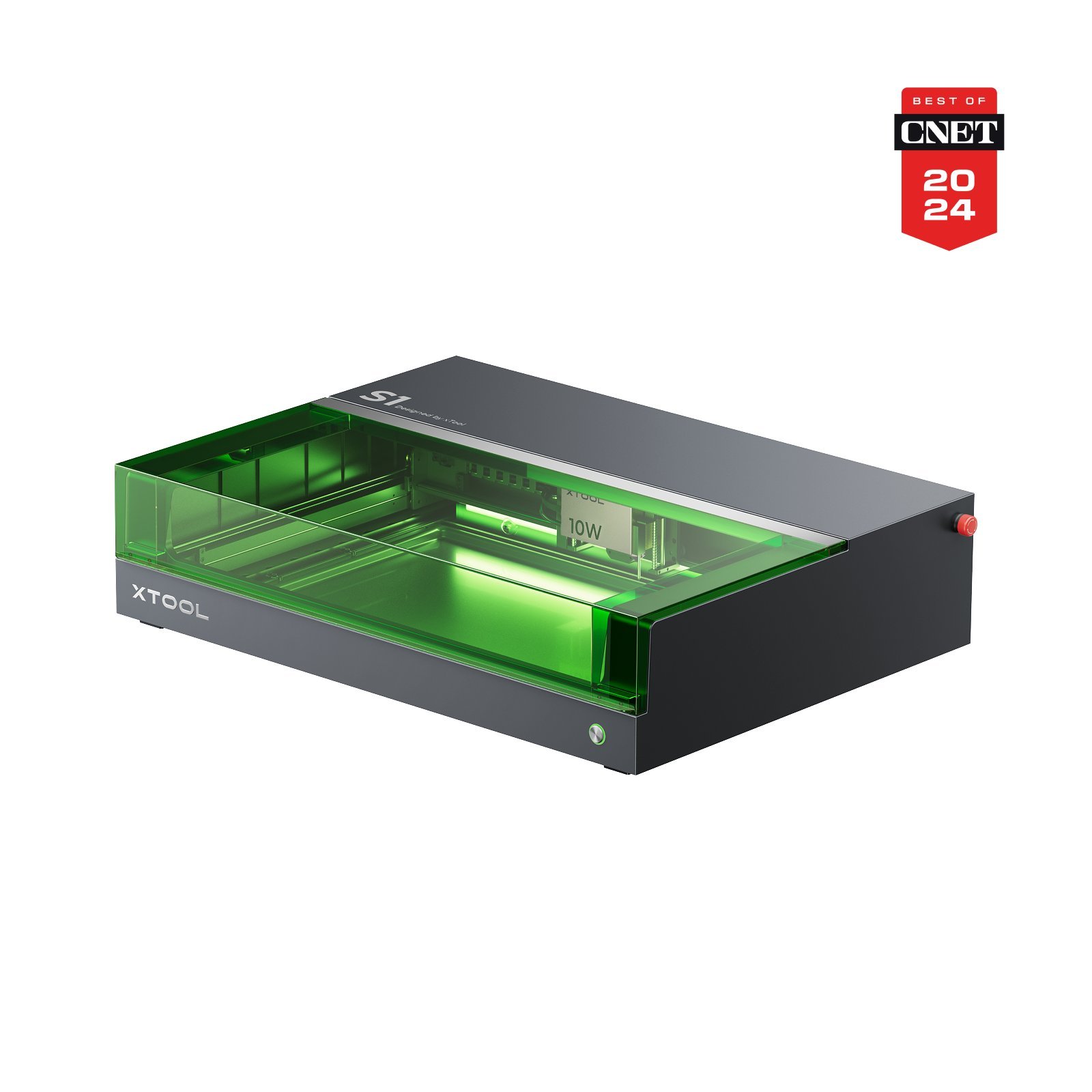
I would also compare the Creality Falcon A1 10W, xTool M2 and xTool S1. I would compare the total setup cost, software, focusing workflow and relevant cutting power rather than assume that every enclosure offers the same experience.



10. My editorial score: 8.0 out of 10 for E1 12W
I weight three categories equally: value 9/10, because the checked €469 package includes the enclosure, camera, pump and honeycomb; technical features 8/10, allowing for limited 12W cutting headroom and camera tolerance; ease of use 7/10, because focus, calibration and head changes require manual work. The average is 8.0. These are my editorial judgments of documented equipment and prices, not laboratory measurements or customer stars. Dual gets 7/10 for value because of its premium, with the other categories unchanged, giving 7.3/10. Customer service remains unrated without sufficient firsthand evidence.
11. My verdict: buy for the work, not for every possible upgrade
Pros & Cons
- Pros
- Enclosure, camera, air pump and honeycomb are included in the basic package
- LightBurn support avoids dependence on only one design application
- Large flat work area relative to the 590 × 500 mm chassis footprint
- Free Sculpfun Space desktop software for Windows and macOS
- Dual option extends suitable metal and plastic marking without another machine
- Cons
- Manual focus; source changes require handling the head and checking camera offsets
- Only 30 mm material clearance with honeycomb fitted; 42 mm without it is not cutting depth
- 12W cutting power remains 12W in Dual; no clear-acrylic or sheet-metal cutting claim
- Camera accuracy is 0.5–1.0 mm according to manual, not the tiny advertised laser-spot size
- Extraction, supervised use and periodic lens/camera/bed cleaning remain necessary
- Limited model-specific long-term evidence; the observed 12W Amazon review received a free Vine unit
The E1 12W package is the one I find most compelling for flat wood and craft projects. It puts the main hardware pieces together without forcing me to abandon LightBurn. The trade is manual focusing, real calibration work and camera tolerances I would need to respect.
I would choose Dual when metal marking is already part of the plan. For more wood-cutting throughput, I would spend on more blue-diode power or another laser class instead. Without a suitable extraction setup, I would postpone either purchase.
My editorial score does not replace a hands-on test: start by considering 12W, choose Dual deliberately, and make each accessory earn its place.
12. Questions I would ask before ordering
Does 12W plus 3W IR mean 15W cutting power?
Is focus automatic?
What does the 42 mm figure mean?
Is the camera precise immediately after unboxing?
Is this your own hands-on test?
13. Sources and research date
Checked September 19, 2026: official E1 specifications, multilingual V1.0 manual, operating guide, maintenance and offsets, Space downloads, and matching Amazon Germany listings for 12W and Dual. Images are manufacturer assets, not my test photographs. Prices, bundles and software can change.
Written by Max from Best-Lasercutter.com
Max studies Information Systems Engineering and contributes to Best-Lasercutter.com with his background in automation and digital technologies. He focuses on improving the website’s tools and data systems to make laser comparisons more accurate and user-friendly.