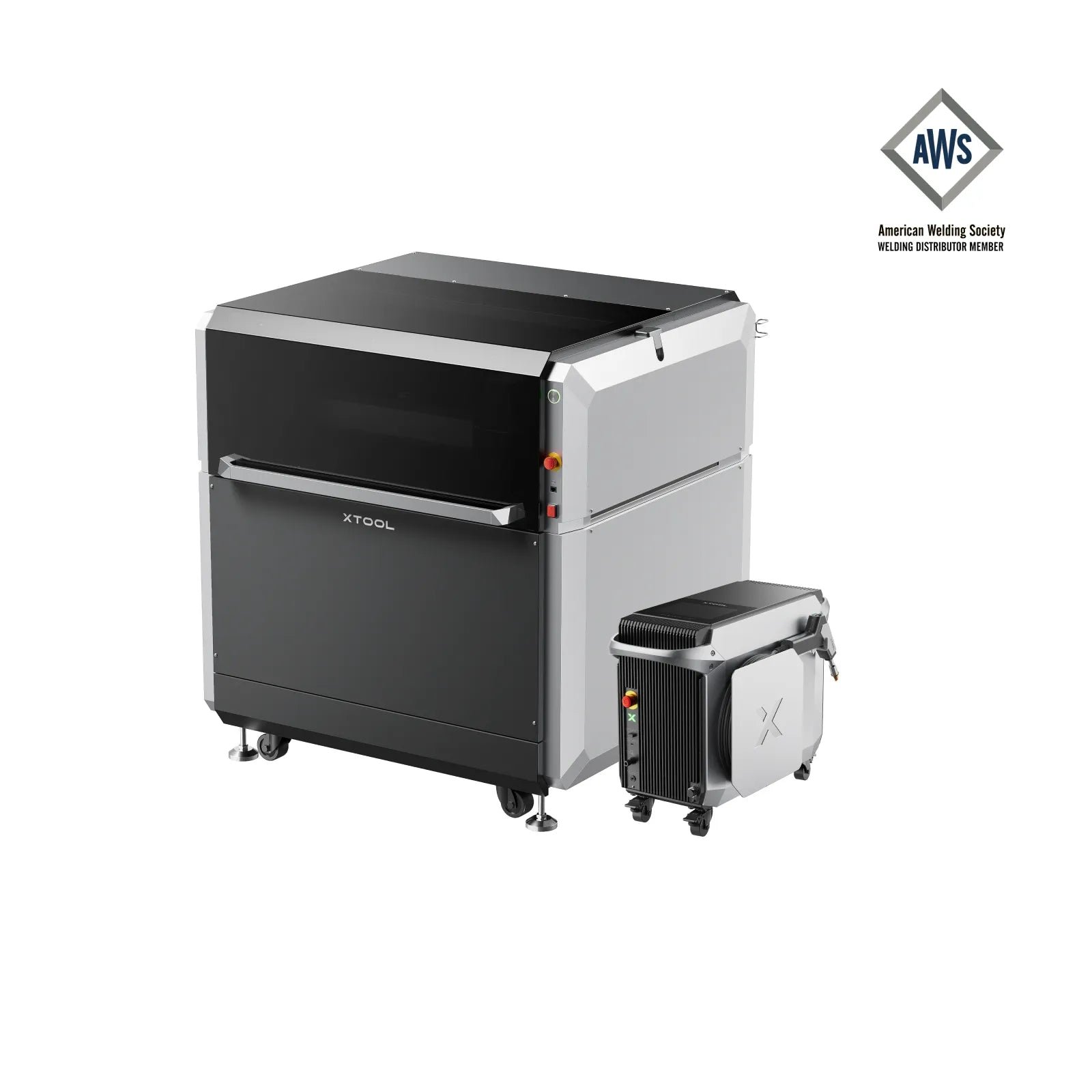
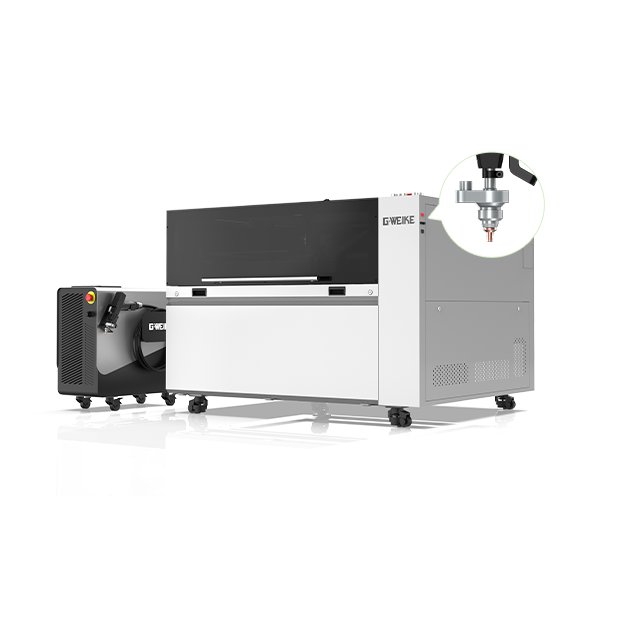
xTool MetalFab 1200W

$15,499.00
Gesamt
7.8
/ 10

Explore specs, pricing, and an in-depth review of the xTool MetalFab 1200W, an all-in-one industrial fiber laser welder and CNC metal cutter for professionals seeking precision.

Get more info*byxTool Shop
Varianten
Price/performance
7.0
Technical parameters
9.0
User-friendliness
8.0
Customer service
7.0

Table of contents

Technical data

Work area
610 × 610 × 90 mm
Speed
400 mm/s
Connection type
USBUSBWIFIWIFIEthernetETHERNET
Air Assist
Supported
Camera
Supported
Enclosure
Supported
Autofocus
Supported
Software
LightBurnLightBurn
Operating systems
WindowsWindowsmacOSmacOSLinuxLinux
File formats
.ai.svg.dxf.pdf.hpgl.plt.rd.png.jpeg.bmp.tiff.tga.gif
Weight
38.2 kg
Warranty
12 months
Release
2025-07-01
Laser class
Class 4

Price & offer

Variants
Last updated: 11/22/2025
xTool Shop
xTool Shop (United States)
4.4 / 5(884 reviews)
$15,499.00
$15,499.00 (incl. shipping)
Go to offer
xTool Shop
xTool Shop (Germany & Austria)
4.2 / 5(168 reviews)
$18,974.04
$18,974.04 (incl. shipping)
Go to offer
xTool Shop
xTool Shop (Europe)
3.6 / 5(89 reviews)
$19,332.39
$19,332.39 (incl. shipping)
Go to offer
LASERCUT80

Pros & Cons

  • PROS
  • All-in-one system (weld, cut, clean, engrave)
  • Industrial-grade performance on various metals
  • Beginner-friendly software with material library
  • High efficiency features (Dual Camera, Smart Nesting, SaveGas)
  • Portable welder unit for on-site jobs
  • CONS
  • High entry price for hobbyists
  • Requires 220V-240V industrial power circuit
  • Ongoing costs for shielding gas and consumables (lenses)
  • Steeper learning curve for optimal results beyond presets
  • Heavy and requires significant workshop space (CNC unit)

Rating

7.8/ 10
Ø from 4 categories
Price/performance
7.0
Technical parameters
9.0
User-friendliness
8.0
Customer service
7.0

Features

  • 6-in-1 Functionality (Weld, Cut, Clean, Engrave)
  • Portable Handheld Laser Head
  • Dual-Camera System with AI Smart Nesting
  • VibeFreeCut™ & FlexiTrack™ Precision Technology
  • Cuts up to 10mm Carbon Steel
  • 24x24 inch Work Area with Pass-Through
  • SaveGas™ Technology for Lower Operating Costs

Customer ratings

Incredible Power for the Price!

I run a small Etsy shop making custom signs and the 33W B1 has been a total workhorse. It cuts through 15mm birch plywood in a single clean pass, which my old 10W laser simply couldn't handle. The integrated air assist is a huge plus and works perfectly – no more sooty edges on my cuts. Assembly took a couple of hours following a video guide, but it was straightforward. For the price, you absolutely cannot beat this level of power.

Alex R.5/52025-03-15
Great hardware, but budget for LightBurn.

The machine itself is built like a tank and the frame is very rigid. The high speed is real, and the 33W cutting power is impressive for a diode. I knocked off one star because the included mobile app is very basic. To really unlock this machine's potential, you MUST use LightBurn. Once I got it set up with LightBurn, it was a completely different and better experience. Also, being an open-frame design, make sure you have a solid ventilation plan.

MakerJane4/52025-08-20
Powerful, but not beginner-friendly.

The power is definitely there, no question. But the assembly was challenging for me as a newcomer, and the manual focus is tricky to get perfect every time. I had some initial issues getting it connected to my WiFi network. It feels like a machine designed for experts who are comfortable troubleshooting and have used similar machines before. If you're a total beginner, you might want a model with autofocus and a more guided setup.

David P.3/52025-05-10
Review 4

I chose the B1 specifically for its large 450x440mm work area. It's been perfect for creating large wooden maps and batch-cutting dozens of smaller items without having to reset the material. The frame is very stable, even at top engraving speeds, so I'm not getting any wobble or skipped lines in my work. The included air assist saves so much time on cleanup. Highly recommend for anyone doing large-format projects on a budget.

Sarah K.5/52025-01-05forum.lightburnsoftware.com

Tests, videos & datasheet

Videos
External reviews
the-gadgeteer.com favicon
the-gadgeteer.com
introducing-the-xtool-metalfab-laser-welder-and-cnc-cutter-a-game-changer-in-metal-fabrication
Open
howtogeek.com favicon
howtogeek.com
this-is-the-best-laser-cutter-welder-for-a-hobby-shop-that-ive-ever-seen
Open
highways.today favicon
highways.today
xtool-metalfab
Open
Datasheet

Conclusion

Illustration of a friendly robot analyzing laser cutters

The xTool MetalFab is a powerful, versatile system that brings industrial metal fabrication capabilities to small businesses and prosumers. While the investment is significant, best-lasercutter.com recommends it for users who need a reliable, all-in-one solution to replace multiple traditional tools and bring production in-house.

Get more info*byxTool Shop

FAQ

What specific power and electrical setup is required to run the MetalFab?
💡
The MetalFab is an industrial machine and requires a 380V three-phase electrical supply. It is not compatible with standard residential single-phase power (like 110V or 220V). A dedicated circuit installed by a qualified electrician is necessary.
Can the MetalFab cut or engrave non-metal materials like wood or acrylic?
💡
No. The MetalFab uses a 1080nm fiber laser, which is specifically designed for interacting with metals. It will not cut, mark, or engrave wood, acrylic, plastics, or other organic materials.
Are external compressed gases required for cutting?
💡
Yes. For optimal cutting results, you need to use assist gases. Typically, you will use high-pressure Oxygen (O2) for cutting carbon steel and high-pressure Nitrogen (N2) for cutting stainless steel, aluminum, and brass to achieve a clean, oxide-free edge.
How does the wire-feed welding system work?
💡
The MetalFab includes an automatic wire feeder. This allows you to perform additive welding by feeding a consumable metal wire into the molten pool created by the laser, which is essential for filling gaps and creating strong, thick seams.
What is 'wobble welding' and what are its benefits?
💡
Wobble welding is a feature where the laser beam moves in a small, rapid circular or linear pattern as it travels along the weld path. This creates a wider, more consistent seam, improves weld strength, and is more forgiving of slight gaps between the pieces being joined.
What kind of maintenance do the laser head and optics require?
💡
Regular maintenance includes checking and cleaning the protective lens on the laser head, as it can be contaminated by smoke and spatter. The cutting/welding nozzles are consumables and will need to be replaced periodically depending on usage. The built-in chiller also requires its distilled water to be checked and changed as recommended.
What are the mandatory safety requirements for operating this machine?
💡
As a Class 4 laser, strict safety protocols are essential. This includes using certified laser safety glasses rated for the 1080nm fiber laser wavelength at all times, ensuring the workspace has a dedicated and powerful fume extraction system, and never operating the machine with the enclosure doors open. Proper user training is highly recommended.
What software is used to operate the MetalFab, and can I import my own designs?
💡
The machine operates using its own integrated software controlled via the 7-inch touchscreen. You can import standard vector files (like .DXF) from any CAD or design software (such as AutoCAD, Fusion 360, or SolidWorks) via USB to perform cutting operations.