

 Latest reviews
 Latest blog posts





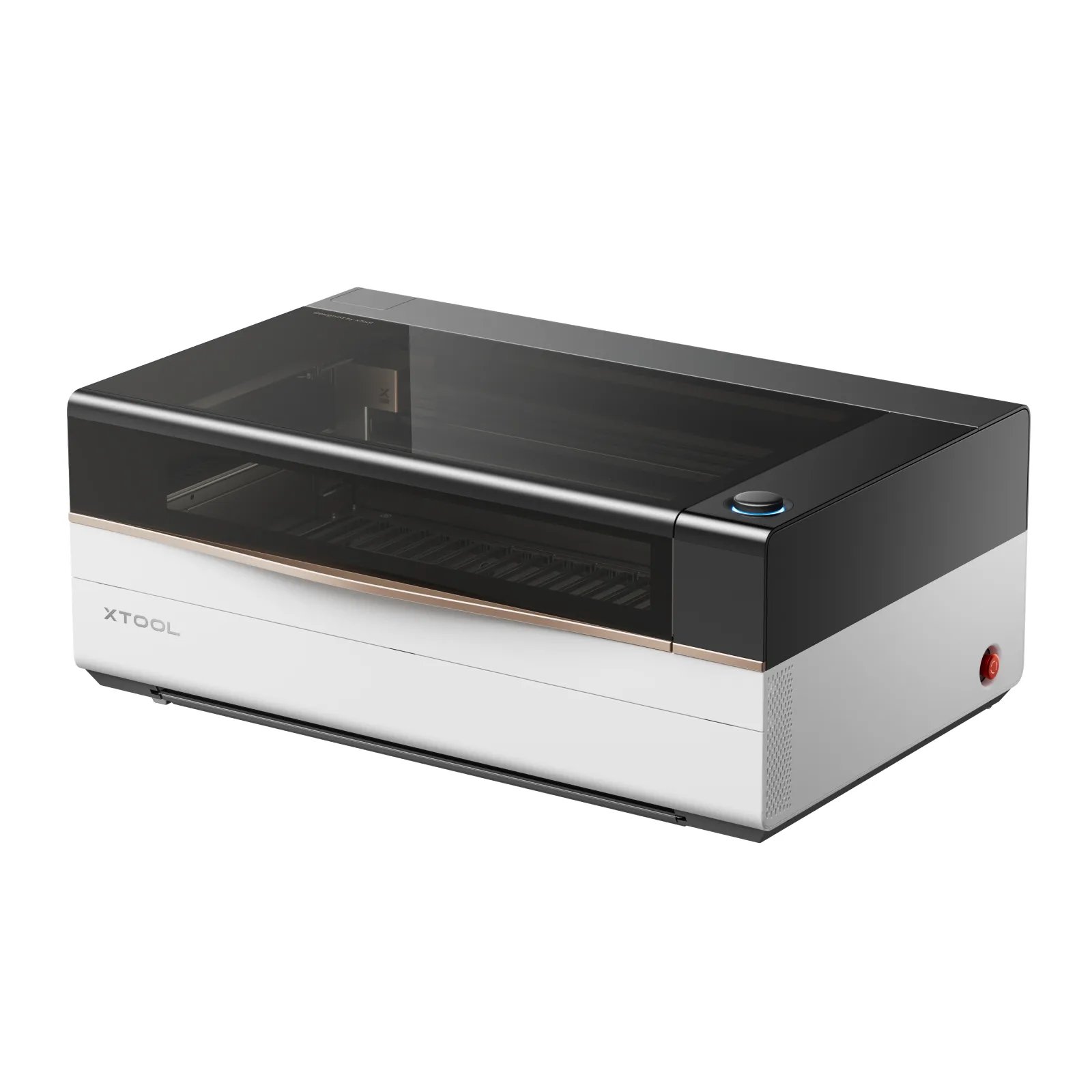
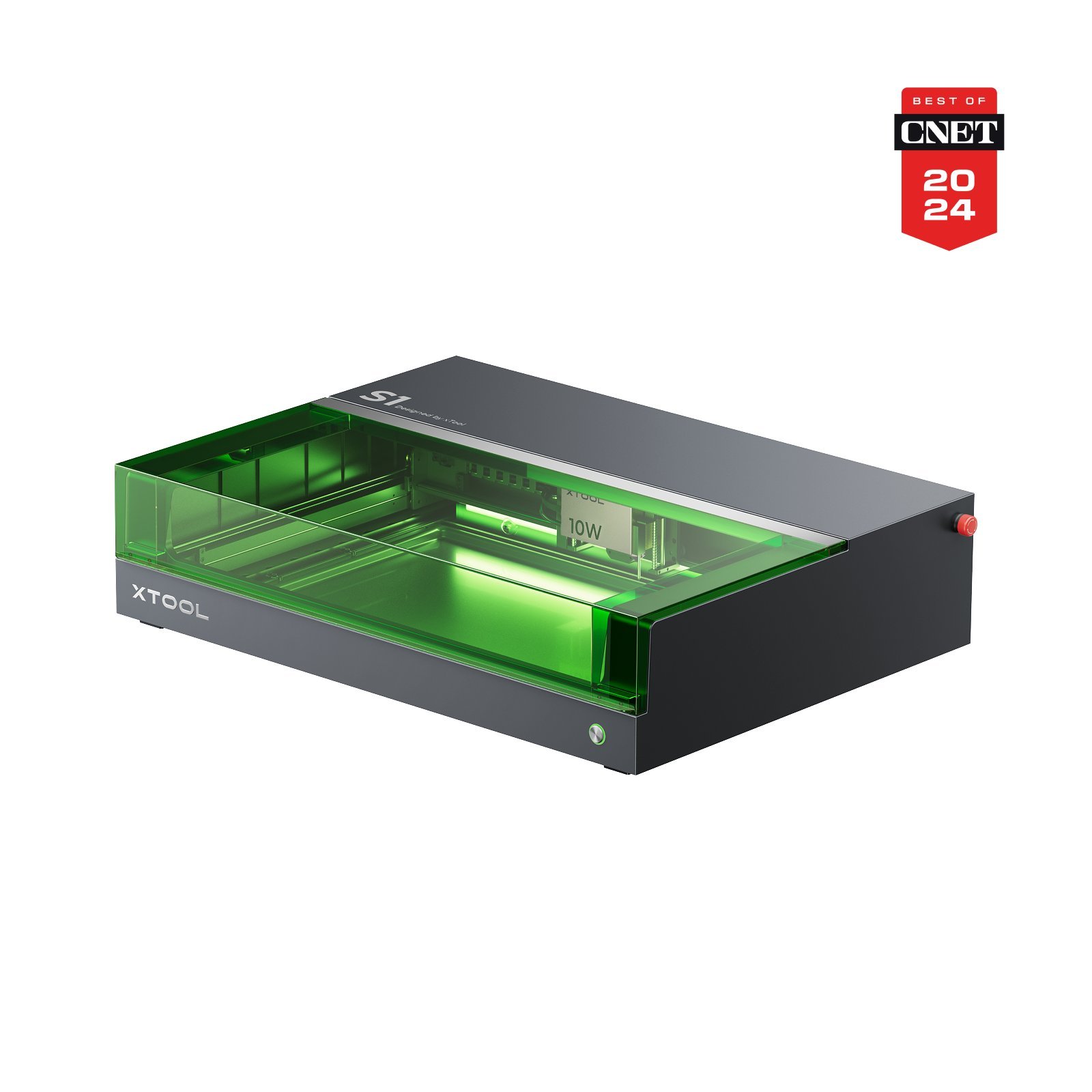
xTool P3vsxTool S1 10W
Laser modules | CO2(Professional) 10640 nm · 80 W | Diode(Desktop) 455 nm · 10 W | |
|---|---|---|---|
Work area | 🥇xTool P3 915 × 458 mm | 🥈xTool S1 10W 498 × 330 mm | — |
Z height | 220 mm | – | |
Speed | 1200 mm/s | 400 mm/s | |
Best price | $6,999.00 xTool Shop (United States) View offer View offer | $999.00 xTool Shop (United States)View offer | |
Connection type | WIFIUSBETHERNET | USBWIFI | |
Air Assist | |||
Camera | |||
Enclosure | |||
Autofocus | |||
Software | |||
Operating systems | WindowsmacOSLinuxiOSiPadOSAndroid | WindowsmacOSiOSiPadOSAndroidLinux | |
File formats | .ai.svg.dxf.pdf.hpgl.plt.rd.png.jpeg.bmp.tiff.tga.gif.jpg | .svg.dxf.png.jpg.ai.pdf.hpgl.plt.rd.jpeg.bmp.tiff.tga.gif | |
Laser class | Class 1 | Class 1 | |
Weight | 105 kg | 20 kg | |
Warranty | 12 months | 24 months | |
Release | September 10, 2025 | – | |
Price/performance | 8/10 | 8/10 | |
Technical parameters | 10/10 | 7/10 | |
User-friendliness | 9/10 | 10/10 | |
Customer service | 7/10 | 10/10 | |
PROS |
|
| |
CONS |
|
|



AI Summary
BetaGenerating an in-depth overview…
GPT-5 mini is crunching the numbers for these lasers.
Related Content
Laser comparison FAQ
Quick answers to help you get the most out of the comparison tool.
How do I choose which lasers to compare?
💡
Start typing a model name in the search fields at the top of the page. You can mix brands, filter by usage type and switch lasers at any time without reloading the page.
Are the prices and specifications kept up to date?
💡
Yes. We refresh technical data from manufacturer documentation and track shop offers several times per day so you always see the latest pricing and availability.
Can I compare more than two machines at once?
💡
Absolutely. Use the “+ Add laser” button to add more columns, line up as many as five models side-by-side, and export the comparison or share the link with your team.