

 Latest reviews
 Latest blog posts





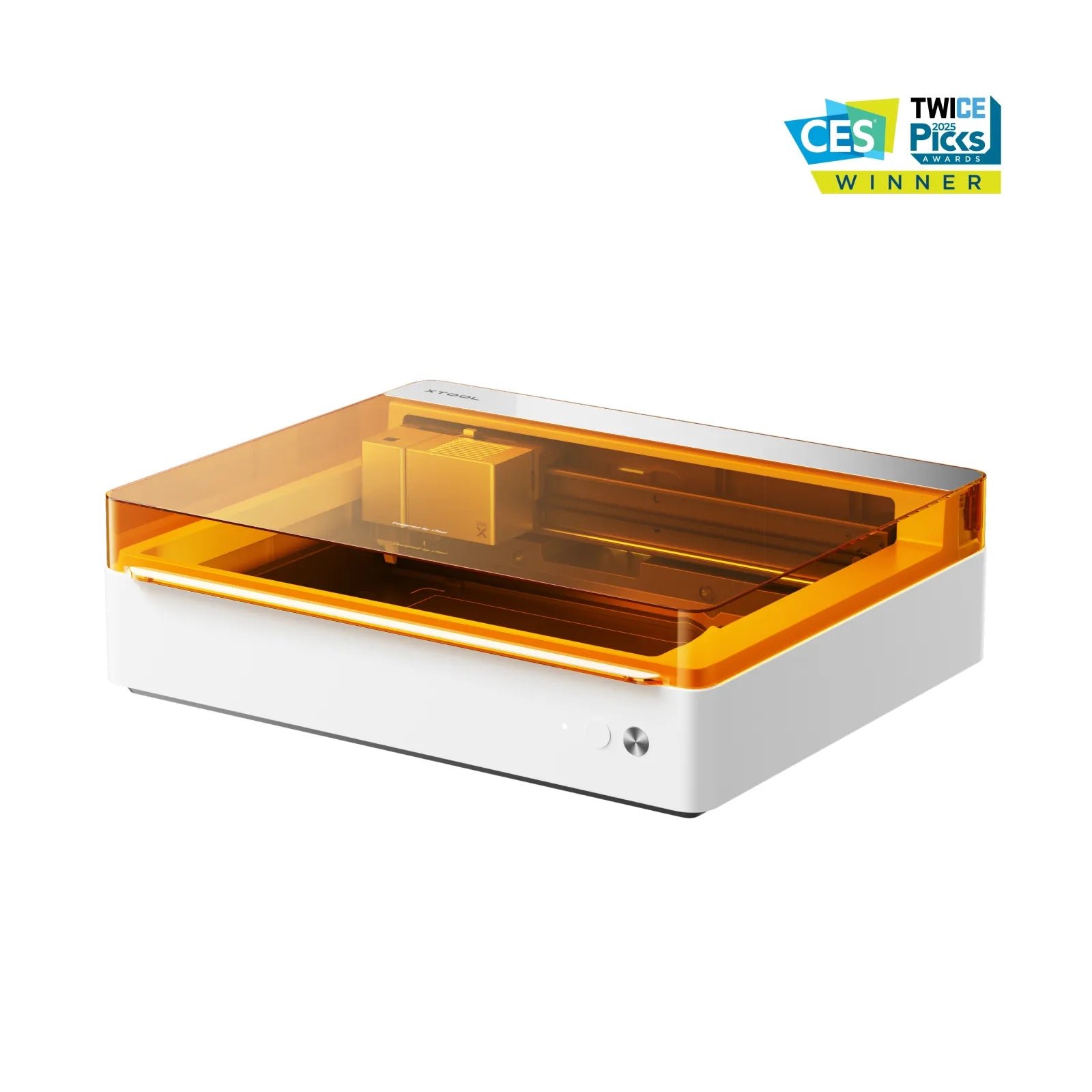
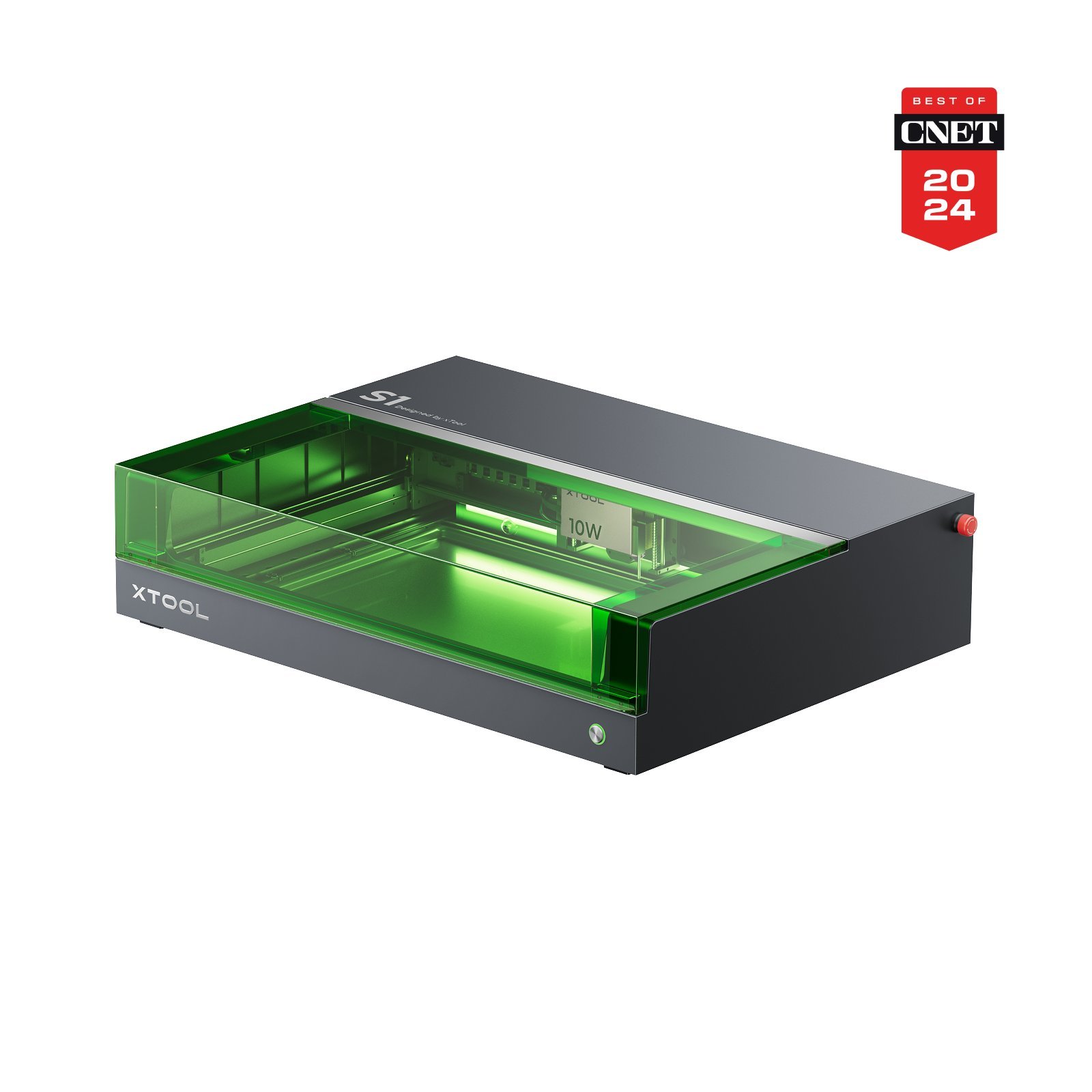
xTool M2vsxTool M1 Ultra 10WvsxTool S1 10W
Laser modules | – | Diode(Desktop) 455 nm · 10 W | Diode(Desktop) 455 nm · 10 W | |
|---|---|---|---|---|
Work area | 🥈xTool M2 426 × 320 mm | 🥉xTool M1 Ultra 10W 300 × 300 mm | 🥇xTool S1 10W 498 × 330 mm | — |
Z height | 26 mm | 125 mm | – | |
Speed | 600 mm/s | 400 mm/s | 400 mm/s | |
Best price | – | $1,099.00 xTool Shop (United States) View offer View offer | $1,299.00 xTool Shop (United States)View offer | |
Connection type | WIFIUSB | WIFIUSB | USBWIFI | |
Air Assist | ||||
Camera | ||||
Enclosure | ||||
Autofocus | ||||
Software | ||||
Operating systems | WindowsmacOSiOSiPadOSAndroid | WindowsmacOSiOSiPadOSAndroidLinux | WindowsmacOSiOSiPadOSAndroidLinux | |
File formats | .svg.dxf.png.jpg | .svg.dxf.png.jpg.ai.pdf.hpgl.plt.rd.jpeg.bmp.tiff.tga.gif | .svg.dxf.png.jpg.ai.pdf.hpgl.plt.rd.jpeg.bmp.tiff.tga.gif | |
Laser class | Class 1 | Class 1 | Class 1 | |
Weight | 12.3 kg | 17 kg | 20 kg | |
Warranty | 12 months | 12 months | 24 months | |
Release | May 27, 2026 | June 15, 2024 | – | |
Price/performance | 9/10 | 8/10 | 8/10 | |
Technical parameters | 8/10 | 8/10 | 7/10 | |
User-friendliness | 9/10 | 7/10 | 10/10 | |
Customer service | 7/10 | 5/10 | 10/10 | |
PROS |
|
|
| |
CONS |
|
|
|





AI Summary
BetaGenerating an in-depth overview…
GPT-5 mini is crunching the numbers for these lasers.
Related Content
Laser comparison FAQ
Quick answers to help you get the most out of the comparison tool.
How do I choose which lasers to compare?
💡
Start typing a model name in the search fields at the top of the page. You can mix brands, filter by usage type and switch lasers at any time without reloading the page.
Are the prices and specifications kept up to date?
💡
Yes. We refresh technical data from manufacturer documentation and track shop offers several times per day so you always see the latest pricing and availability.
Can I compare more than two machines at once?
💡
Absolutely. Use the “+ Add laser” button to add more columns, line up as many as five models side-by-side, and export the comparison or share the link with your team.