

 Latest reviews
 Latest blog posts





Trotec Ruby is a modern laser software platform uniting design, job preparation, and production management for Trotec laser machines.
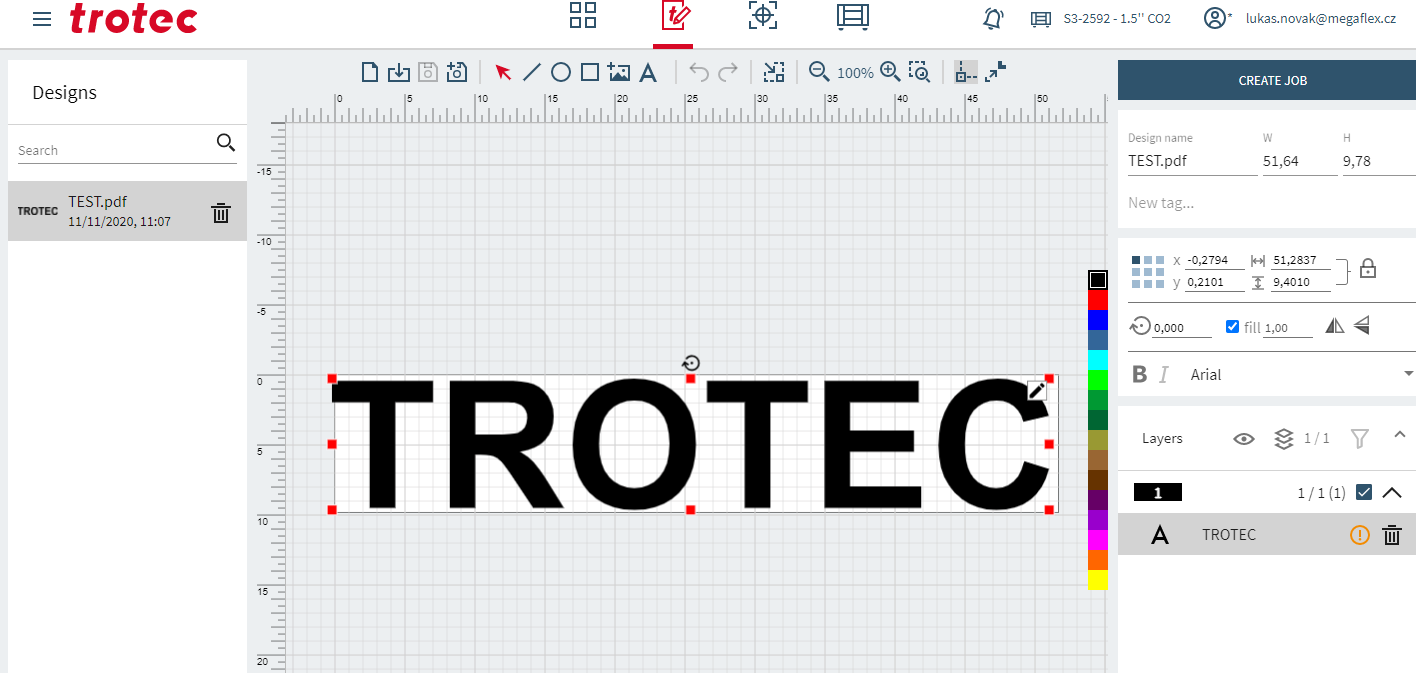
About Trotec Ruby
Trotec Ruby is the proprietary laser software developed by Trotec to streamline the entire workflow from idea to finished product. It combines design, job preparation, and laser control in a single platform, eliminating the need for printer drivers or switching between external design programs. Ruby is cross-platform and works on Windows, Mac, Linux, and tablets, with full network support so jobs can be prepared remotely and distributed to multiple machines. It allows multi-user collaboration with different roles and permissions, making it suitable for team environments. The software includes a cloud-based material database with preconfigured effects like dark engraving, deep engraving, and kiss cut, ensuring consistent processing results. Users can directly import formats such as PDF, SVG, PNG, JPG, CDR, and AI, with automatic optimization for laser jobs. Advanced features include bitmap tracing, vector nesting, rotary engraving support, Print & Cut with registration marks, virtual job positioning, and job sharing across devices. Ruby is compatible with all Trotec Speedy series lasers and the SP500 produced since 2004. Its main advantages are faster and simpler workflows, minimal training requirements, reliable automation, and future-proof cloud integration, making it a modern and efficient solution for professional laser users.
Video tutorial
Our recommended tutorial for Trotec Ruby
Watch the tutorial here