Latest reviews
 Latest blog posts





In-depth review of Longer 3D’s LaserBurn software, from early unstable mobile app to Smart Engraving AI desktop suite, compared in detail with LightBurn and LaserGRBL.
About LaserBurn
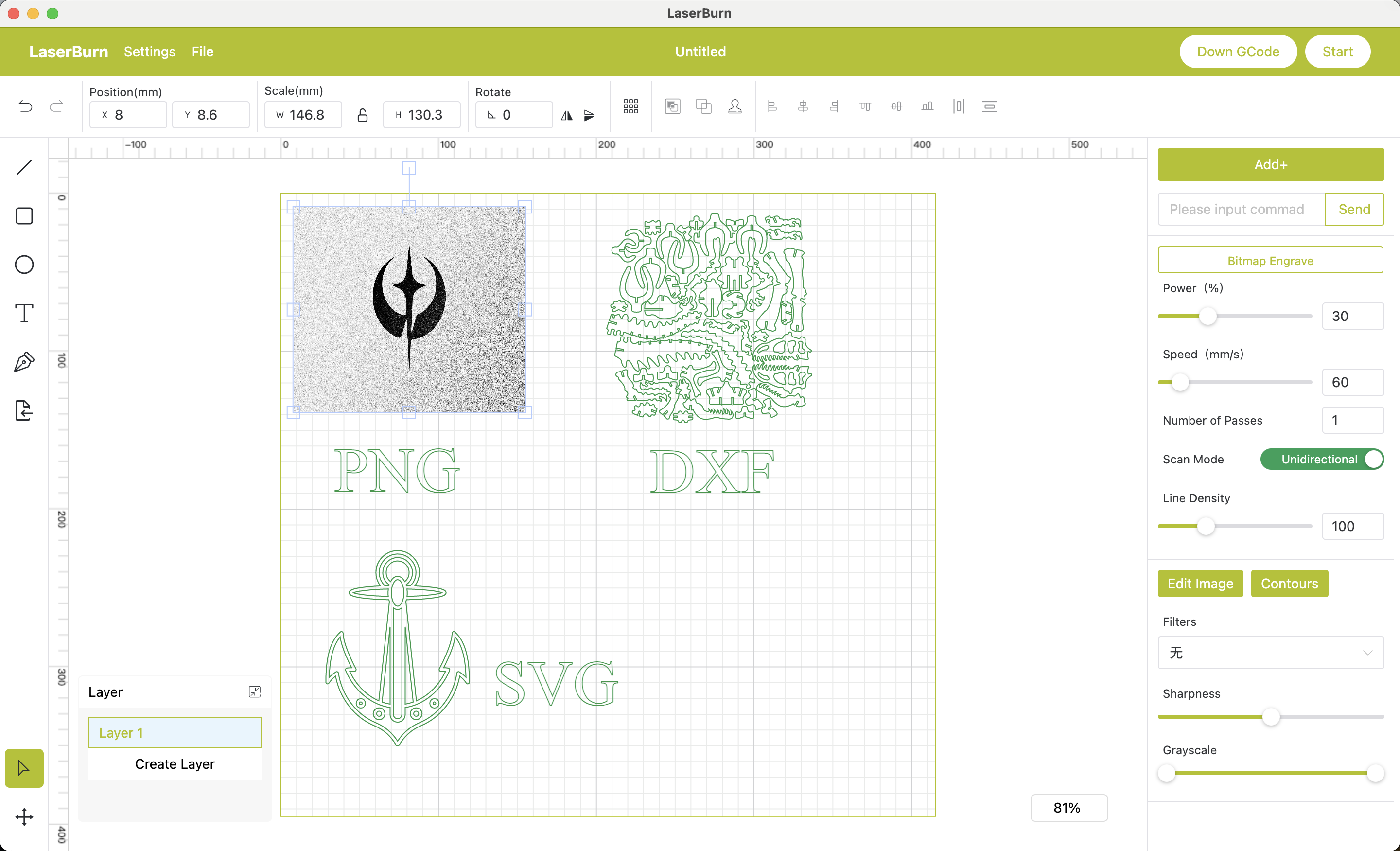
LaserBurn is the proprietary software developed by Shenzhen Longer3D Technology Co., Ltd. for its laser engraving machines, including the Nano, B1, and Ray5 series. The software functions as a dual-platform ecosystem, with a mobile app for basic wireless control and a more comprehensive desktop application for Windows and macOS. This creates a closed system, as the software is designed exclusively for Longer's hardware, sometimes requiring specific firmware for compatibility. A significant disparity in quality exists between the two platforms. The mobile application is undermined by systemic technical failures, particularly persistent connectivity issues and an inability to save projects, resulting in overwhelmingly negative user reviews and an average rating of 2.72 out of 5. This poor performance often compels users to seek third-party alternatives. In contrast, the desktop suite is a more ambitious product offering vector editing, multi-layer workflows, and image tracing. Longer attempts to differentiate this version with a "Smart Engraving" platform, introducing AI-powered features like automated object positioning and design generation from text prompts. However, these advanced functions are subject to a staggered, hardware-dependent rollout, limiting their availability across all machine models. In the broader market, LaserBurn is positioned as a bundled, no-cost alternative to the brand-agnostic industry standard LightBurn and the free, open-source utility LaserGRBL. While its desktop version aims for feature parity with professional tools, the ecosystem's overall maturity is hampered by the mobile app's fundamental instability. This creates a credibility gap between the company's advanced software ambitions and the user's initial experience, leading many to view a reliable third-party software license as a necessary additional purchase.
Video tutorial
Our recommended tutorial for LaserBurn
Watch the tutorial here