

 Neueste Testberichte
 Neueste Blogbeiträge





Bester günstiger Lasercutter
Last updated: 30.4.2026
Unser Live-Vergleich zeigt dir den besten günstigen Lasercutter, damit du ohne langes Recherchieren den besten preiswerten Lasercutter für dein Budget findest. Jede Maschine in dieser Liste ist eine verlässliche Wahl für alle, die einen Lasercutter auf einem kleinen Budget suchen.
Alle Preise enthalten soweit verfügbar die Versandkosten und wir listen nur Angebote, die zum Zeitpunkt der Abfrage auf Lager waren.
 Mehr Infos erhalten* (114,00 €)by
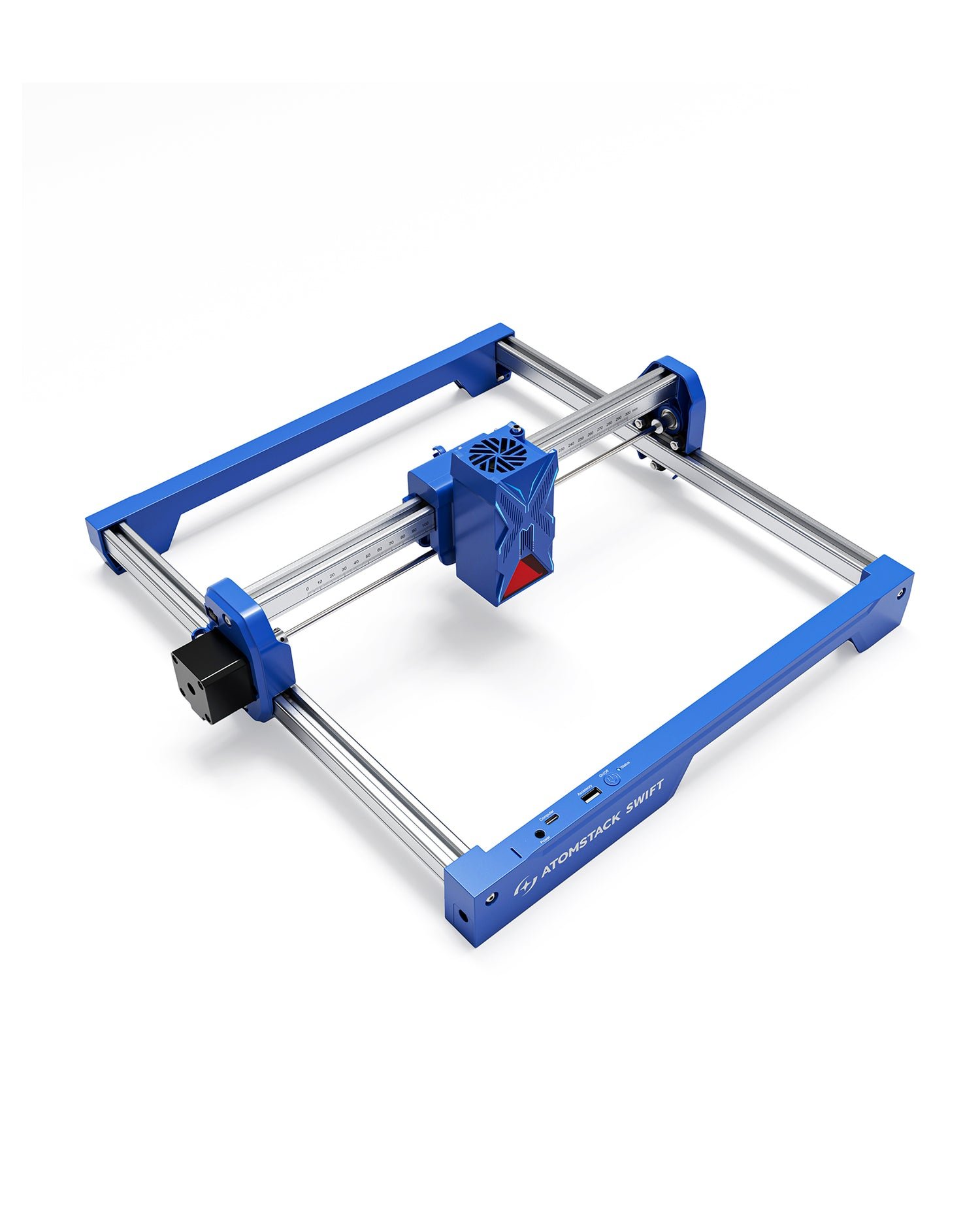
The Atomstack Swift offers impressive portability and features for its price, making it a tempting choice for hobbyists. However, best-lasercutter.com strongly cautions buyers due to widespread reports of abysmal customer support. It's a capable machine, but a significant risk if anything goes wrong.
VORTEILE
- Quick setup in under 10 minutes
- Portable with 300x300mm work area
- Multiple connectivity options (WiFi, Hotspot, USB)
- Compatible with LightBurn and LaserGRBL
- Beginner-friendly software with AI features and material library
- Expandable with accessories like rotary, camera, and IR laser
NACHTEILE
- Extremely poor and unresponsive customer support
- Difficulty getting replacement parts under warranty
- Open-frame design requires significant safety precautions (Class 4)
- Requires external ventilation for fumes
- Weight and physical dimensions not specified by manufacturer
 Mehr Infos erhalten* (149,00 €)by
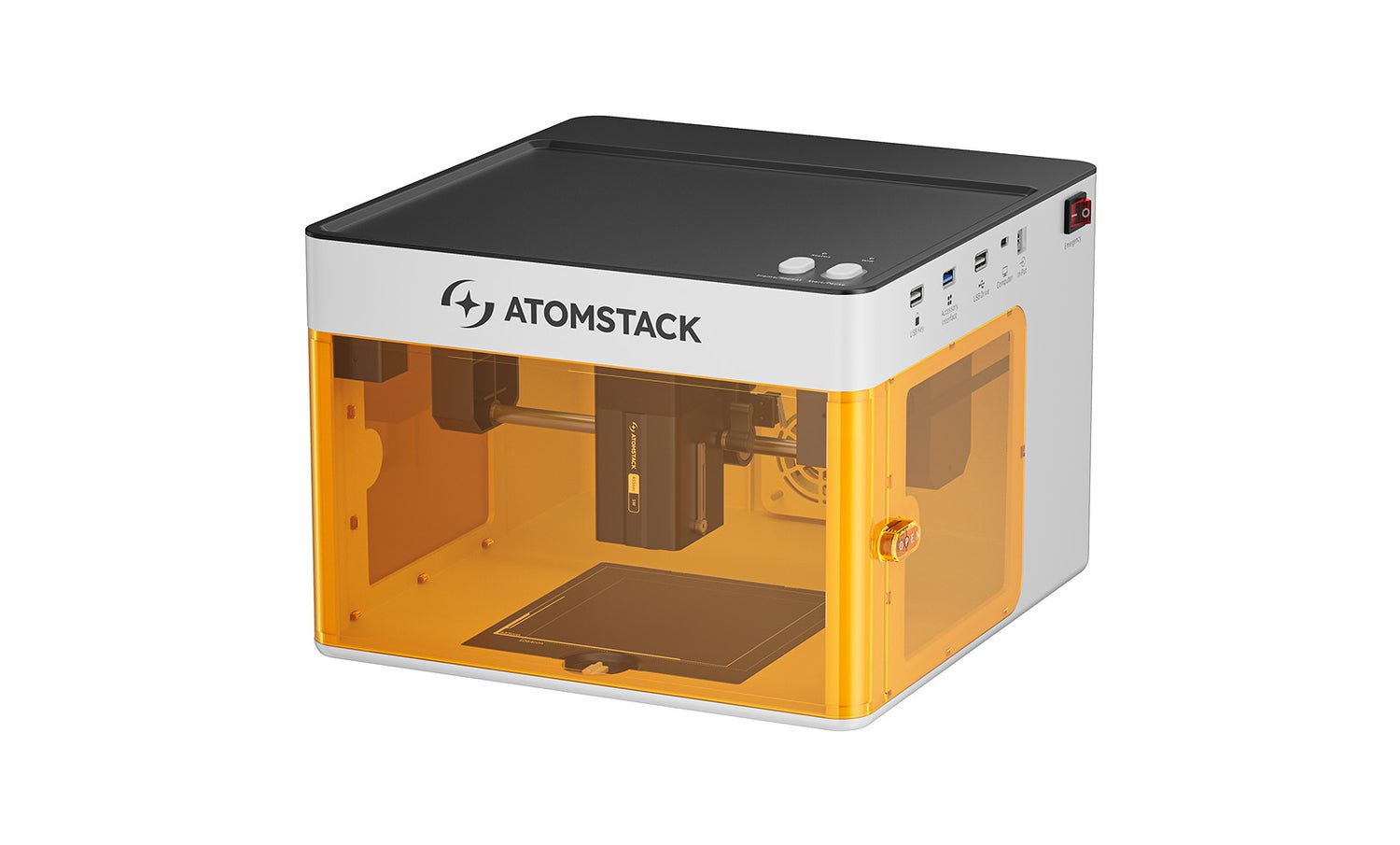
The Atomstack P1 is an excellent choice for beginners prioritizing safety and affordability. Its enclosed, portable design makes it ideal for home use on small projects, though its low power and small work area limit it to hobbyist applications.
VORTEILE
- Class 1 safety rating
- Fully enclosed design
- Highly portable and compact
- Pre-assembled and beginner-friendly
- Affordable entry point
NACHTEILE
- Low 5W optical power
- Limited cutting capability
- Small 110x110mm work area
- Poor brand customer support reputation
 Mehr Infos erhalten* (149,00 €)by
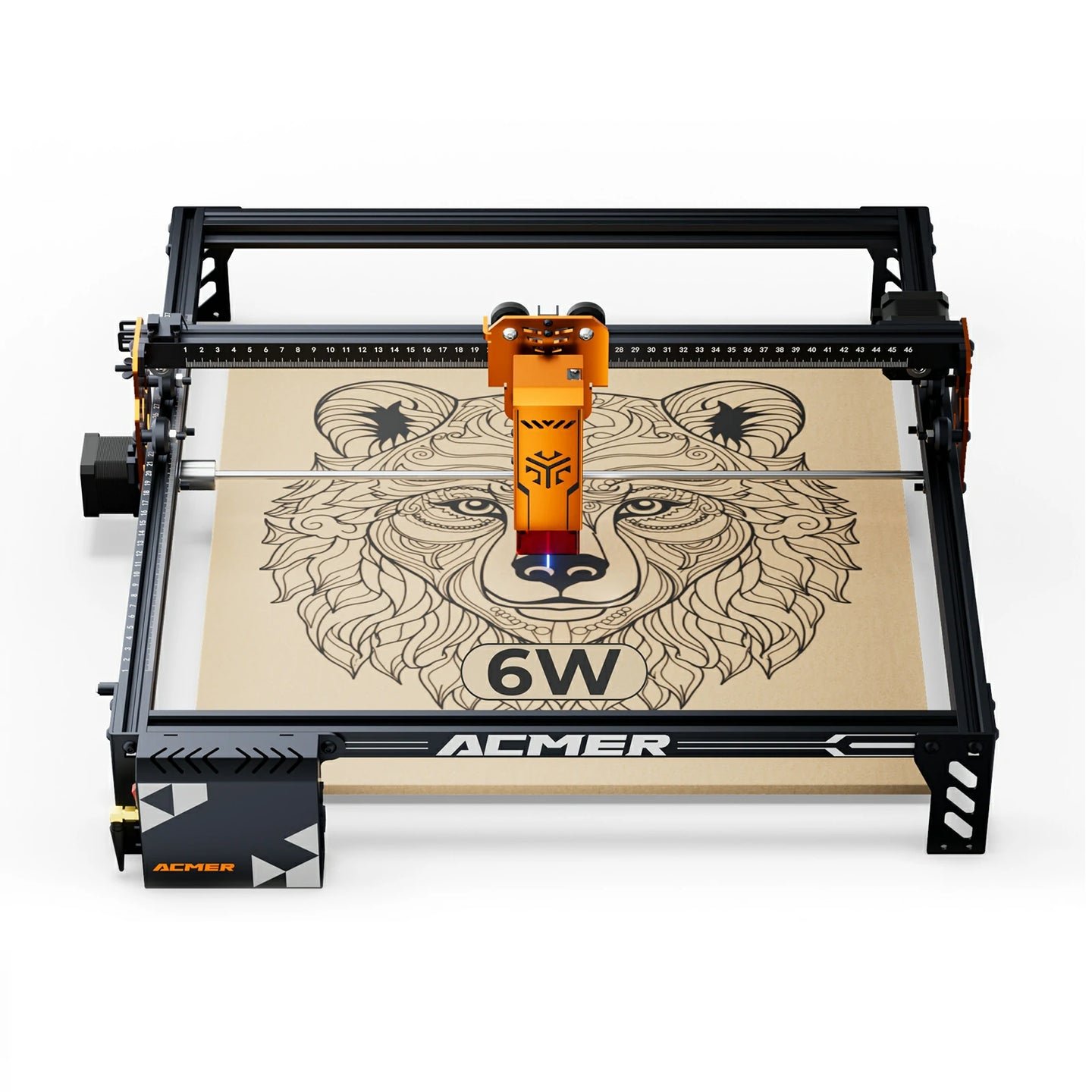
best-lasercutter.com recommends the Acmer P1 S Pro, particularly the 6W and 10W models, as an outstanding value for beginners and hobbyists seeking a mechanically superior machine at an entry-level price. Its rigid frame and modern connectivity options set a new standard for the budget category. However, buyers should be aware of the significant long-term risk posed by the non-user-replaceable lens and the potential for inconsistent quality control, especially on the higher-power 20W module.
VORTEILE
- Excellent value for money
- Exceptionally rigid all-metal frame for its class
- Features limit switches on both axes
- Versatile connectivity including USB Wi-Fi and TF Card
- Easy and well-documented assembly
NACHTEILE
- Laser lens is not user-replaceable risking costly module replacement
- Potential for poor quality control on 20W module
- Cable management is functional but untidy
- Customer support can be unresponsive with technical issues
- Open-frame design requires significant safety precautions
 Mehr Infos erhalten* (151,99 €)by
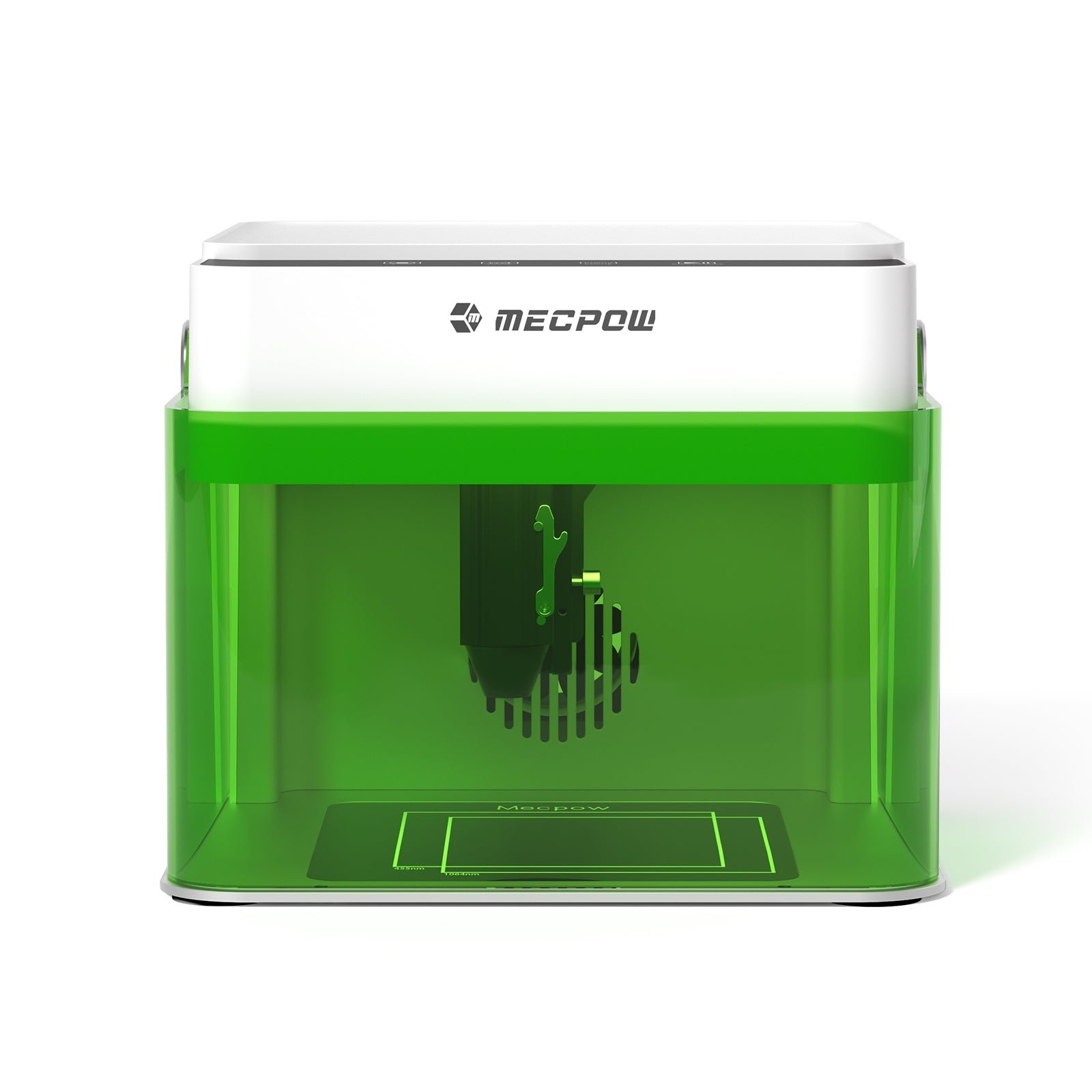
The Mecpow M1 3.5W is best suited for precision engraving on organic and coated materials where safety and desk space matter more than power. Its fully enclosed Class 1 chassis makes it one of the safest beginner units, but its cutting performance is limited. We recommend it for users focused on fine engraving and portability, not for those needing structural cutting or large-format projects.
VORTEILE
- Cheapest and safest enclosed entry model
- Quiet indoor operation
- Good at engraving organic and coated items
NACHTEILE
- Weakest cutting ability of lineup
- 100×100 mm area is restrictive
- Manual focus, no camera/autofocus
 Mehr Infos erhalten* (169,00 €)by
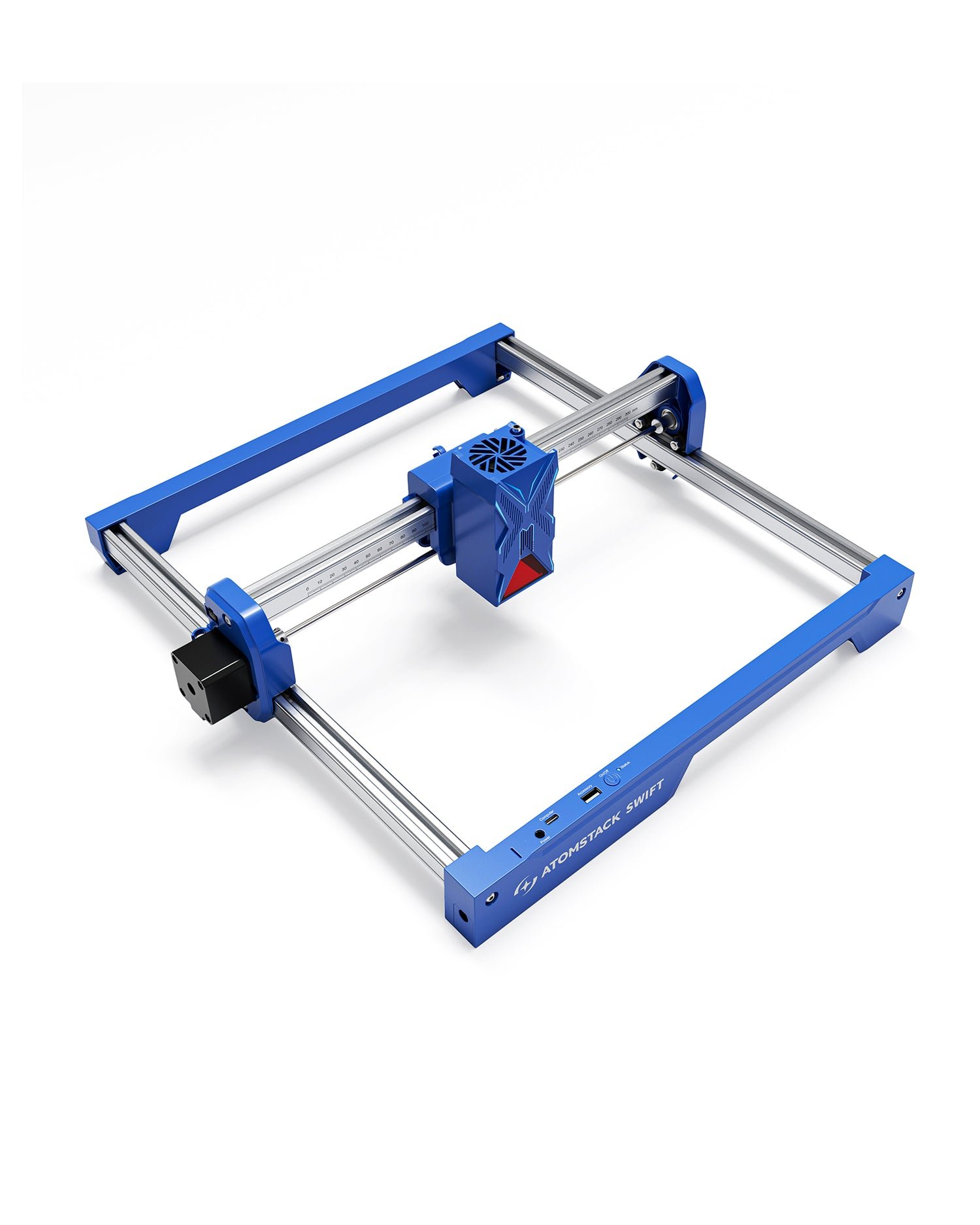
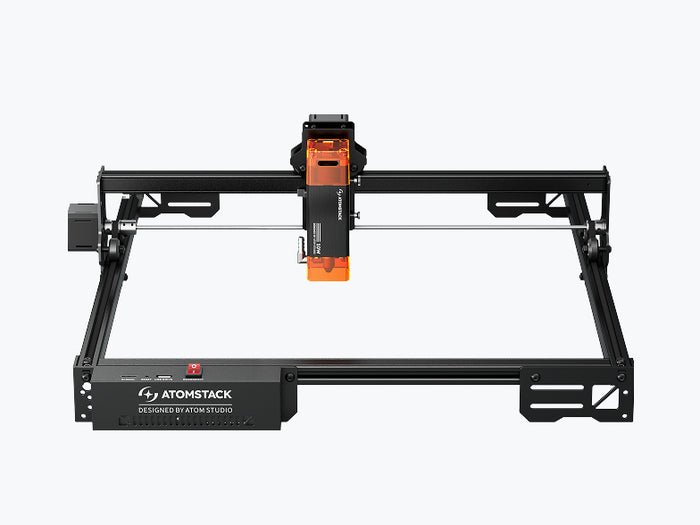
The Atomstack Swift offers impressive portability and features for its price, making it a tempting choice for hobbyists. However, best-lasercutter.com strongly cautions buyers due to widespread reports of abysmal customer support. It's a capable machine, but a significant risk if anything goes wrong.
VORTEILE
- Quick setup in under 10 minutes
- Portable with 300x300mm work area
- Multiple connectivity options (WiFi, Hotspot, USB)
- Compatible with LightBurn and LaserGRBL
- Beginner-friendly software with AI features and material library
- Expandable with accessories like rotary, camera, and IR laser
NACHTEILE
- Extremely poor and unresponsive customer support
- Difficulty getting replacement parts under warranty
- Open-frame design requires significant safety precautions (Class 4)
- Requires external ventilation for fumes
- Weight and physical dimensions not specified by manufacturer
 Mehr Infos erhalten* (179,99 €)by
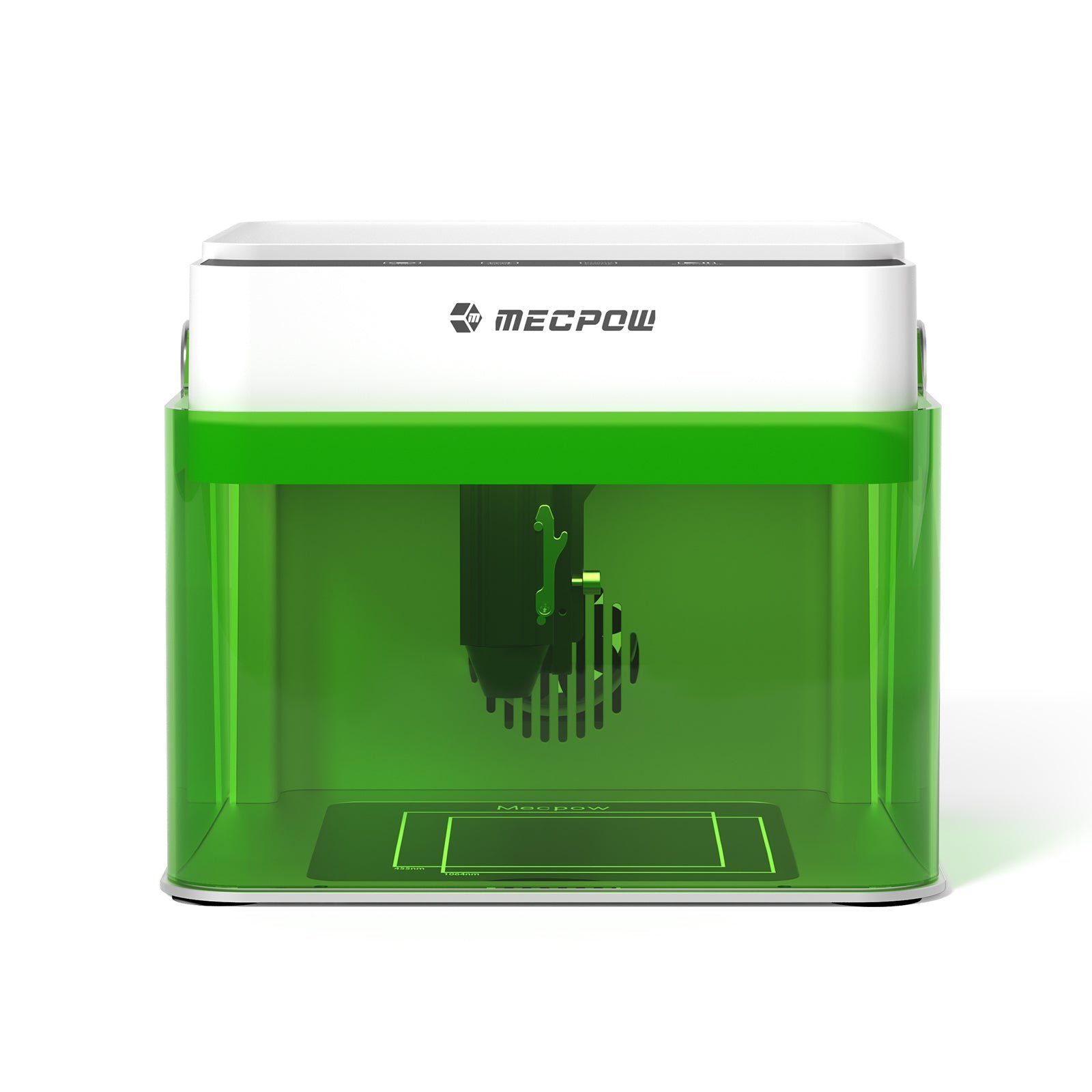
The Mecpow M1 5W offers a balanced entry point for users who want enclosed safety without sacrificing LightBurn compatibility or moderate cutting ability. While limited by its compact 100×100 mm workspace and manual focusing, it delivers better material versatility than the 3.5W. We recommend it for hobbyists seeking a compact, Class 1-safe engraver capable of light cutting and consistent precision on small-format projects.
VORTEILE
- Best cutting power in M1 range
- Fully enclosed Class 1 — safe for home use
- Supports LightBurn & LaserGRBL
NACHTEILE
- Still limited to 100×100 mm work area
- Cannot cut thick hardwoods or acrylics cleanly
- Needs IR/rotary for metal engraving
 Mehr Infos erhalten* (179,99 €)by
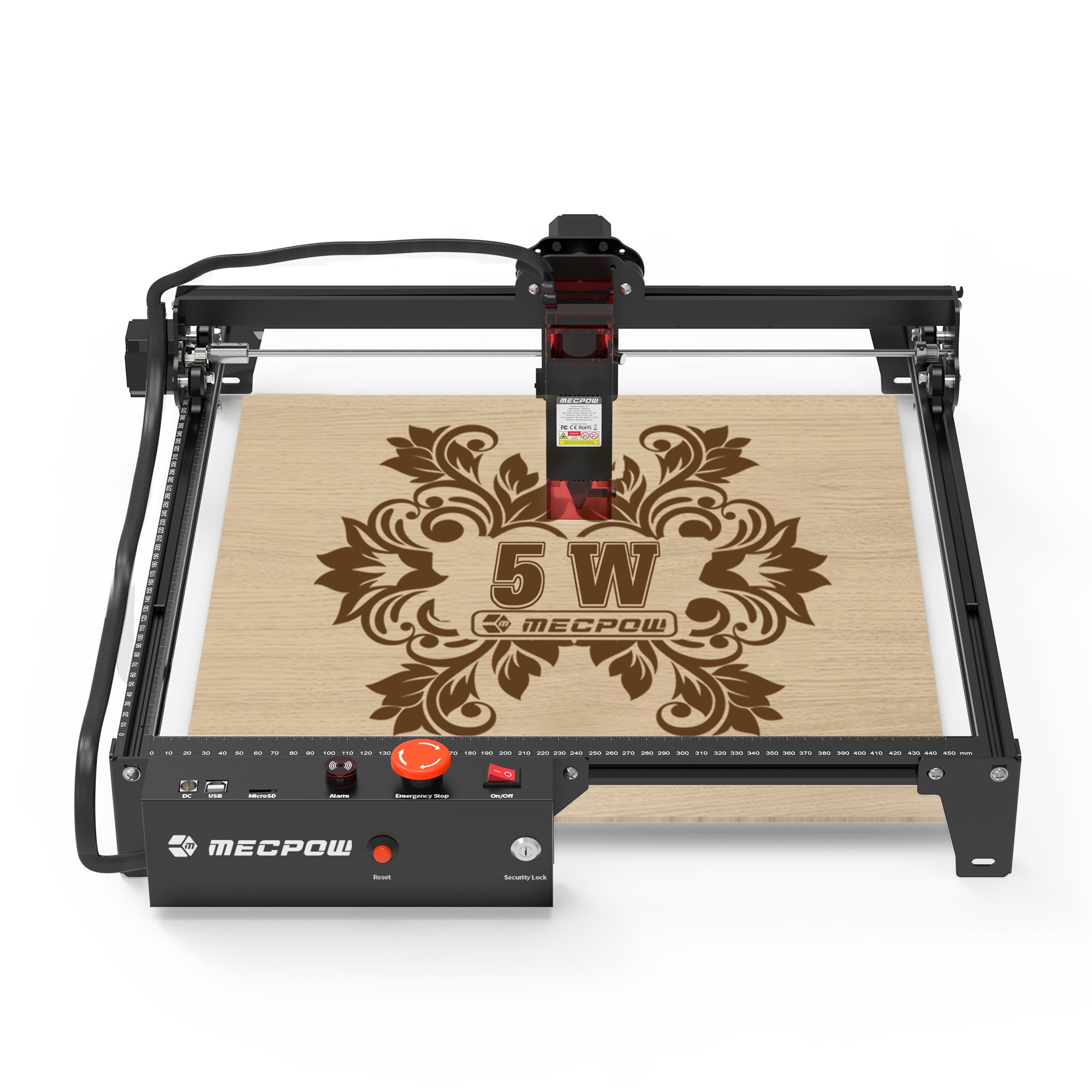
The Mecpow X3 5W is an outstanding entry-level laser engraver for hobbyists, prioritizing safety and high-detail engraving. While its cutting power is limited, it offers exceptional value as a reliable, user-friendly introduction to laser crafting.
VORTEILE
- Excellent value for beginners
- Comprehensive suite of safety features (flame sensor, tilt alarm, key lock)
- High-fidelity engraving with fine detail
- Compatible with industry-standard software (LightBurn, LaserGRBL)
NACHTEILE
- Cutting capabilities are very limited and overstated by manufacturer
- USB connection only, no WiFi or offline operation
- Assembly can be tricky, especially belt tensioning
- Requires third-party software, which can confuse absolute beginners
 Mehr Infos erhalten* (199,00 €)by
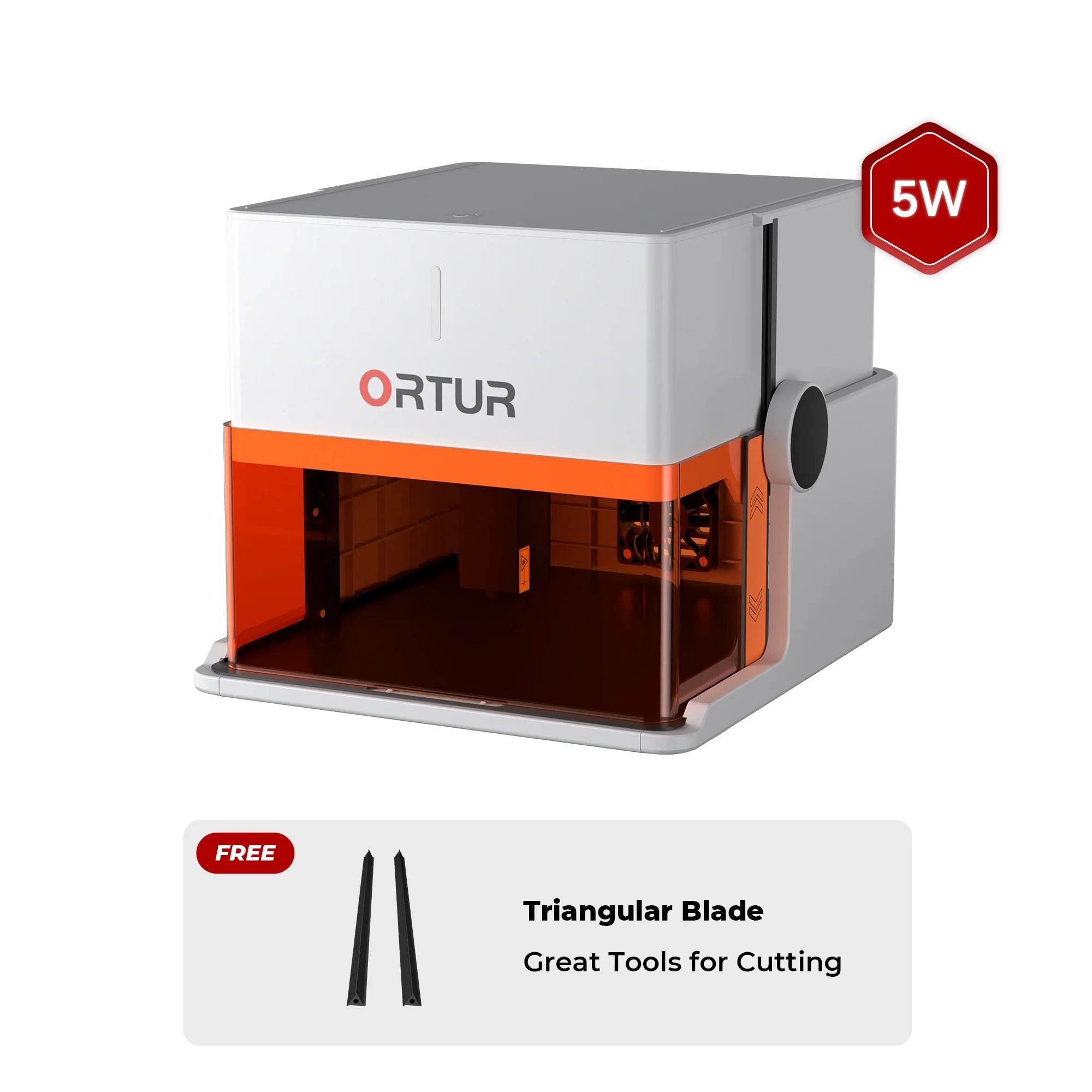
The Ortur R1 5W is the ideal choice for beginners, hobbyists, and crafters needing a safe, ultra-portable laser that works right out of the box. For quick personalization of small items on wood or acrylic, best-lasercutter.com recommends the R1 as a top entry-level machine.
VORTEILE
- Extremely portable and lightweight (2.4kg)
- No assembly required, ready to use out of the box
- Fully enclosed Class 1 safety design
- App control with presets makes it beginner-friendly
NACHTEILE
- Small work area (100x100mm)
- Low power not suitable for cutting
- No autofocus, camera, or air assist
- Not compatible with accessories like rotary rollers
 Mehr Infos erhalten* (199,00 €)by
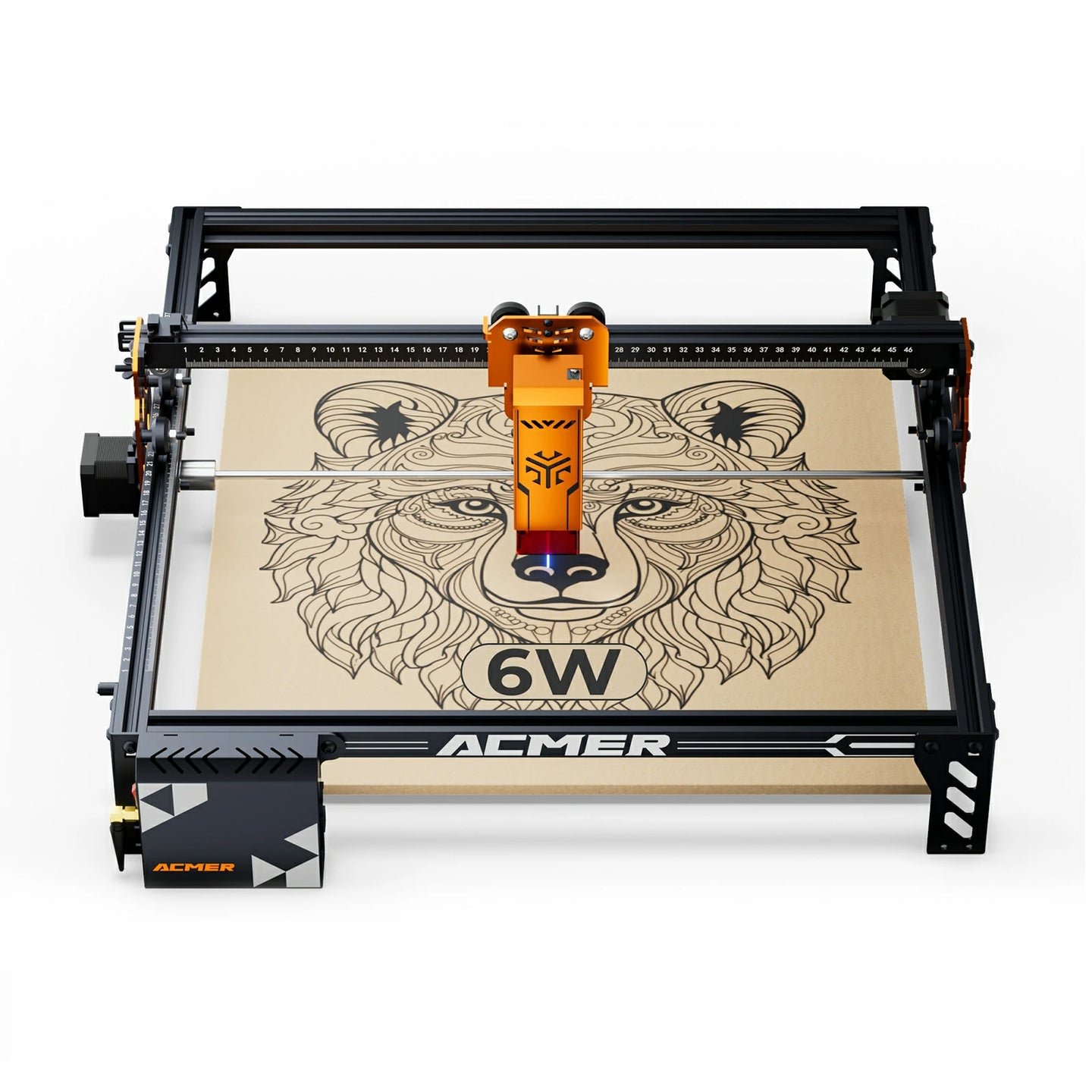
best-lasercutter.com recommends the Acmer P1 S Pro, particularly the 6W and 10W models, as an outstanding value for beginners and hobbyists seeking a mechanically superior machine at an entry-level price. Its rigid frame and modern connectivity options set a new standard for the budget category. However, buyers should be aware of the significant long-term risk posed by the non-user-replaceable lens and the potential for inconsistent quality control, especially on the higher-power 20W module.
VORTEILE
- Excellent value for money
- Exceptionally rigid all-metal frame for its class
- Features limit switches on both axes
- Versatile connectivity including USB Wi-Fi and TF Card
- Easy and well-documented assembly
NACHTEILE
- Laser lens is not user-replaceable risking costly module replacement
- Potential for poor quality control on 20W module
- Cable management is functional but untidy
- Customer support can be unresponsive with technical issues
- Open-frame design requires significant safety precautions
 Mehr Infos erhalten* (225,95 €)by
The Atomstack A10 Pro V2 offers an exceptional value proposition, providing a powerful 10W laser platform at an accessible price point. It's an ideal choice for hobbyists and small businesses willing to grow with its modular ecosystem.
VORTEILE
- Powerful 10W optical laser
- Large 410x380mm work area
- Versatile connectivity with USB, Wi-Fi, and offline controller
- Affordable entry price
NACHTEILE
- Open-frame design requires strict safety measures
- Manual focus system is tedious
- Requires precise assembly and tuning to avoid vibration
- Advanced safety features like flame detection require paid upgrades
- Photo engraving detail can be lower than competitors
So wählen wir den besten günstigen Lasercutter aus
Wir analysieren echte Marktpreise, Versandkosten, Lagerbestände und Community-Feedback, um Maschinen zu finden, die den Titel bester günstiger Lasercutter wirklich verdienen.
Nur Geräte mit nachvollziehbaren Sicherheitsfunktionen, klaren Spezifikationen und verfügbarer Ersatzteilversorgung schaffen es in die Auswahl – so kannst du dich auf jede Empfehlung verlassen, wenn du den besten preiswerten Lasercutter suchst.
Dank täglicher Aktualisierungen aus unserer Supabase-Datenbank erscheinen neue Rabatte und Bundles sofort, damit Makers schnell den besten Lasercutter auf Budget entdecken.
Checkliste für günstige Lasercutter
Leistung mit dem Einsatzzweck abgleichen
Diodenlaser mit rund 10 W eignen sich für dünnes Holz und Acryl, während günstige CO₂-Laser im kleinen Gewerbe für mehr Durchsatz sorgen.
Software-Kompatibilität prüfen
Achte darauf, dass deine bevorzugten Design-Tools funktionieren – LightBurn-Support, Offline-Workflows und Firmware-Updates sparen Zeit und Ärger.
Folgekosten berücksichtigen
Auch ein günstiger Lasercutter braucht Pflege: Linsen reinigen, Abluft führen und Ersatzteile einplanen. Diese Kosten gehören in jede Budgetrechnung.
Sicherheitsausstattung im Blick behalten
Der beste preiswerte Lasercutter sollte mit Gehäuse, Interlocks oder Schutzbrillen geliefert werden, damit dein Heim-Workshop sicher bleibt.